
Brother SE700 Review: Sewing and Embroidery in One Machine
Published 11/3/2026 · Updated 11/15/2026
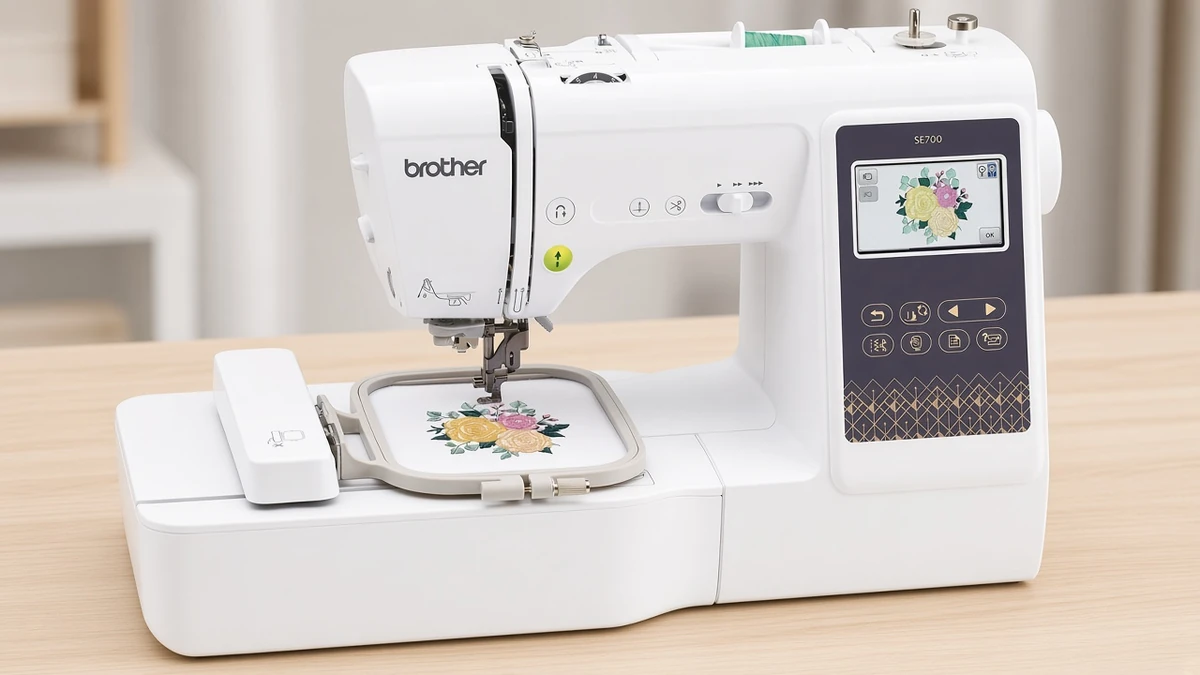
The SE700 tries to be a first sewing machine and a first embroidery machine at once. Here is where that pairing works, and where the small hoop holds it back.
Products mentioned in this guide
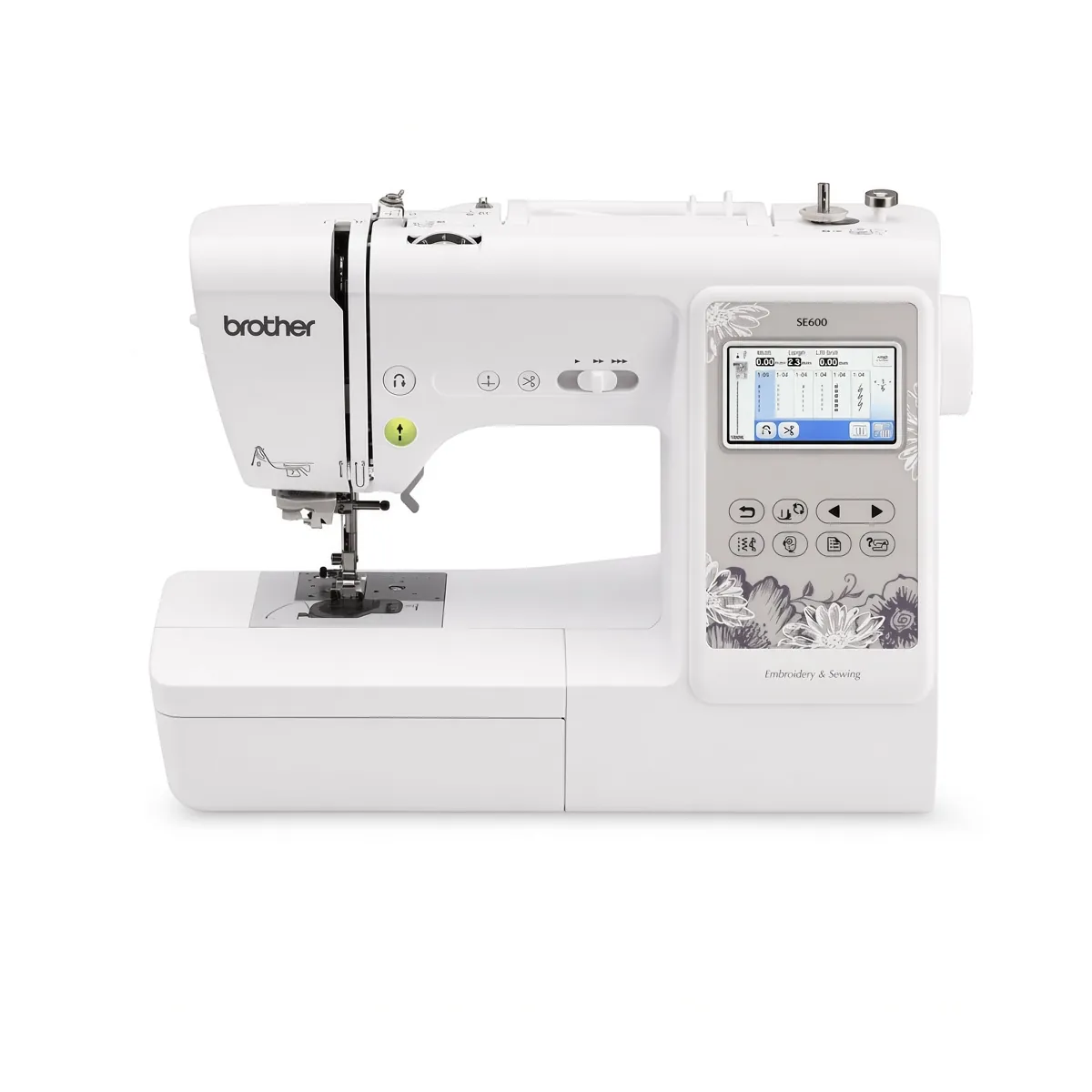
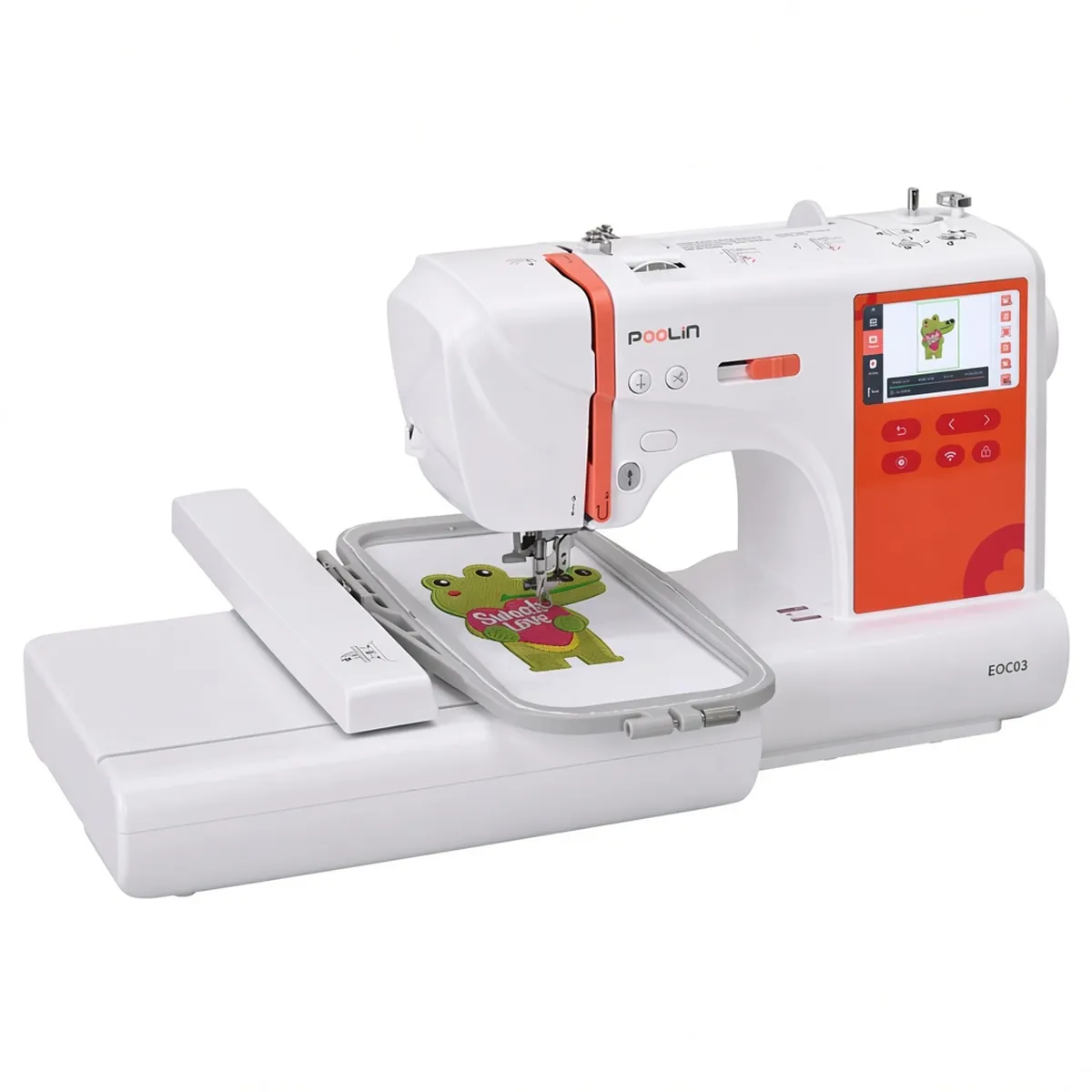
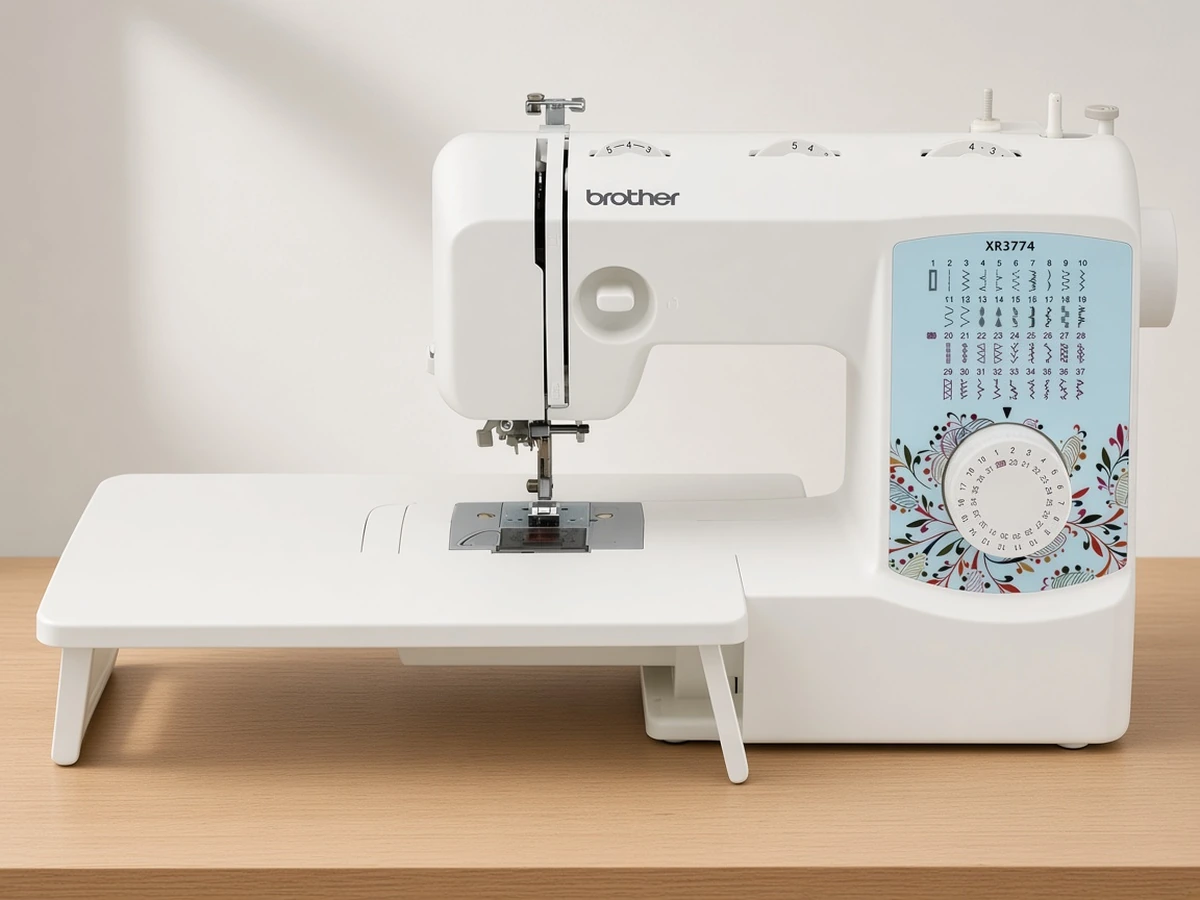
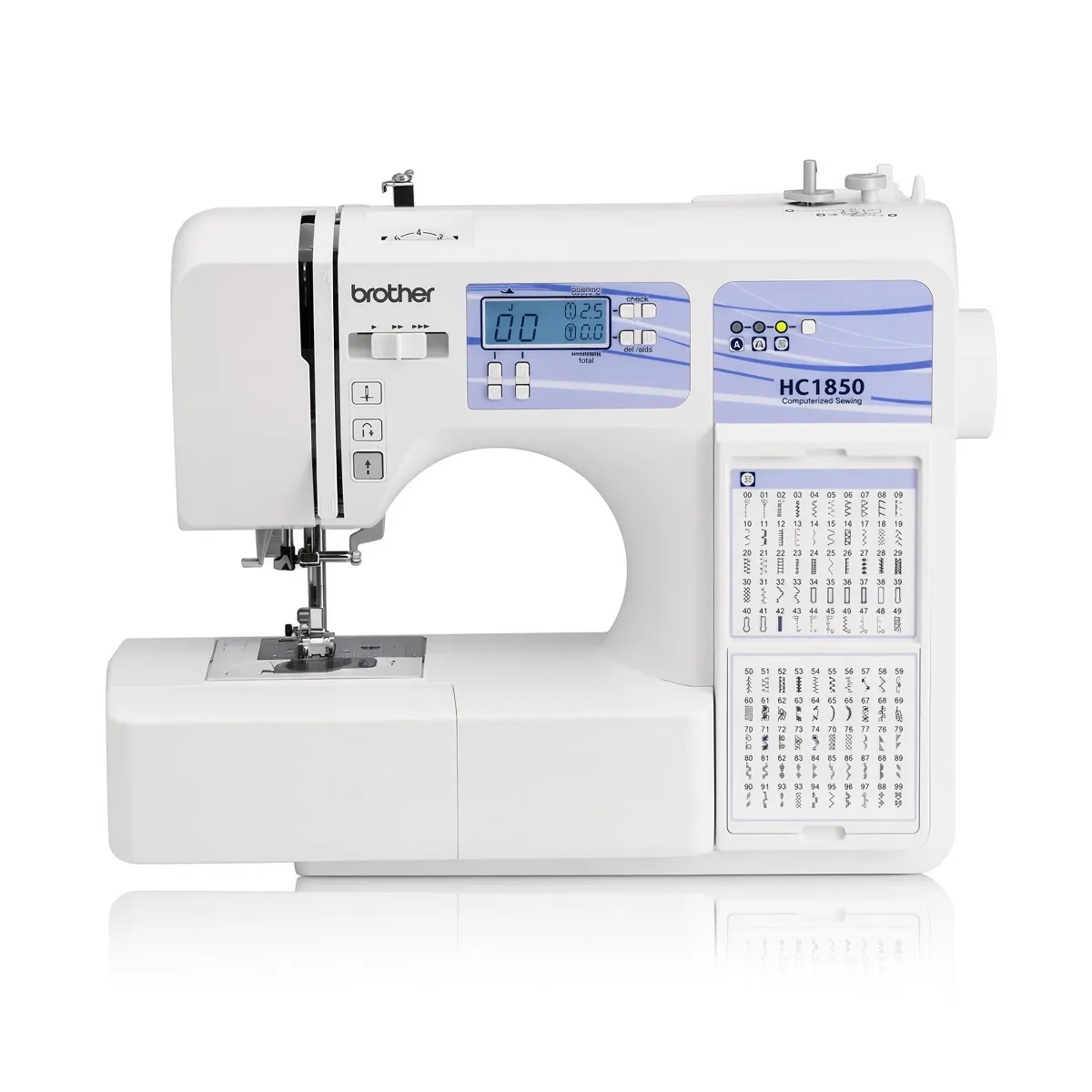
Machine Reviews
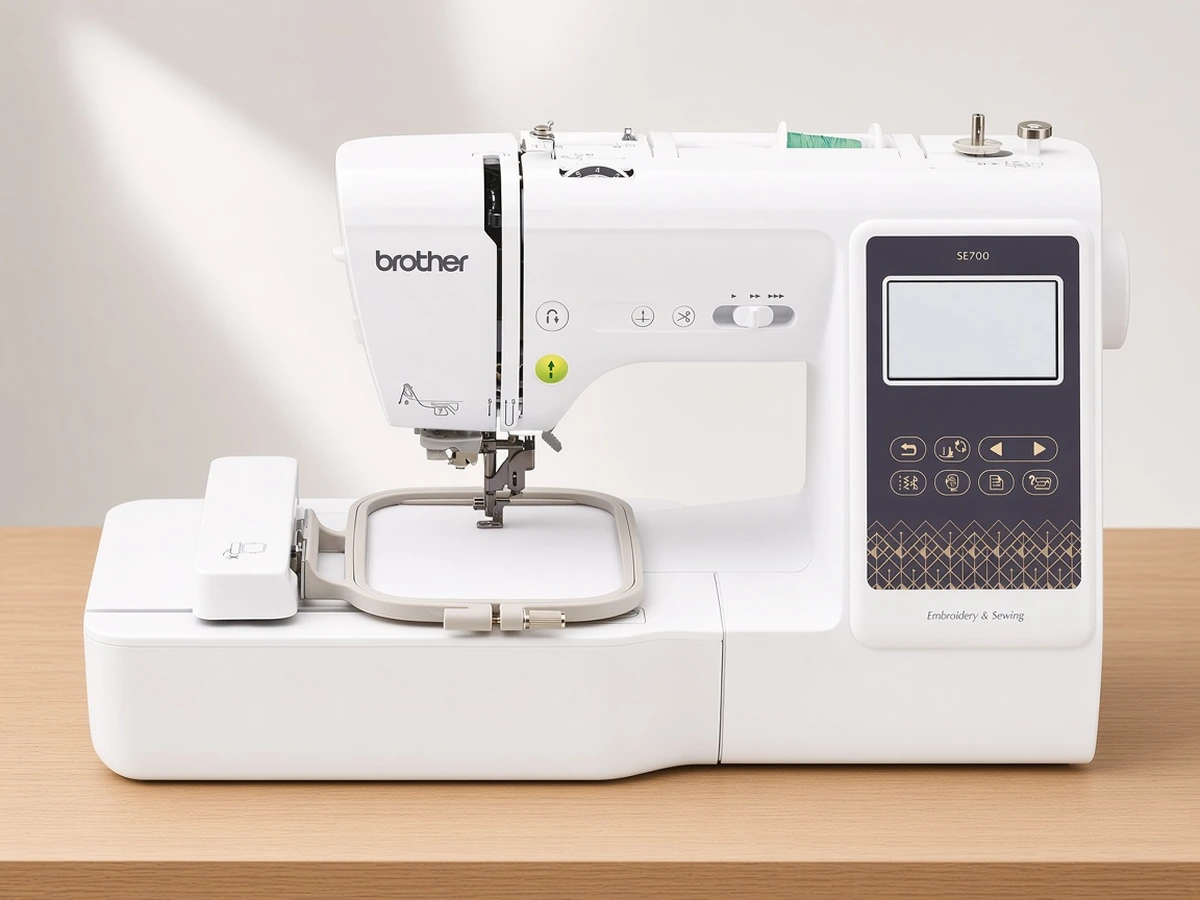
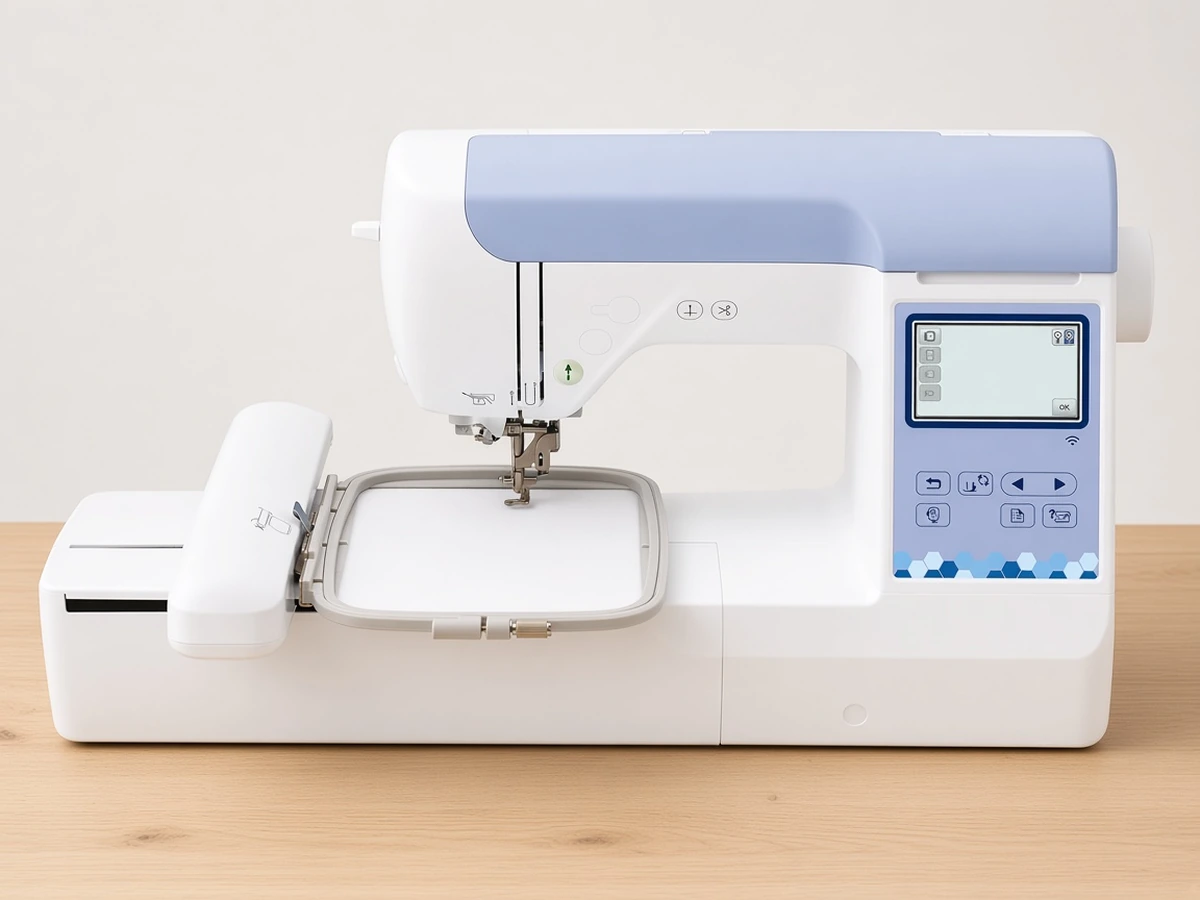
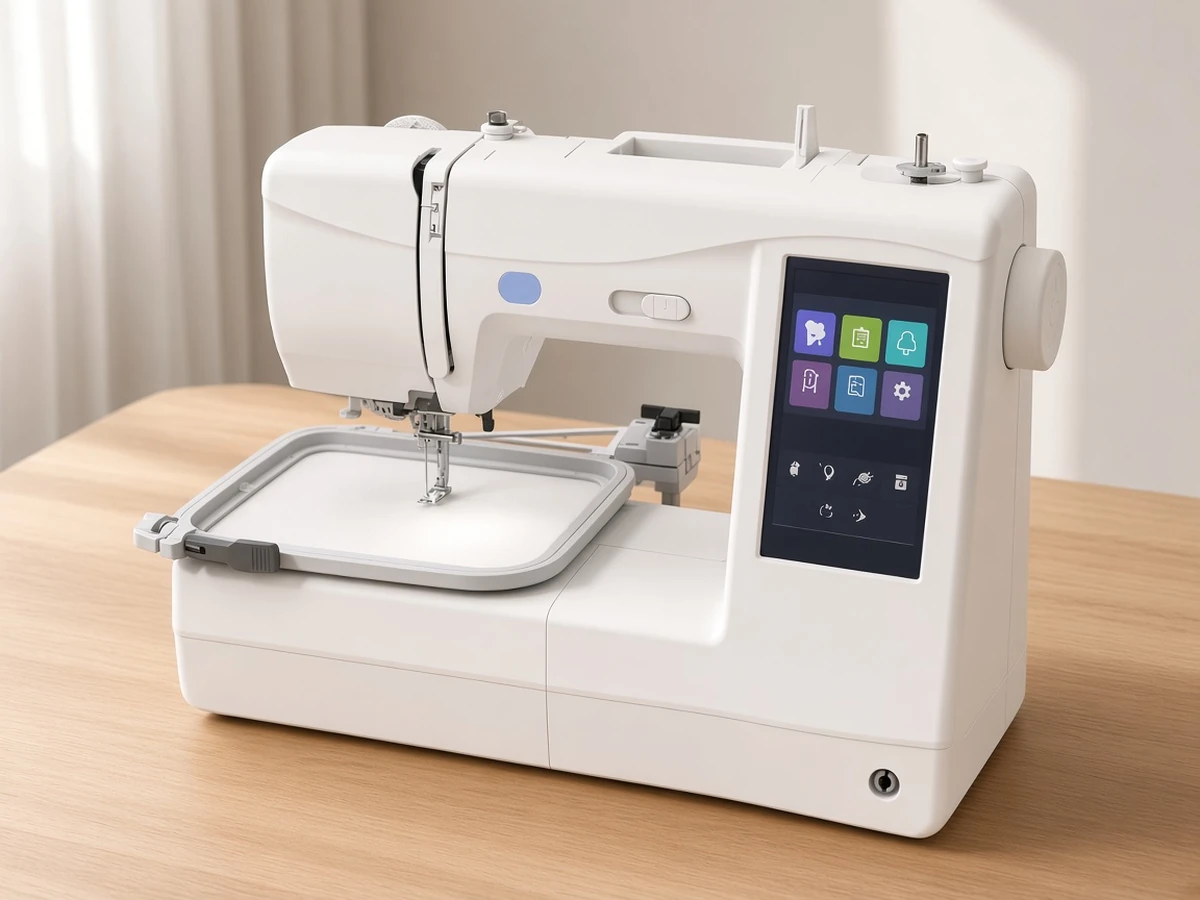
The Brother SE700 is a strong choice if you want one machine for everyday sewing and small embroidery projects: it combines 103 sewing stitches with a 4"x4" embroidery field, a 3.7" color touchscreen and wireless design transfer. It is the wrong choice if you already know you want designs larger than 4"x4", because that field cannot be expanded. A compact Janome combo with a 5.5 x 5.5 in field is compared in Janome Memory Craft 1000 vs Brother SE700.
Key specs at a glance
Everything below comes from the product listing. Brother pitches the machine as a sewing and embroidery combo, and the spec list supports both halves of that claim.
Wireless LAN, USB port and Artspira app support
4"x4" embroidery field, with a 4"x4" hoop included
135 built-in embroidery designs and 10 lettering fonts
103 built-in sewing stitches, including 10 styles of one-step auto-size buttonholes
3.7" LCD color touchscreen and automatic needle threader
8 presser feet, including the embroidery foot
15.1 lb (Brother spec)
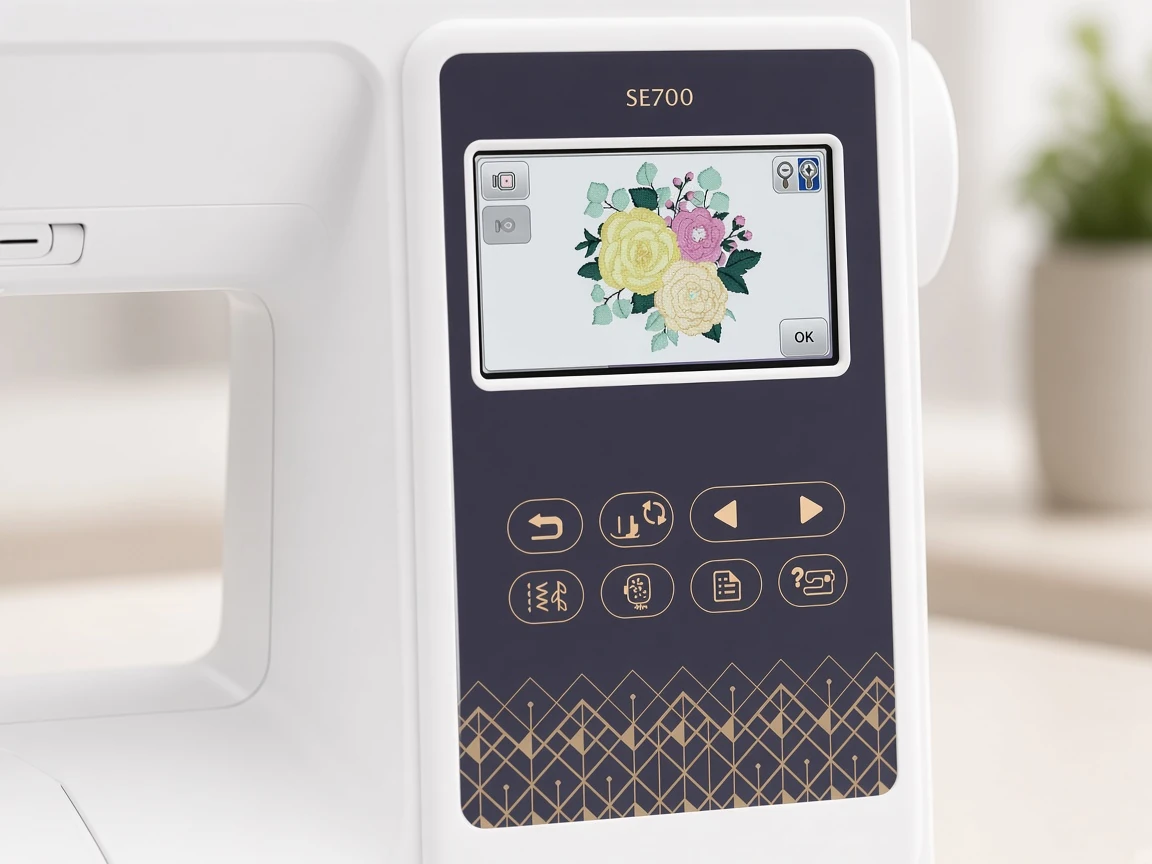
Brother SE700 embroidery: what the 4x4 hoop handles
A 4"x4" field defines the largest design the machine can stitch in one hooping. In practice that covers monograms on towels and shirts, small appliqué, patches, baby clothing, napkins and left-chest logos. It does not cover full cushion fronts, large tote designs or long names stitched at a readable size.
The built-in library of 135 designs and 10 lettering fonts gives a new embroiderer plenty to practice on before buying files. Because the machine also accepts designs by USB and through the Artspira app, you are not limited to what ships on it.
Expect to learn the usual embroidery basics regardless of machine: matching stabilizer to fabric (cut-away for knits, tear-away for stable wovens), using 40wt polyester embroidery thread on top, and hooping fabric firmly without stretching it. Brother embroidery machines in this range commonly take Class 15 (SA156) bobbins.
One practical point: sewing and embroidery share one machine, so you switch between modes rather than sewing a seam while a design stitches. For hobby use that is a minor inconvenience. For anyone planning to sell embroidered items in volume, a separate embroidery machine keeps the sewing side free.
Sewing: stitches, buttonholes and feet
The sewing side is not an afterthought. With 103 built-in stitches, the Brother SE700 has a broad menu for a machine of its size, enough for garment construction, mending and decorative edges. The 10 styles of one-step auto-size buttonholes matter most for garment sewists, because the machine handles the buttonhole as a single sequence rather than in separately sewn steps.
The included sewing feet (zigzag, monogramming, overcasting, zipper, blind stitch, button fitting and buttonhole) mean you can start on zippers, hems and buttonholes without buying extras. The automatic needle threader is a small feature that saves time and eyestrain on every thread change, and on a combo machine you will change thread often.
Connectivity and the touchscreen
The 3.7" LCD color touchscreen is where you select stitches, preview designs and make basic edits. Wireless LAN and the Artspira app let you send designs from a phone or tablet, and the USB port remains for files bought from independent digitizers.
For people who dislike apps, the USB route means Artspira is optional. For people who already plan and buy designs on a phone, wireless transfer removes a step from every project.
How it compares
The obvious alternatives are its embroidery-only sibling and its larger combo sibling.
Machine | Type | Embroidery field | Built-in designs | Sewing stitches | Weight |
|---|---|---|---|---|---|
Sewing and embroidery | 4"x4" | 135 | 103 | 15.1 lb | |
Embroidery only | 4"x4" | 135 | None (embroidery only) | 14.1 lb | |
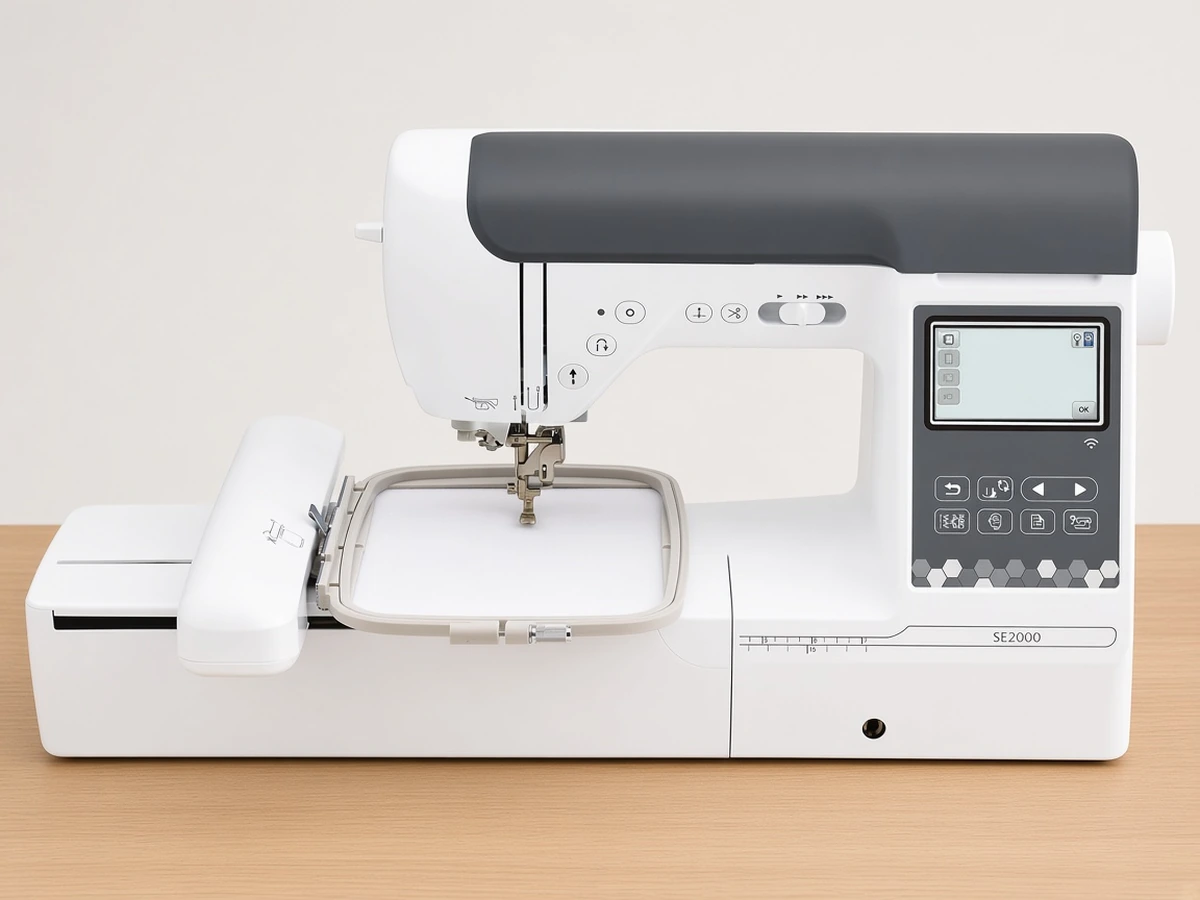
Sewing and embroidery | 5"x7" | 193, plus 50 downloadable | 241 | 20.5 lb |
Against the Brother PE545 (Amazon), the Brother SE700 keeps the same field and built-in design count and adds a full sewing machine for about 1 lb more. Against the Brother SE2000, it gives up the 5"x7" field and more than half the stitch menu, but it weighs about 5 lb less. Our head-to-head comparison of the two Brother combos covers that trade-off in more depth.
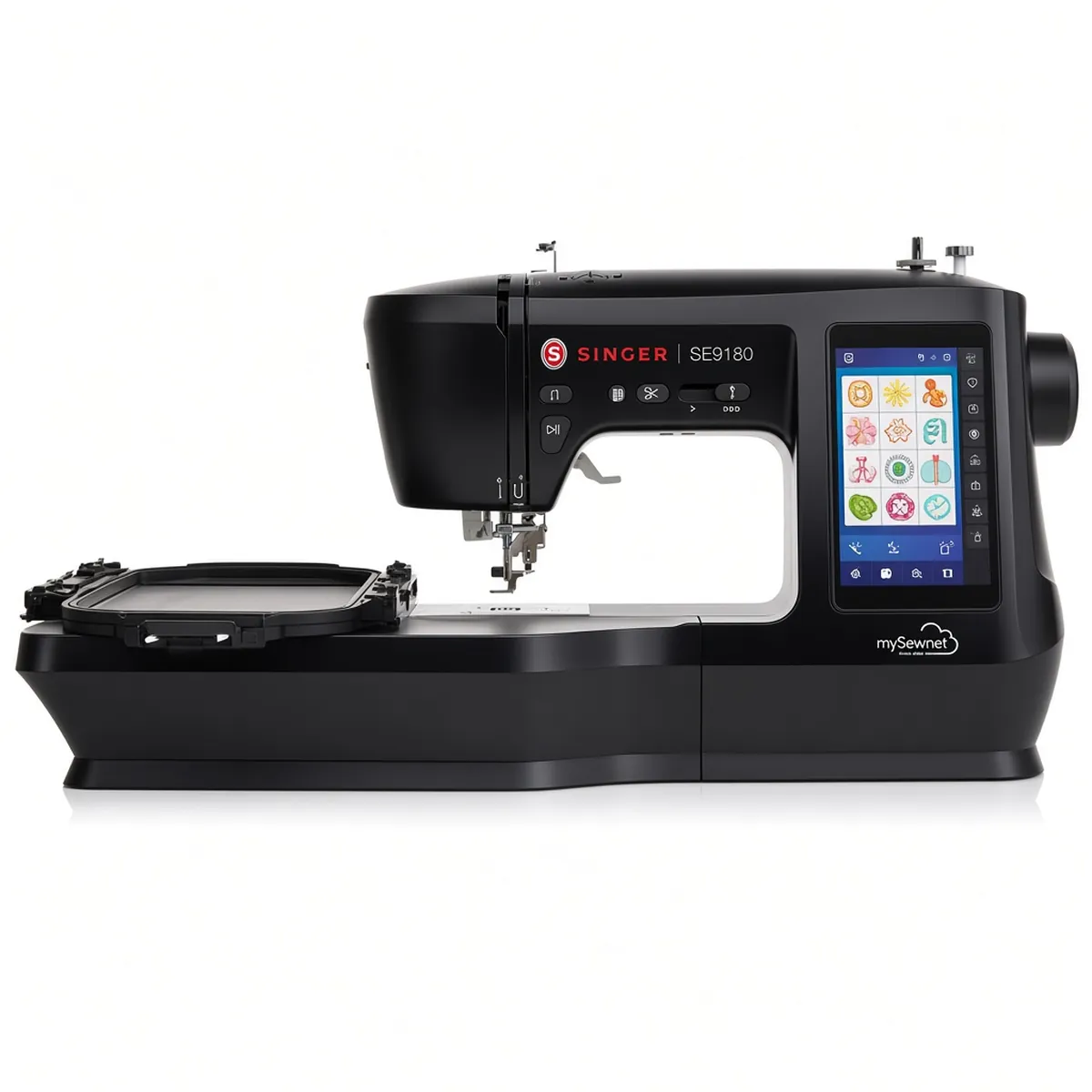
If a bigger screen and more stitches tempt you, our SE700 vs Singer SE9180 comparison weighs the trade-offs.
Who should buy it, and who should skip it
Buy it if
You need a sewing machine and want to try embroidery without buying two machines.
Your embroidery plans are small: monograms, patches, baby items and gifts.
You sew garments and value one-step buttonholes and a range of included feet.
You want something light enough to move between a cupboard and the table.
Skip it if
You already own a sewing machine you like; an embroidery-only model makes more sense.
You want 5"x7" designs now or expect to soon.
You want the largest possible stitch menu for decorative sewing.
Getting started
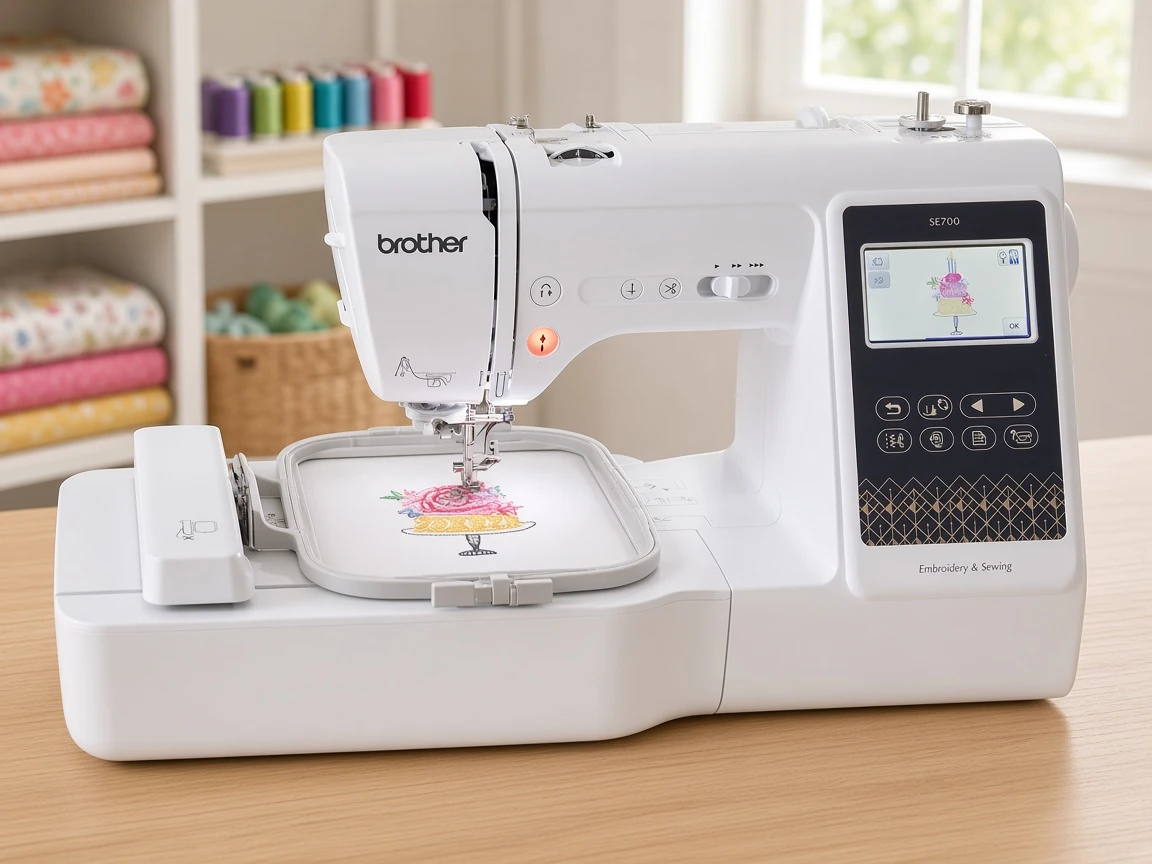
If you buy one, our beginner setup guide for this machine walks through attaching the embroidery unit, hooping and the first stitch-out. Start with a simple single-color design on stable woven cotton with tear-away stabilizer before moving to knits, which usually need cut-away stabilizer and more careful hooping. For a wider view of the market, the sewing and embroidery combo shortlist puts this machine next to a larger Brother and a Singer alternative.
FAQ
Can the Brother SE700 embroider designs larger than 4"x4"? No. The 4"x4" field is the largest design it can stitch in one hooping, and that limit cannot be expanded. If you want 5"x7" designs, look at the Brother SE2000 or the embroidery-only Brother PE900.
Do I need the Artspira app to use the SE700? No. The app is optional. You can choose built-in designs on the 3.7" touchscreen, load files over USB, or send them over wireless LAN.
How many sewing stitches and buttonhole styles does it have? The listing gives 103 built-in sewing stitches, including 10 styles of one-step auto-size buttonholes.
Can I sew and embroider at the same time? No. The SE700 is one machine with two modes, so you switch between sewing and embroidery rather than running both at once.
What supplies do I need for the first embroidery project? Plan for 40wt polyester embroidery thread, cut-away and tear-away stabilizer, spare embroidery needles and Class 15 (SA156) bobbins. Our beginner setup guide for this machine lists them step by step.
Verdict
The Brother SE700 does what a first combo machine should: it gives you a capable sewing machine and a real, if compact, embroidery field in one footprint. The 4"x4" limit is the only significant compromise, and it is a fair one for buyers whose projects stay small. If that limit already worries you, look at a 5"x7" machine instead of hoping to work around it later.