
Brother SE700 vs SE2000: Sewing and Embroidery Compared
Published 11/3/2026 · Updated 11/15/2026
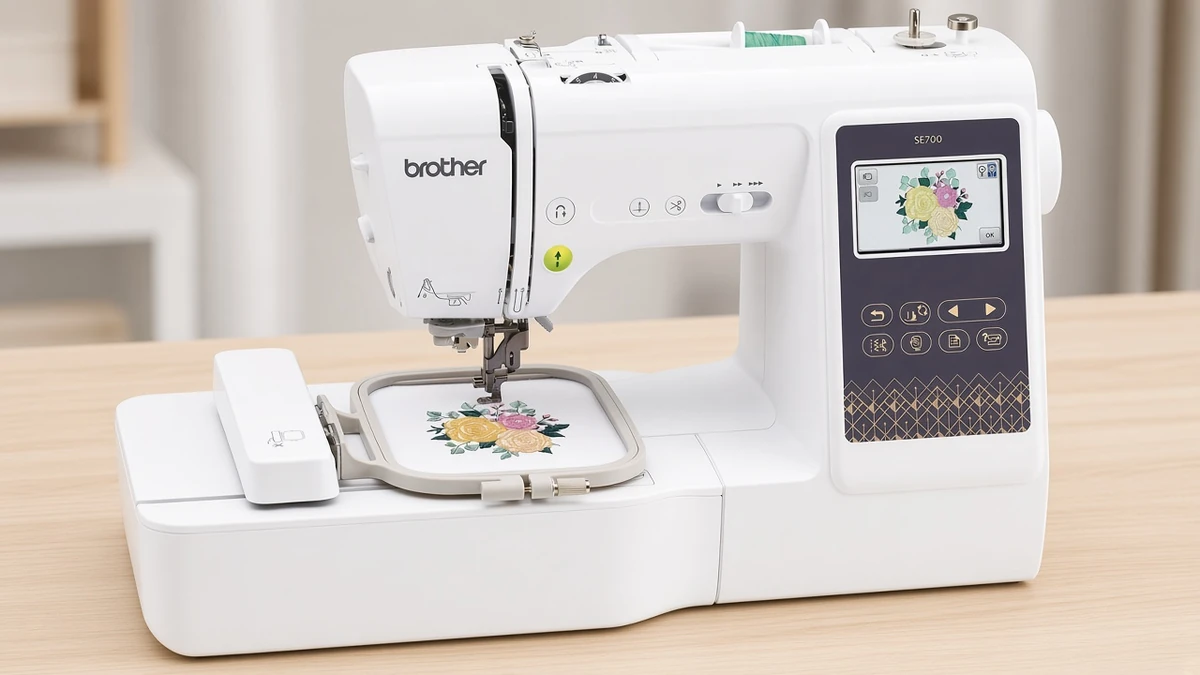
Two Brother combos, one decision: whether a larger 5x7 field and a far bigger stitch menu justify a heavier machine with a bigger footprint.
Products mentioned in this guide
Embroidery Machine Comparisons
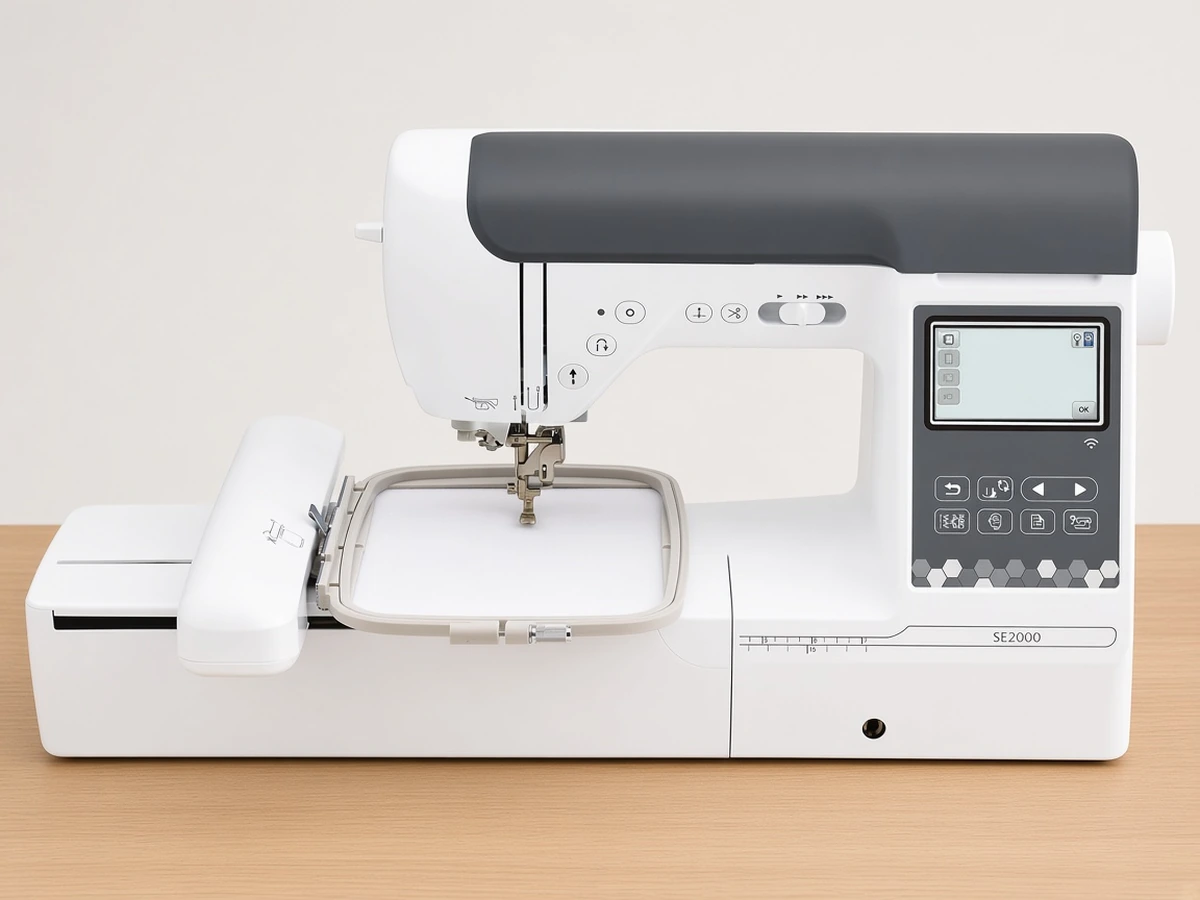
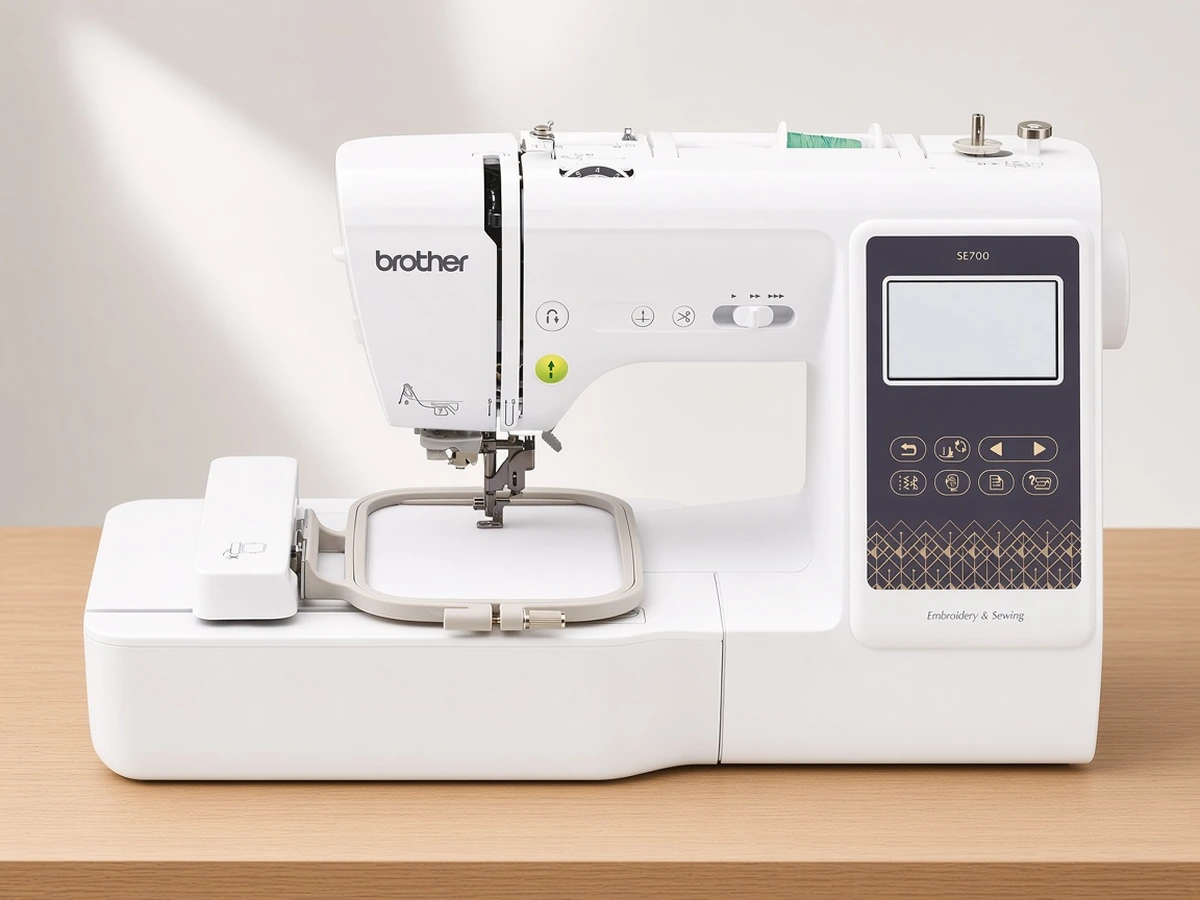
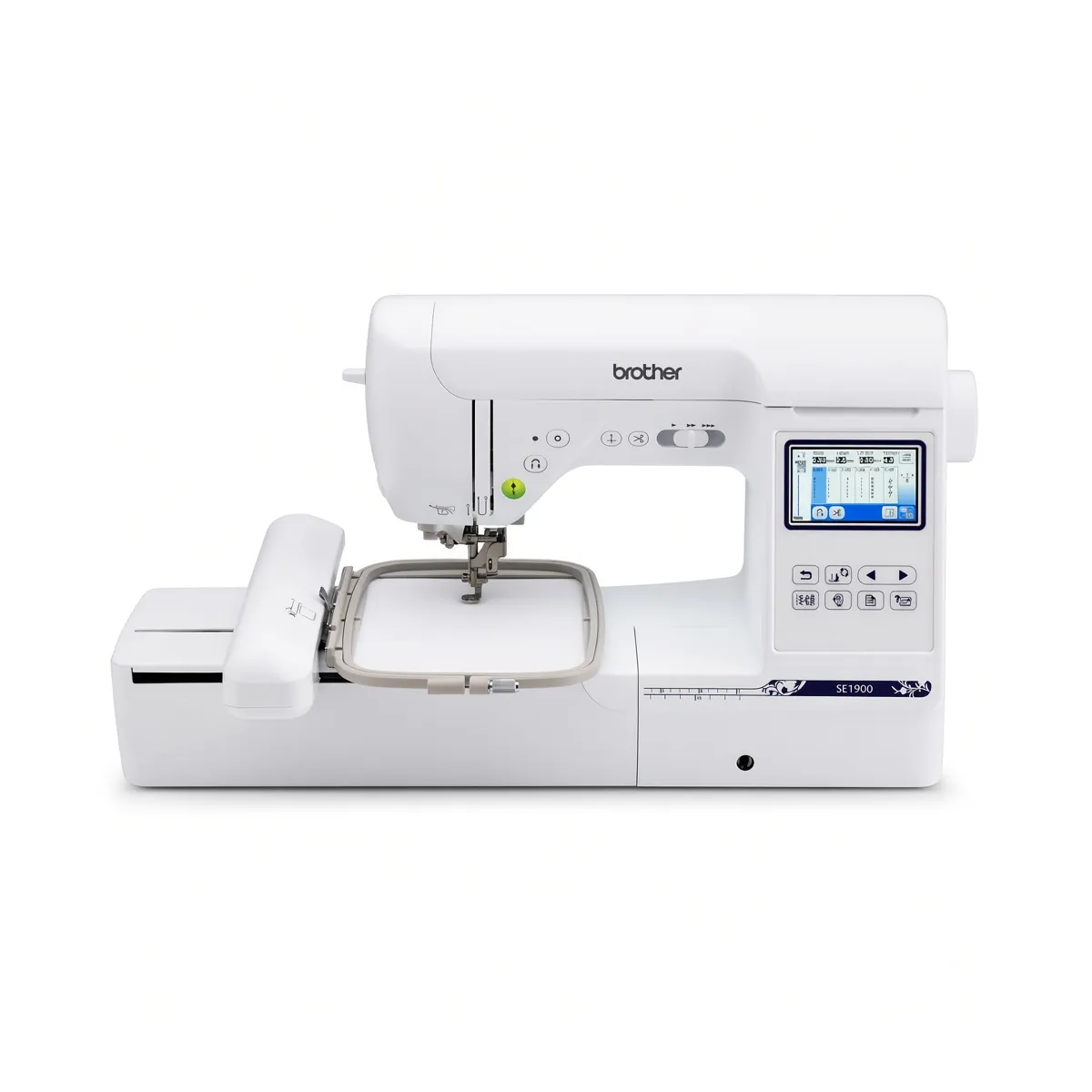
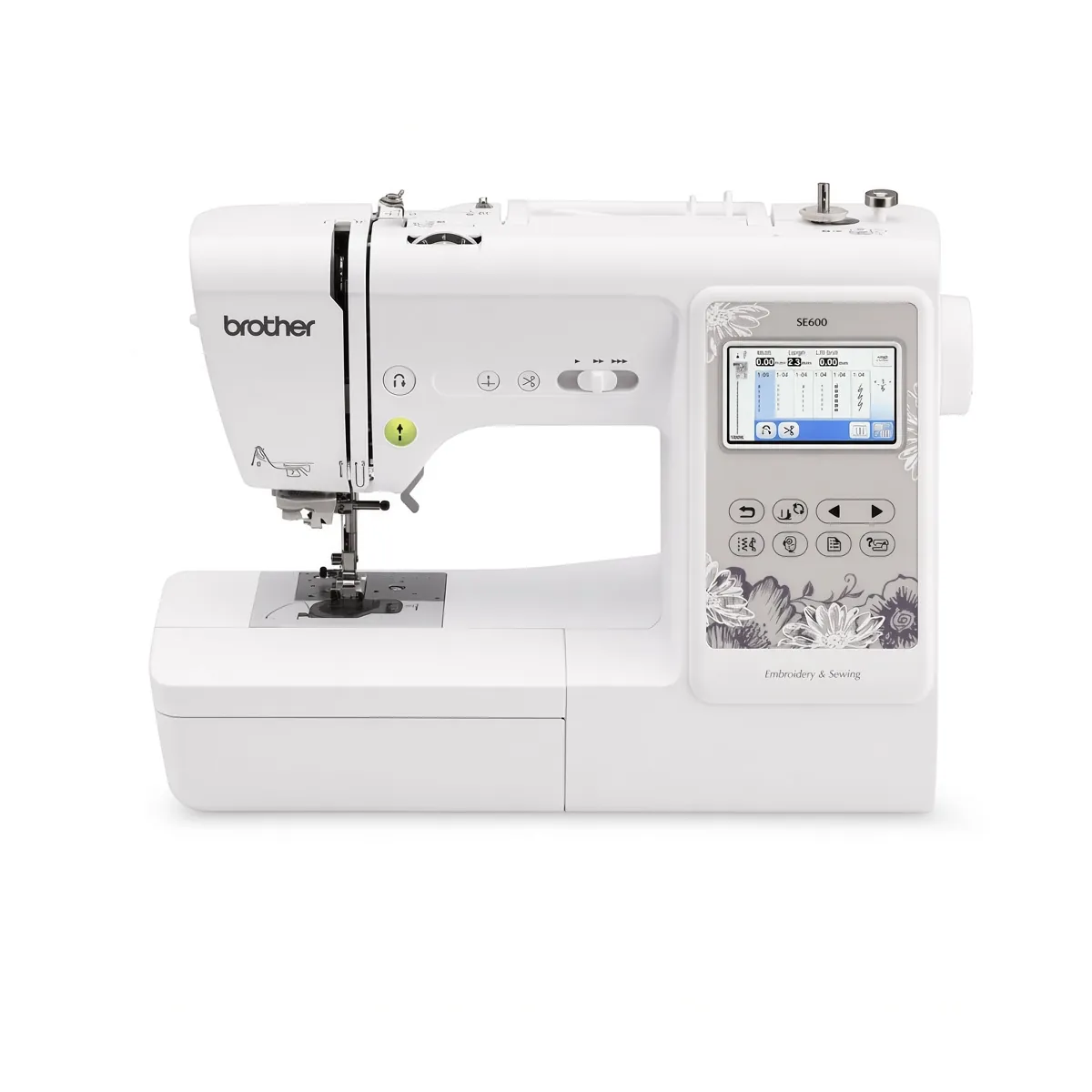
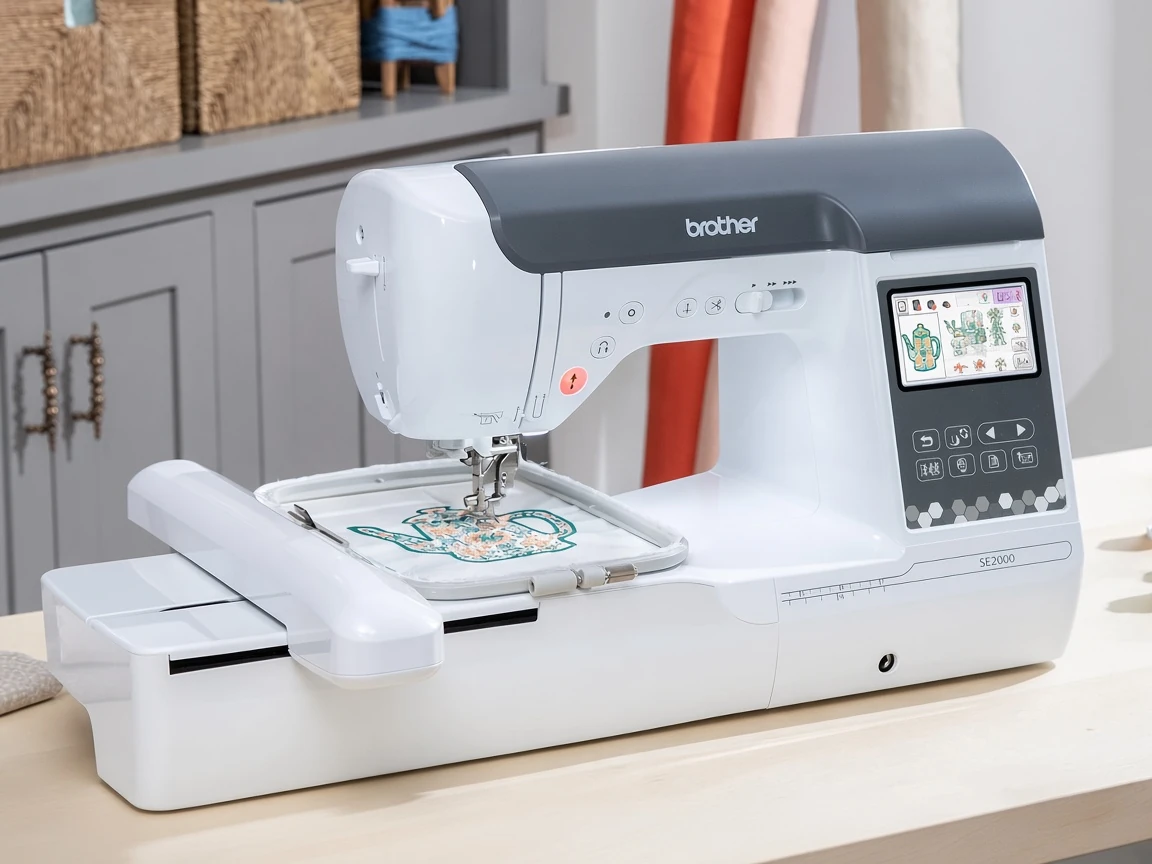
The Brother SE2000 (Amazon) is the better buy if you want designs up to 5"x7" and a much larger stitch library, with 241 sewing stitches against 103 on the Brother SE700 (Amazon). The Brother SE700 makes more sense if 4"x4" designs are enough and you want a machine you can lift and store easily: Brother lists it at 15.1 lb, while its bigger sibling weighs 20.5 lb.
Quick comparison
Both are Brother sewing and embroidery combos with a 3.7" touchscreen, wireless LAN, a USB port and Artspira app support. Here is where they part ways.
Machine | Embroidery field | Embroidery designs | Embroidery fonts | Sewing stitches | Weight |
|---|---|---|---|---|---|
4"x4" | 135 built-in | 10 | 103, incl. 10 one-step buttonhole styles | 15.1 lb | |
5"x7" | 193 built-in, plus 50 downloadable | 13 | 241 | 20.5 lb |
Embroidery capacity
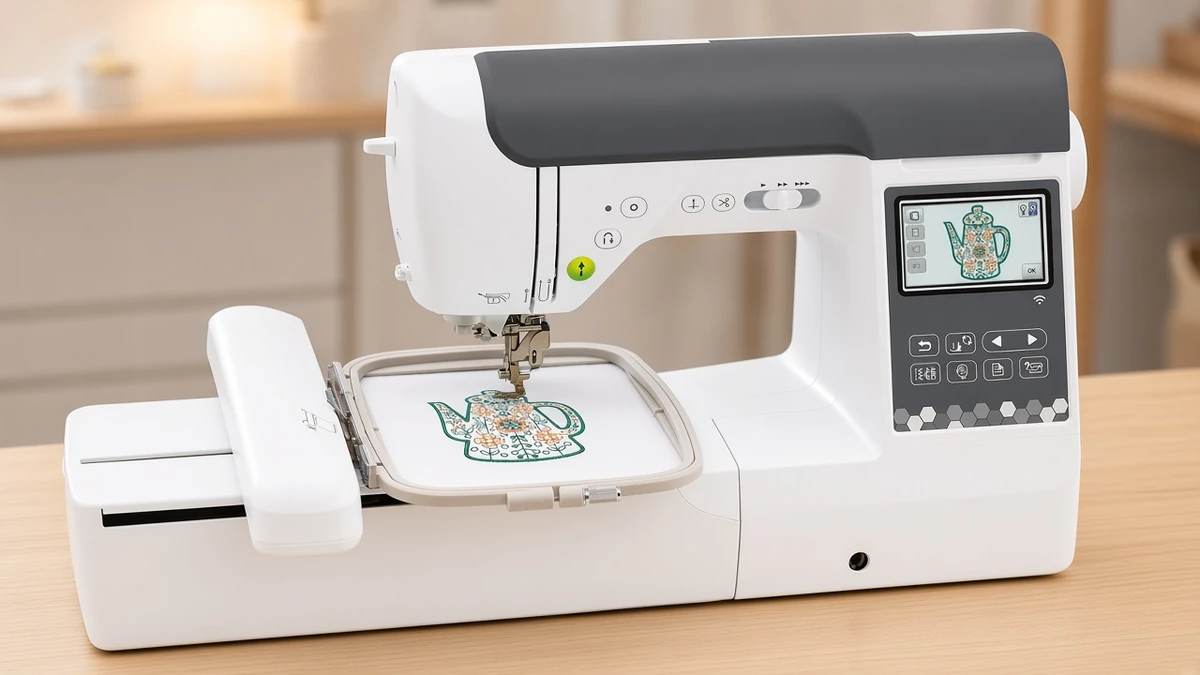
Field size is the headline difference. The Brother SE700 stitches within a 4"x4" area, which suits monograms, small appliqué, patches, napkin corners and left-chest designs. The Brother SE2000 doubles down on embroidery with a 5"x7" field, room enough for cushion covers, tote fronts, larger names and quilt-block centerpieces.
The design libraries follow the same pattern. The smaller machine has 135 built-in embroidery designs and 10 lettering fonts. The larger one lists 193 built-in designs, 50 more that can be downloaded, and 13 embroidery fonts. If lettering is a big part of what you plan to stitch, those three extra fonts and the bigger field work together: longer names fit without shrinking the letters.
Sewing features
This is where the gap is easy to underestimate. The Brother SE700 offers 103 built-in sewing stitches, including 10 styles of one-step auto-size buttonholes, which is already a generous menu for garment sewing, mending and decorative edges. The listing also calls out an automatic needle threader.
The Brother SE2000 lists 241 sewing stitches. For many sewists, the extra stitches will go largely unused; for people who enjoy decorative edges, heirloom sewing or experimenting with stitch combinations, a deeper menu is a real attraction. Buy the bigger machine for its stitch count only if you can name the kind of sewing that needs it.
Both machines handle the practical side of combo life the same way: you switch between sewing and embroidery rather than doing both at once. The choice is less about workflow and more about how far you want each half to go.
Screen, connectivity and the app
On paper the two are matched here. Both list a 3.7" touchscreen, wireless LAN, USB and support for Brother's Artspira app, so the way you send, preview and edit designs is the same on either machine. Choosing between them does not change your workflow, only the size of what you can stitch and the number of stitches on the menu.
What comes in the box
The Brother SE700 ships with 8 presser feet, including the embroidery foot, and a 4"x4" hoop. The Brother SE2000 also comes with 8 presser feet, including the embroidery foot, and a 5"x7" hoop. Neither listing suggests you will need extra feet to start, so the first things to buy are consumables rather than attachments. In both cases you will still need embroidery thread, stabilizer and spare needles before your first design. Brother embroidery machines in this range commonly take Class 15 (SA156) bobbins, but confirm the type in your manual.
Weight and where the machine will live
This is the practical question many buyers skip. At 15.1 lb, the Brother SE700 can come out of a cupboard for an evening project and go back again. At 20.5 lb, the Brother SE2000 is heavier to move each time, so many owners will prefer a sturdy table where it can stay set up.
If you have a dedicated sewing room, the extra weight barely matters. If you sew at the dining table, it may decide the question for you.
Which one to choose
Choose the smaller combo if
Your embroidery plans are mostly monograms, patches and small motifs.
You want a capable sewing machine with plenty of stitches and buttonhole styles.
You need to move or store the machine between sessions.
For a closer look at this model alone, read our full review of the 4x4 combo, and when it arrives, follow the beginner setup guide for the 4x4 combo.
Choose the larger combo if
You want room for 5"x7" designs, longer lettering and home decor projects.
You enjoy decorative sewing and will use a much bigger stitch menu.
The machine can stay in one place.
FAQ
Is there a big difference in how the two machines are operated? Not on paper. Both use a 3.7" touchscreen and offer the same connection options: wireless LAN, USB and the Artspira app.
Which is better for a beginner? Either works. The smaller machine is lighter and has a shorter stitch menu to learn; the larger one gives more room to grow but needs a permanent home.
Can I add a bigger hoop to the smaller combo later? The embroidery field is fixed by the machine, so the 4"x4" limit stays. If you think you will want larger designs, start with the 5"x7" model.
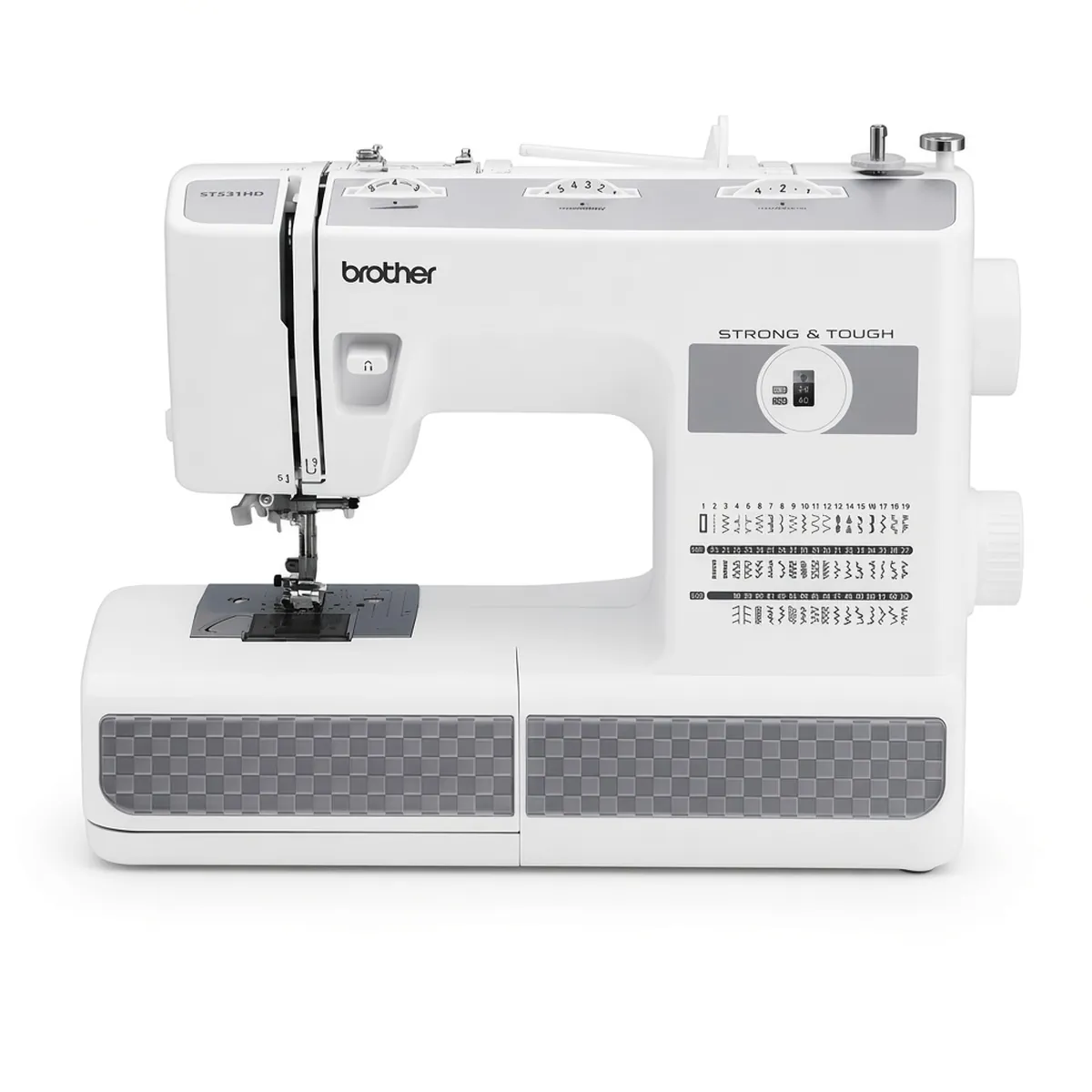
Would an embroidery-only machine be a better buy? It can be, if you already own a sewing machine you like. Our comparison of the two embroidery-only Brother models covers that route, and the combo machine shortlist adds a Singer option to the mix.
Verdict
Choose the Brother SE700 if your embroidery stays at monograms, patches and small motifs and you need a combo that moves easily between storage and the table. Choose the Brother SE2000 if you want 5"x7" designs and a 241-stitch menu, and the machine can stay set up in one place.