
Brother PE900 Review: Is the 5x7 Hoop Worth It?
Published 11/3/2026 · Updated 11/15/2026
A closer look at what the larger hoop actually changes for embroidery-only users, how the extra fonts and trimming help, and which buyers are better served elsewhere.
Products mentioned in this guide
Machine Reviews
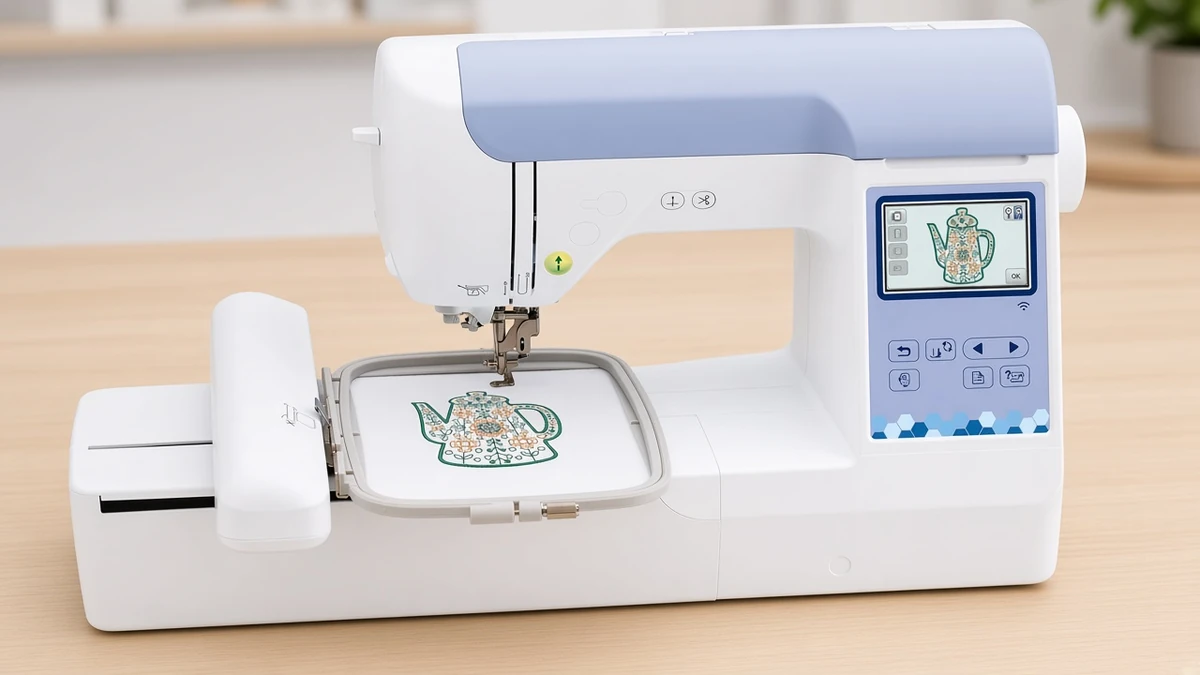
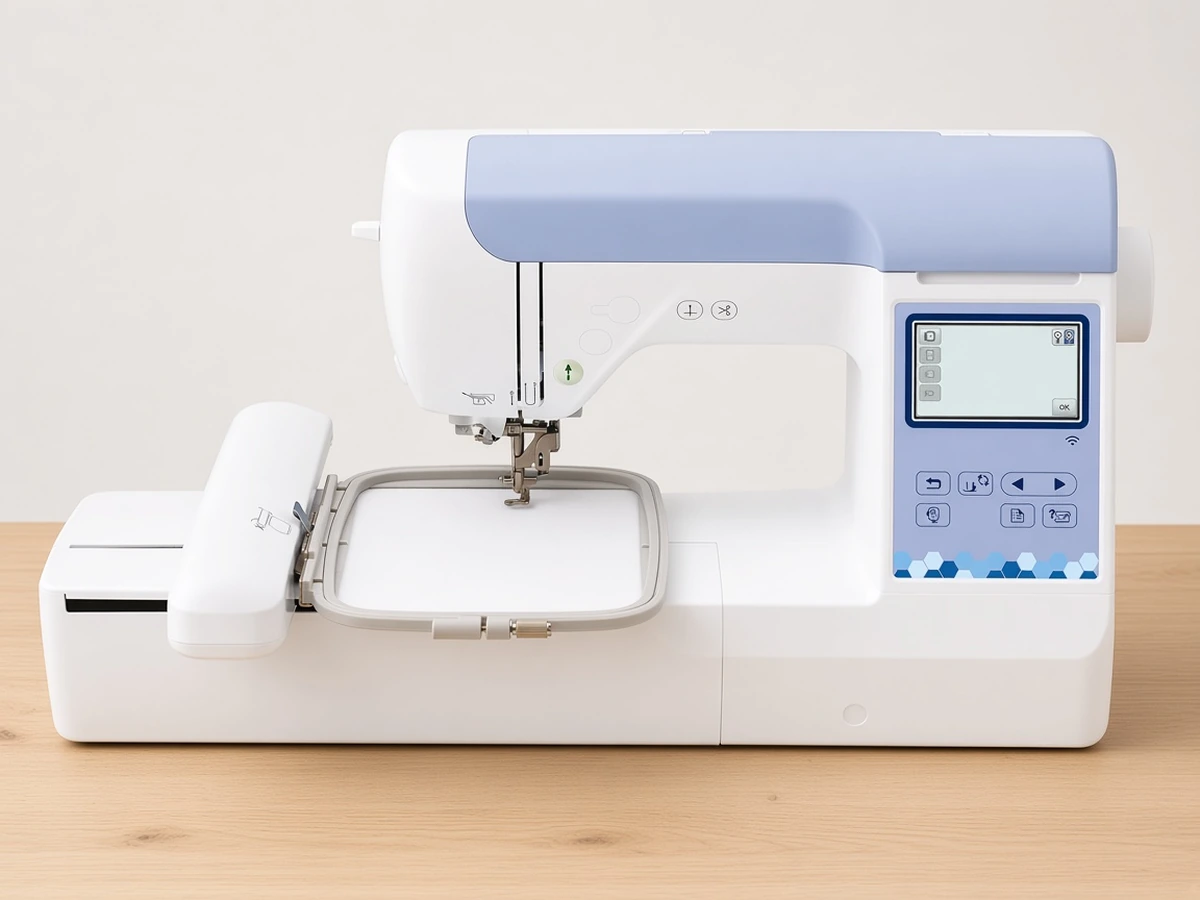
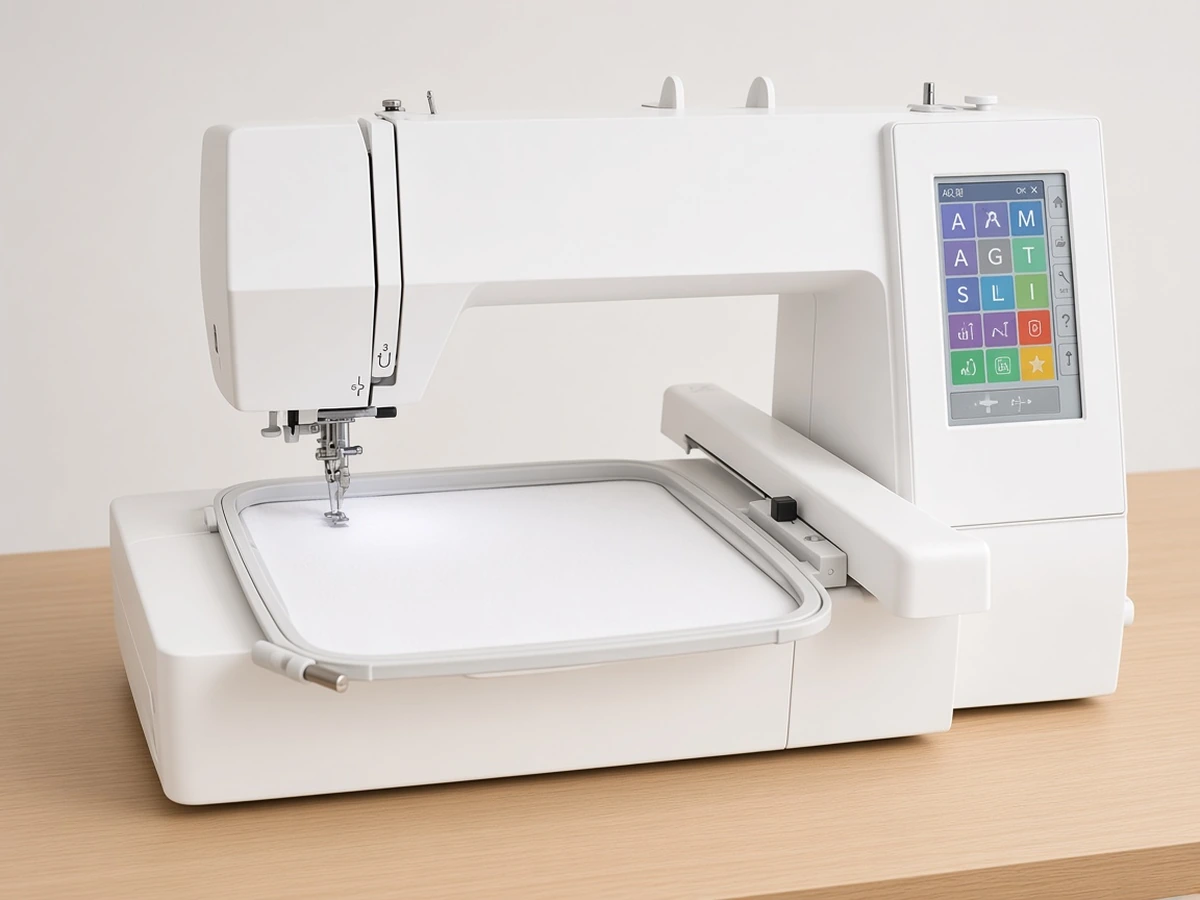
Yes, for most people buying an embroidery-only machine, the 5"x7" field on the Brother PE900 (Amazon) is worth having: it more than doubles the stitching area of a 4"x4" machine while keeping the same 3.7" touchscreen, wireless transfer and USB loading. It adds color sort and jump stitch trimming, which make multicolor projects less fiddly. Skip it only if you also need to sew, or if your designs will always be small.
What the machine offers
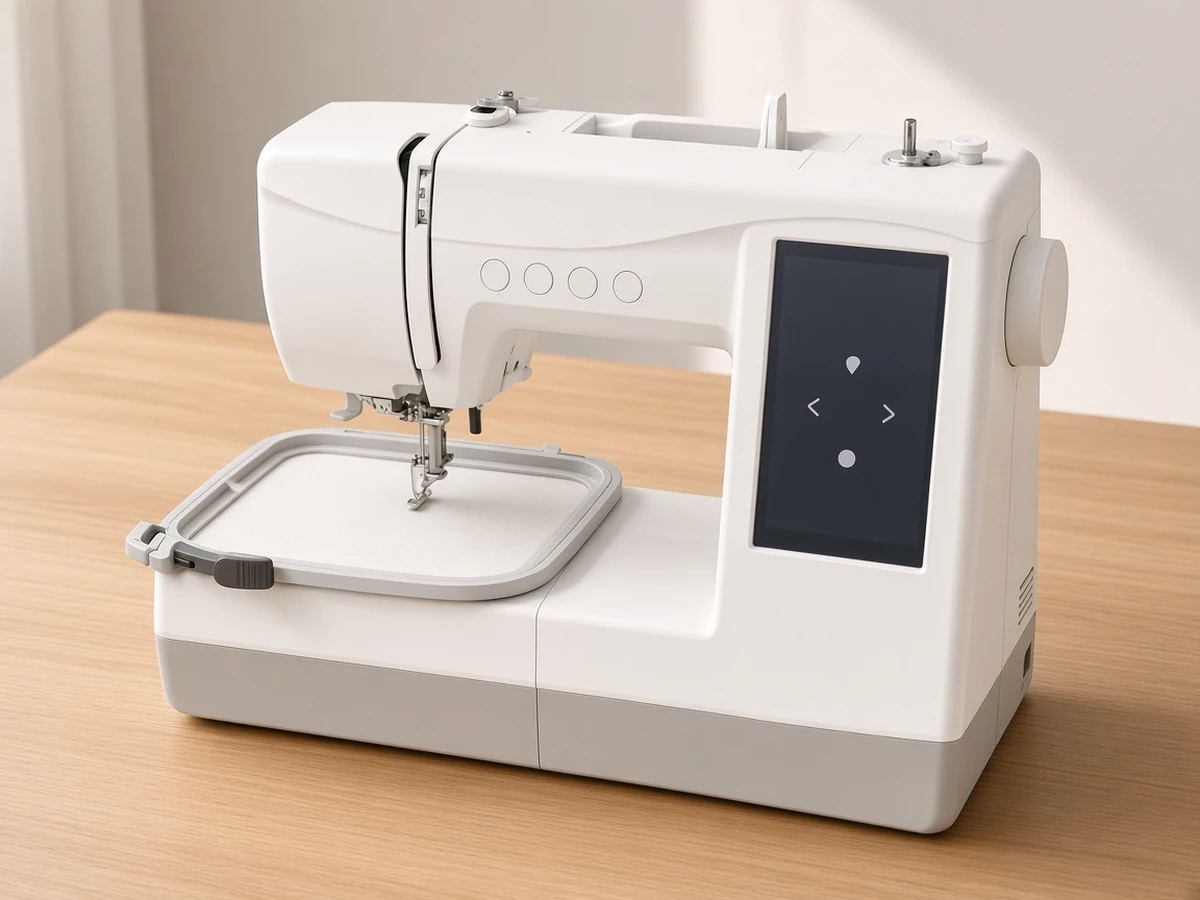
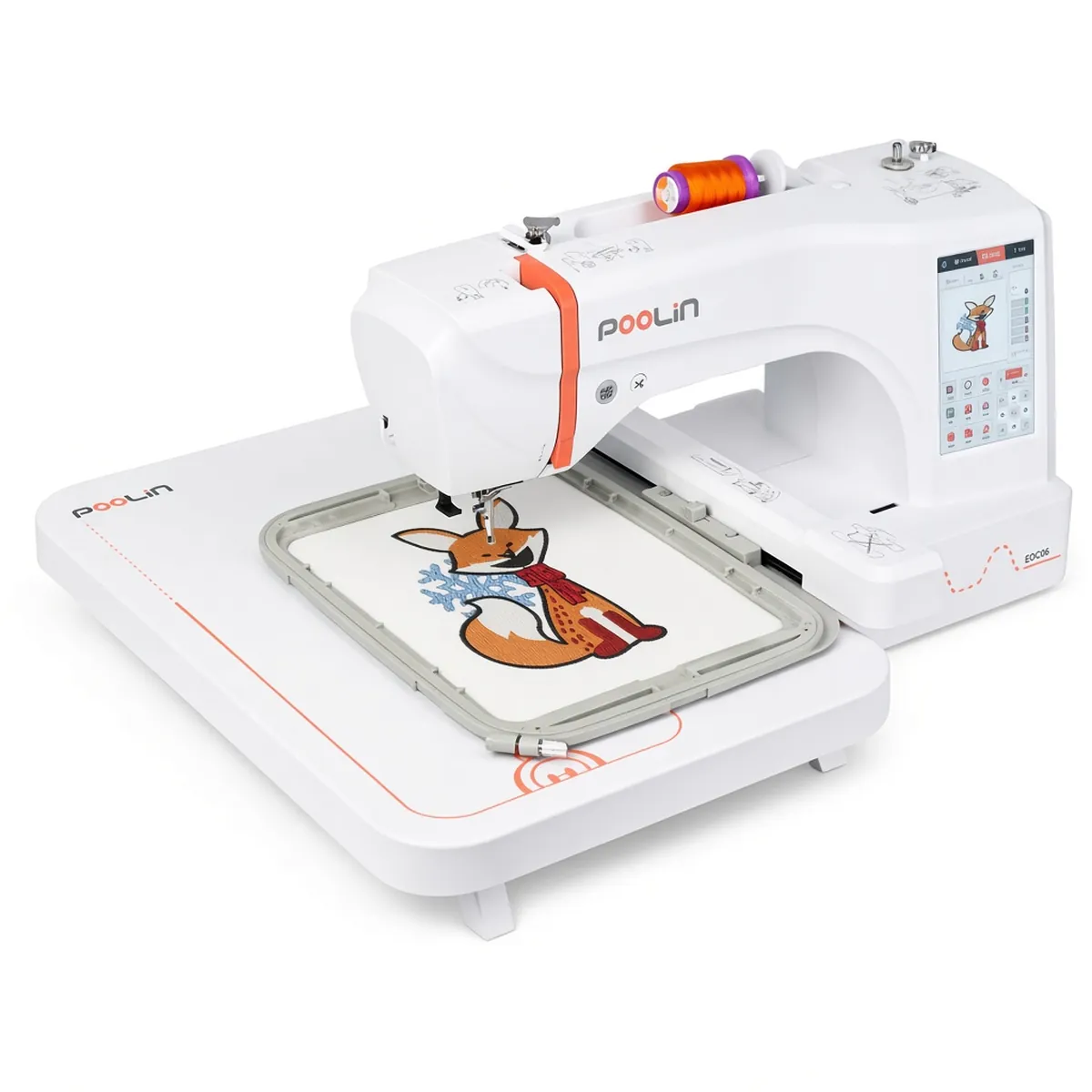
The Brother PE900 is an embroidery-only machine. It does not sew seams, so it sits alongside a sewing machine rather than replacing one. These are the details its listing specifies:
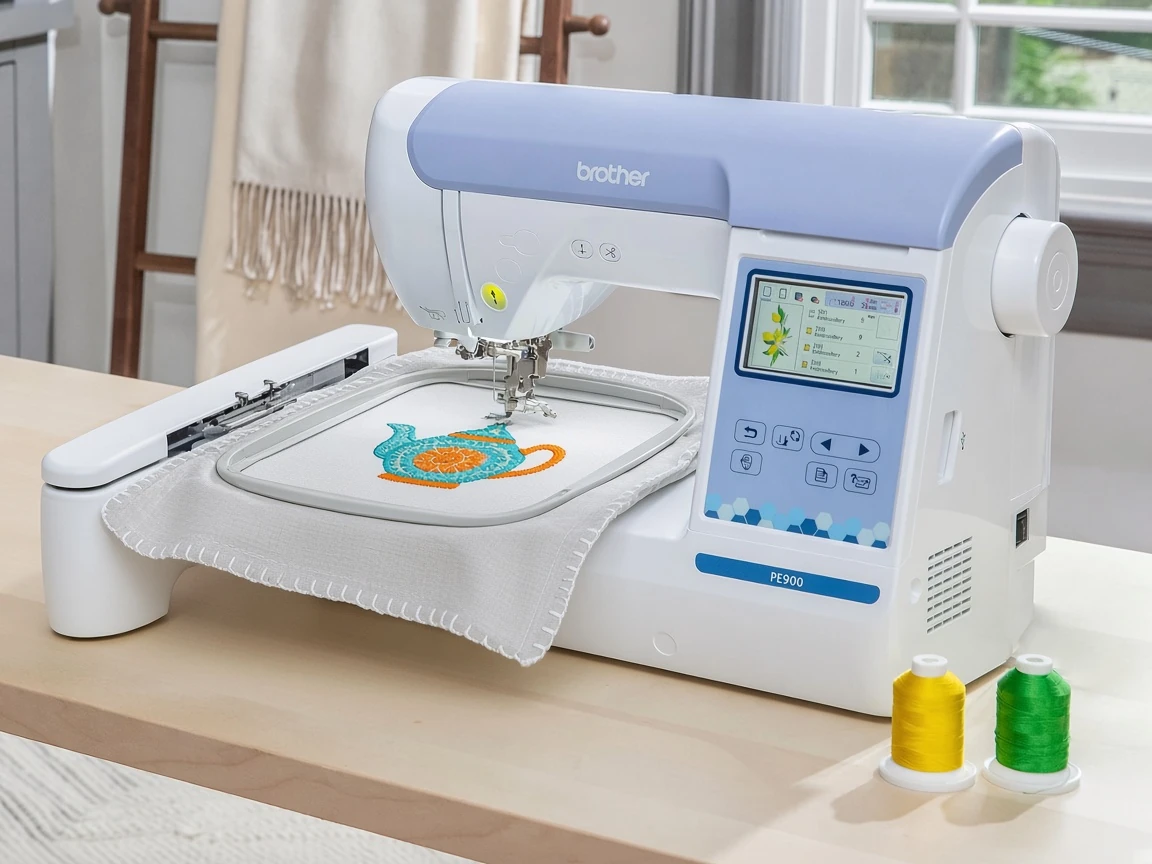
5"x7" embroidery field
193 built-in designs
13 fonts: 9 English, 3 Japanese and 1 Cyrillic
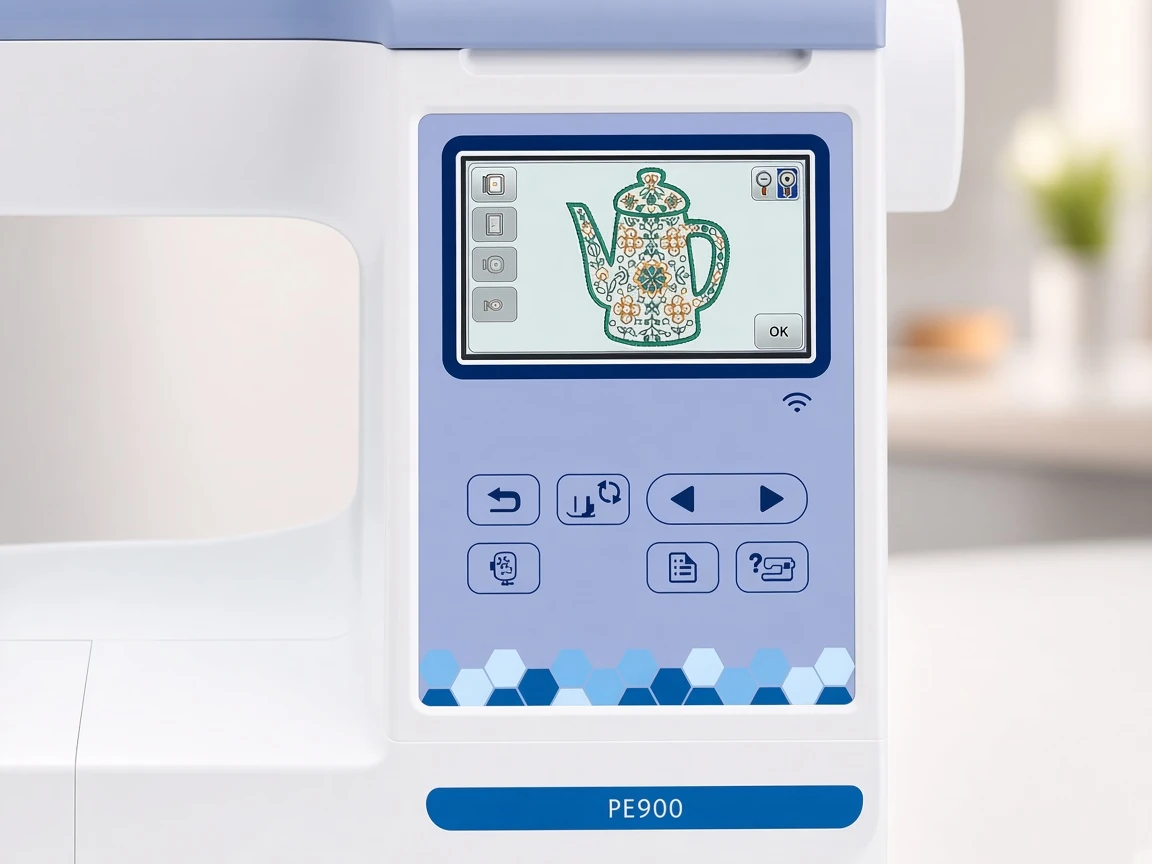
3.7" LCD touchscreen
WLAN, USB port and Artspira app support, with 50 free designs through the app
Color sort and jump stitch trimming
17.6 lb (Brother spec)
Brother PE900 hoop size: what a 5x7 field changes
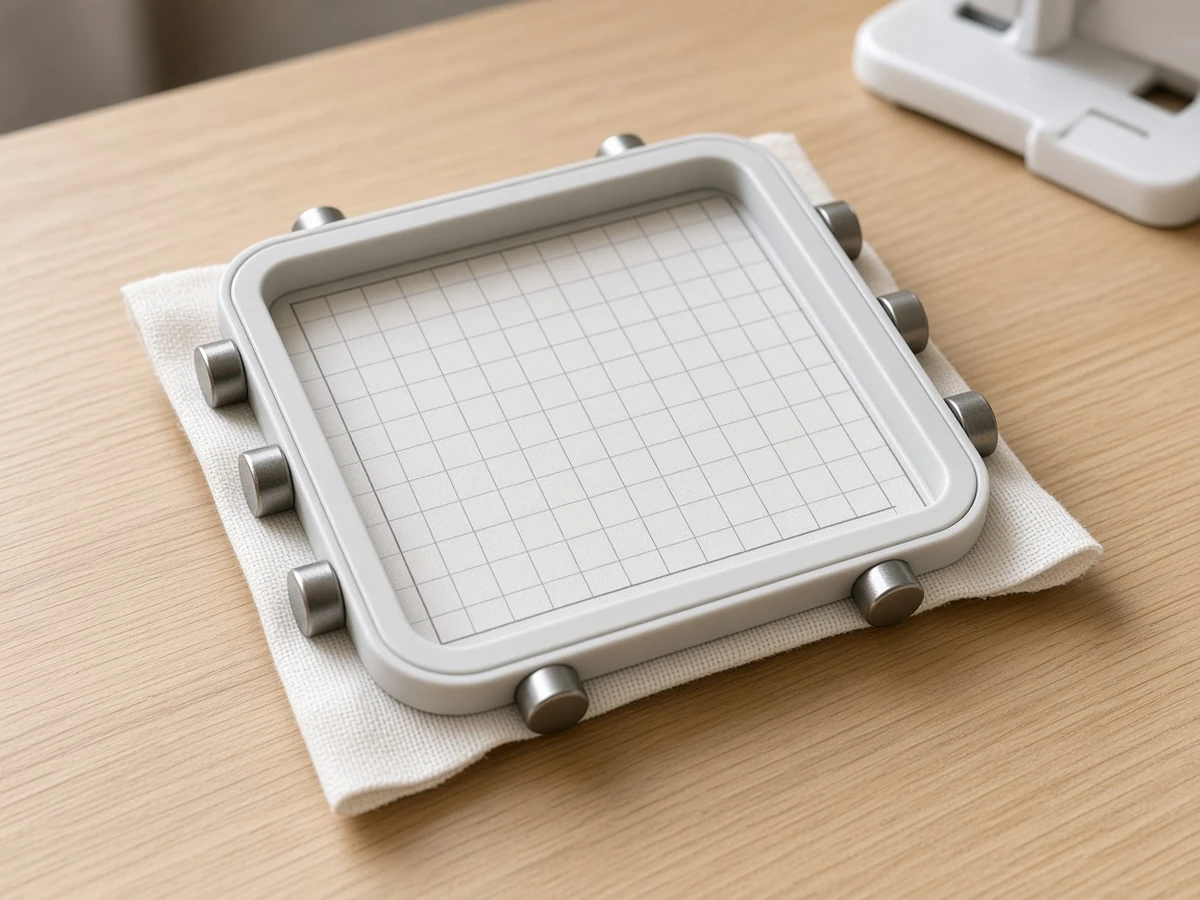
The embroidery field is the largest area the needle can reach in one hooping, so it sets a ceiling on design size. A 4"x4" machine is fine for monograms and small logos. A 5"x7" field opens up the projects that usually prompt people to upgrade: cushion covers, tote bags, framed hoop art, quilt blocks with a central motif and names long enough to read across a towel.
It also makes lettering more forgiving. A longer word can stay at a comfortable height instead of being shrunk to fit, which helps legibility on textured fabrics such as terry cloth. And because a bigger field can always stitch a smaller design, nothing is lost at the small end.
There is a learning cost. Larger hoops take more care to load evenly, and a big design uses more thread and stabilizer per project. Neither is a reason to avoid the bigger field, but beginners should expect their first few 5"x7" hoopings to take longer than small ones.
Designs, fonts and Artspira
The built-in library of 193 designs is large enough to keep a beginner busy for months. The 13 fonts are more useful than the number suggests, because the Cyrillic option and the extra English styles widen what you can personalize without buying lettering files.
Artspira, Brother's mobile app, connects over the machine's wireless network and lets you send designs without a USB stick. The listing mentions 50 free designs through the app. If you prefer working from a computer, or buy files from independent digitizers, the USB port is still there.
Features that save time on multicolor work
Color sort
When designs are combined, the same thread color often appears in more than one place in the stitch order. Color sort regroups those sections so you change spools fewer times. On a combined monogram and motif, that can mean noticeably fewer stops.
Jump stitch trimming
As the needle moves between separate parts of a design, it leaves connecting threads called jump stitches. The Brother PE900 trims them, which leaves less hand-snipping after stitching and a tidier reverse side, something that matters on towels, blankets and anything else where the back is visible.
How it compares
Machine | Type | Max embroidery area | Built-in designs | Fonts | Weight |
|---|---|---|---|---|---|
Embroidery only | 5"x7" | 193 | 13 | 17.6 lb | |
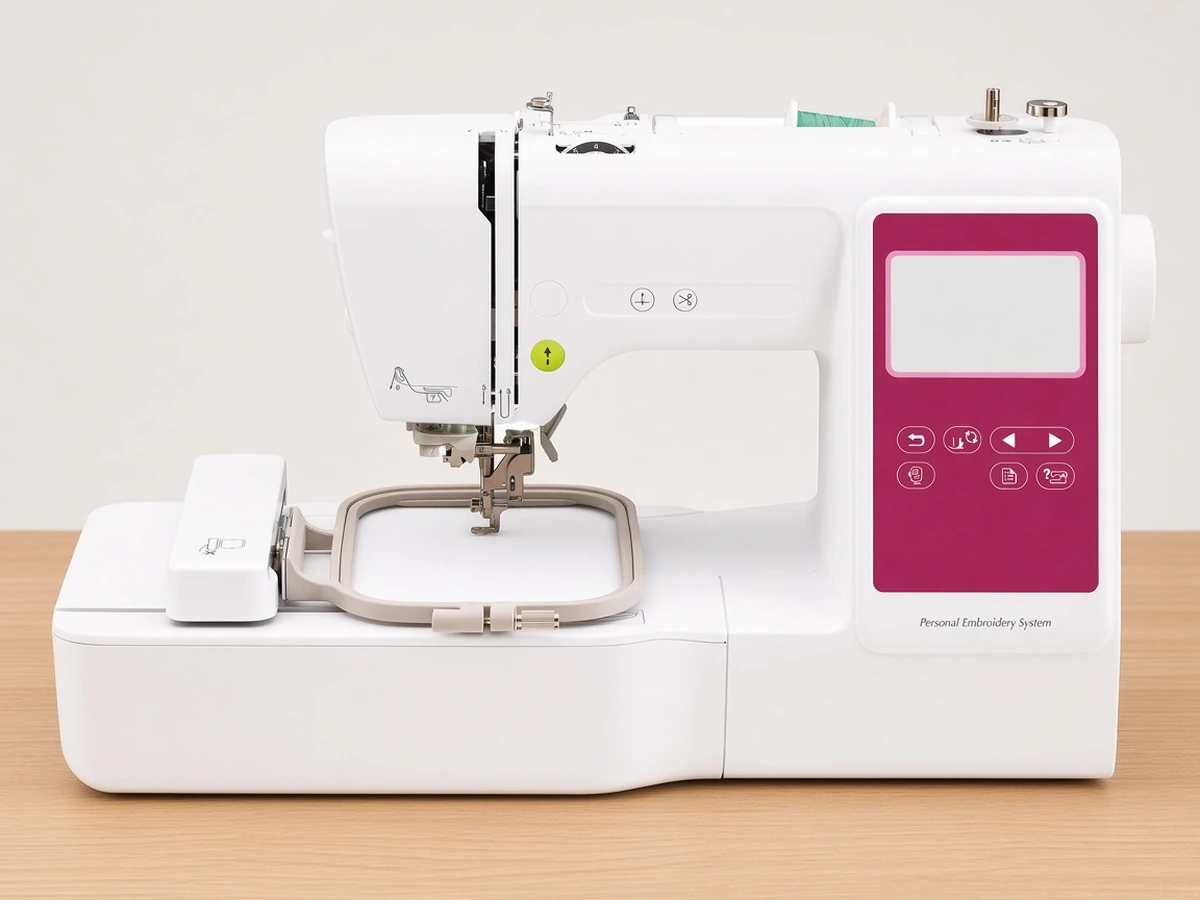
Embroidery only | 4"x4" | 135 | 10 | 14.1 lb | |
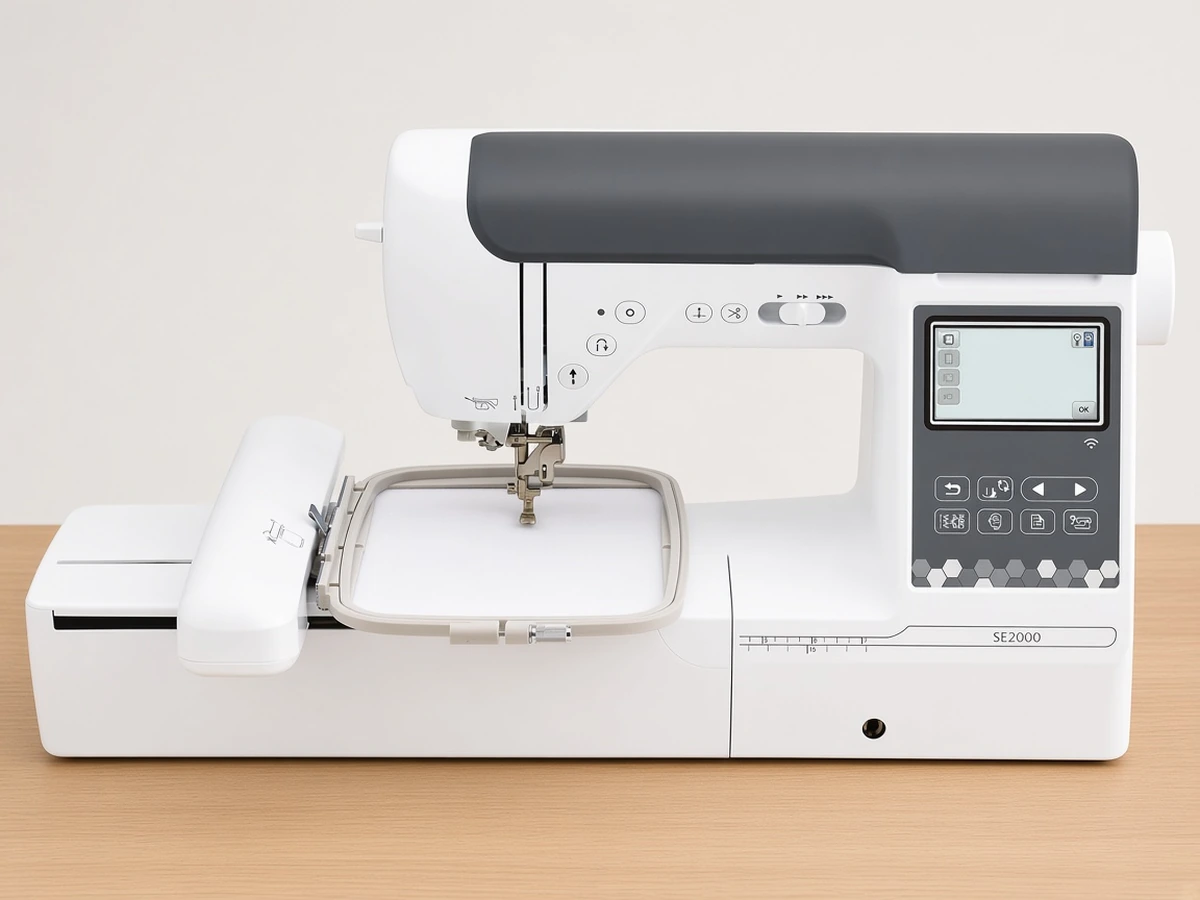
Sewing and embroidery | 5"x7" | 193, plus 50 downloadable | 13 | 20.5 lb | |
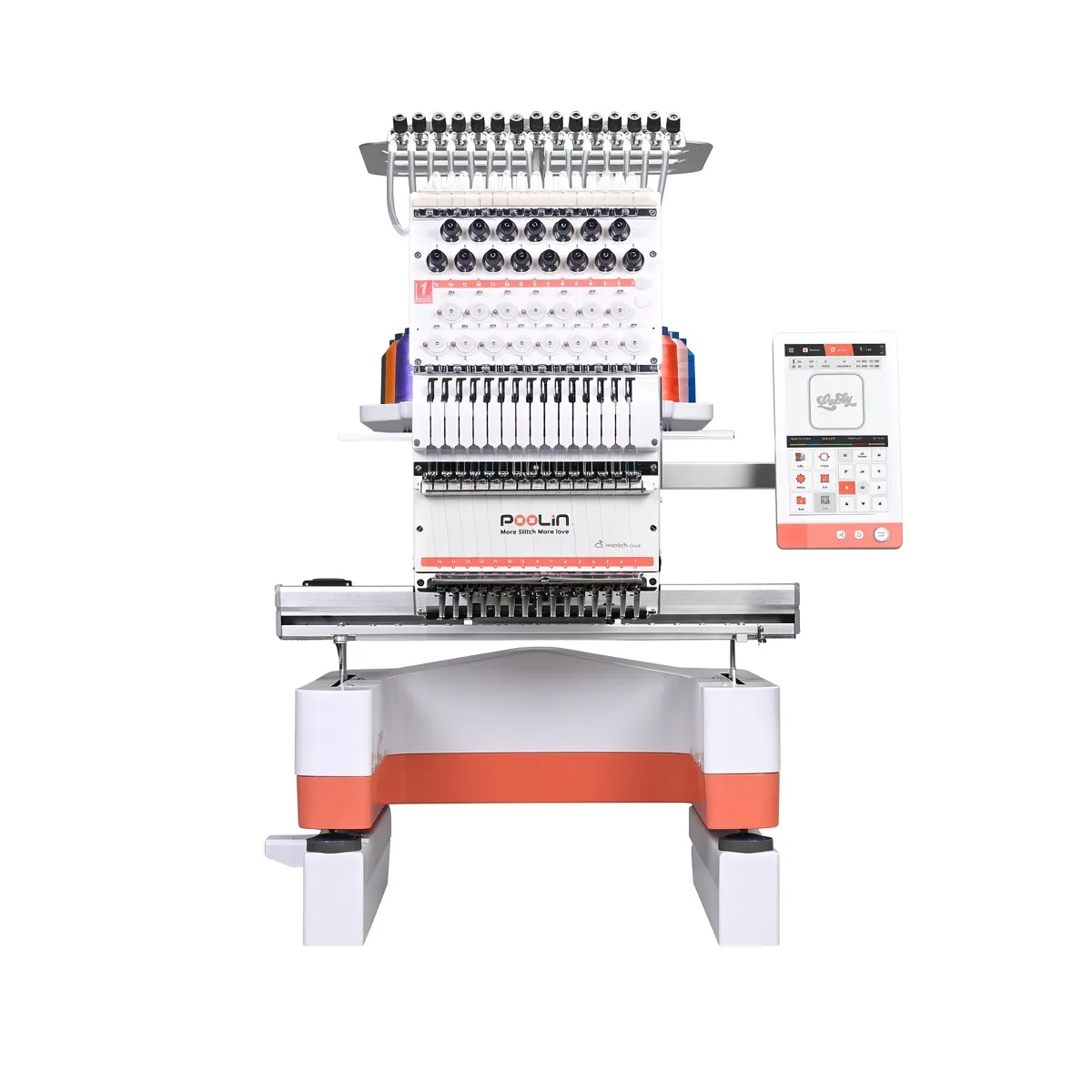
Embroidery only | 7.9"x7.9" | 160 | 6 monogramming fonts | 25 lb |
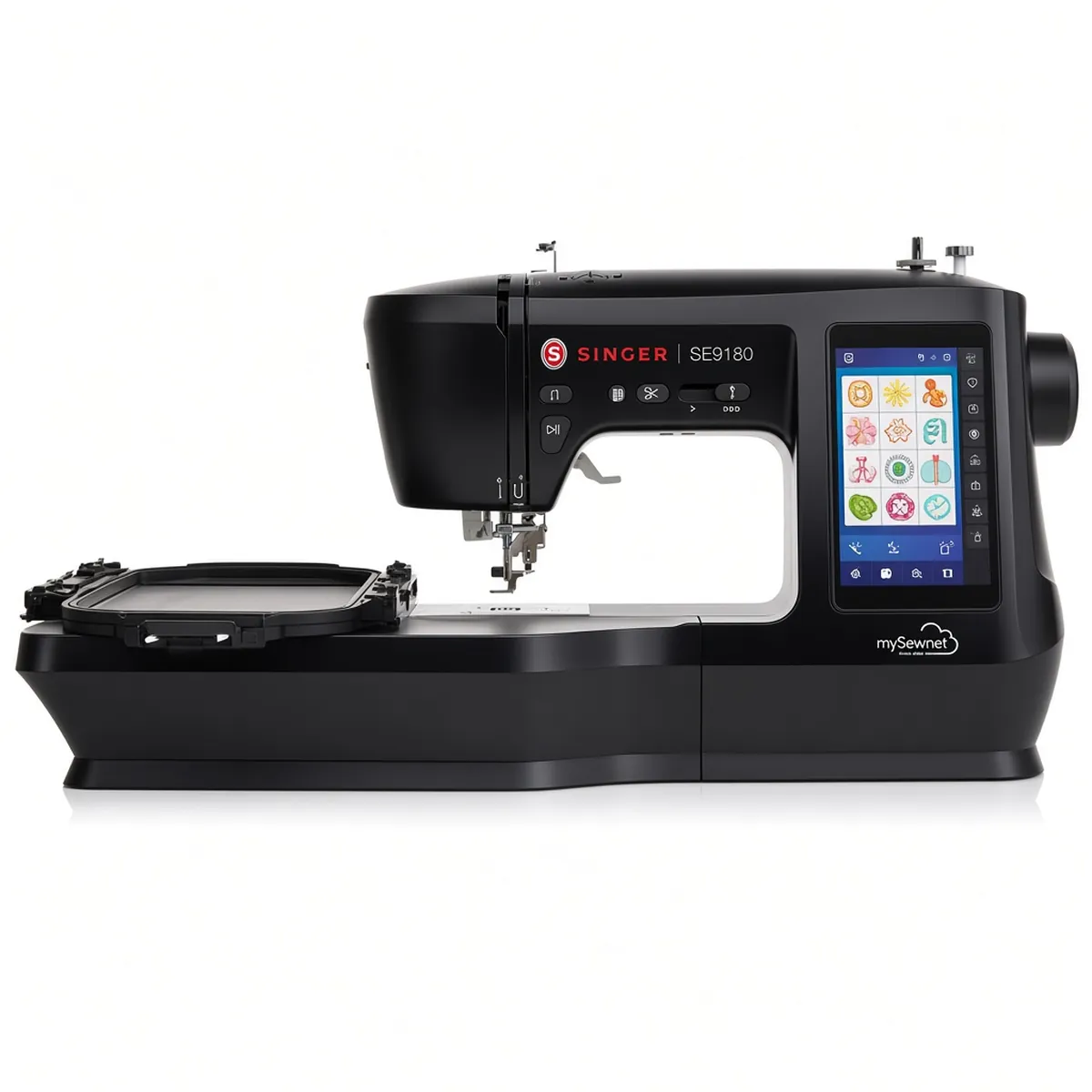
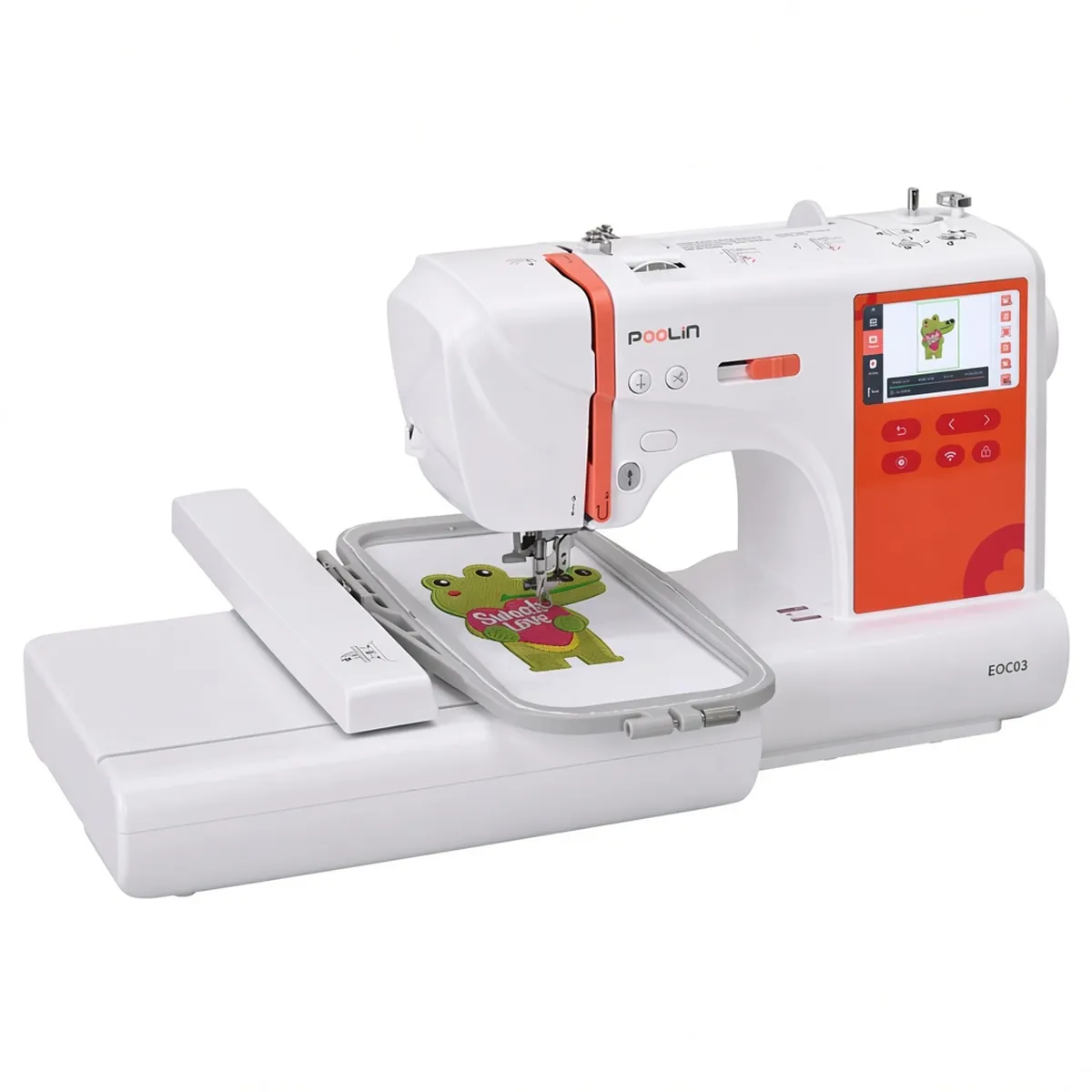
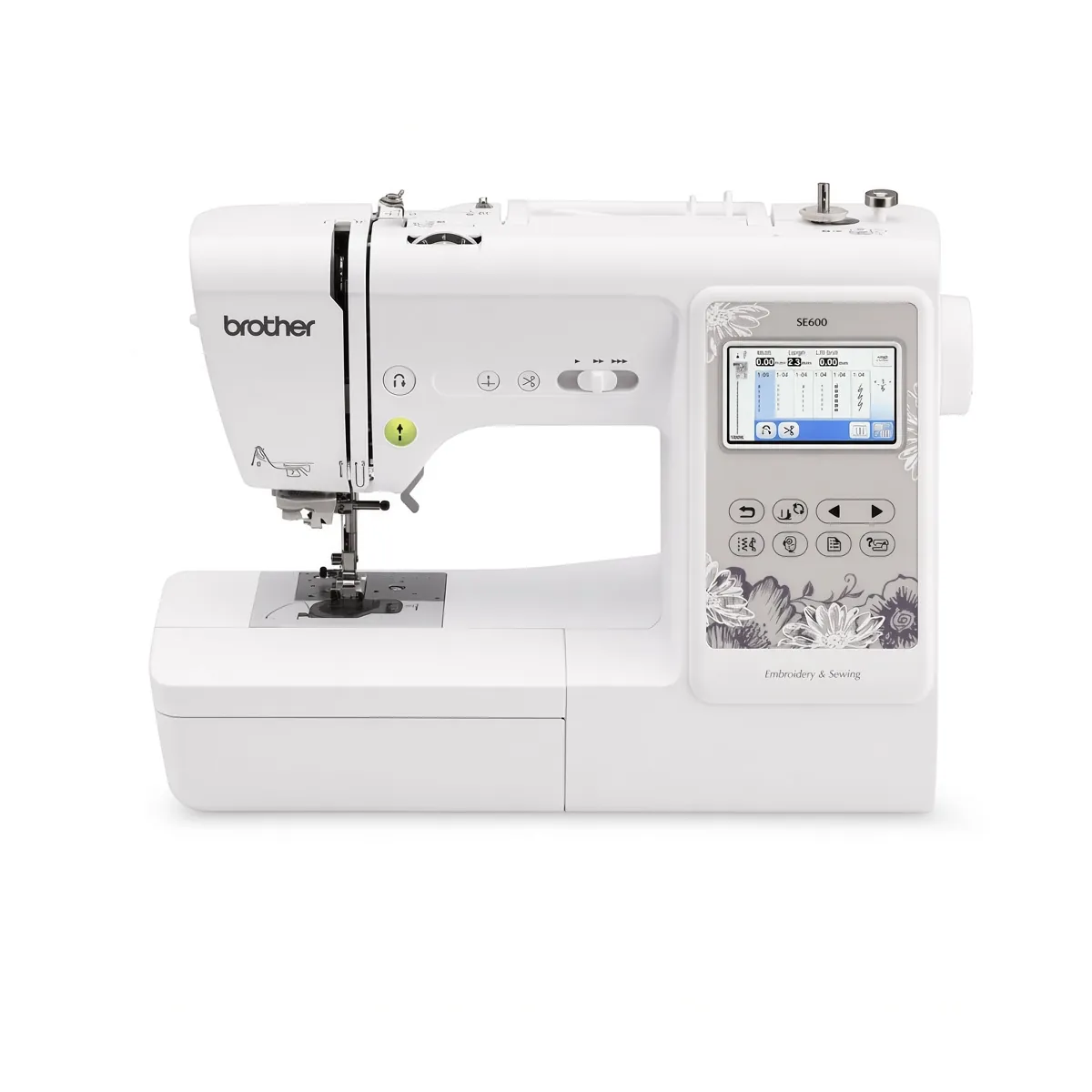
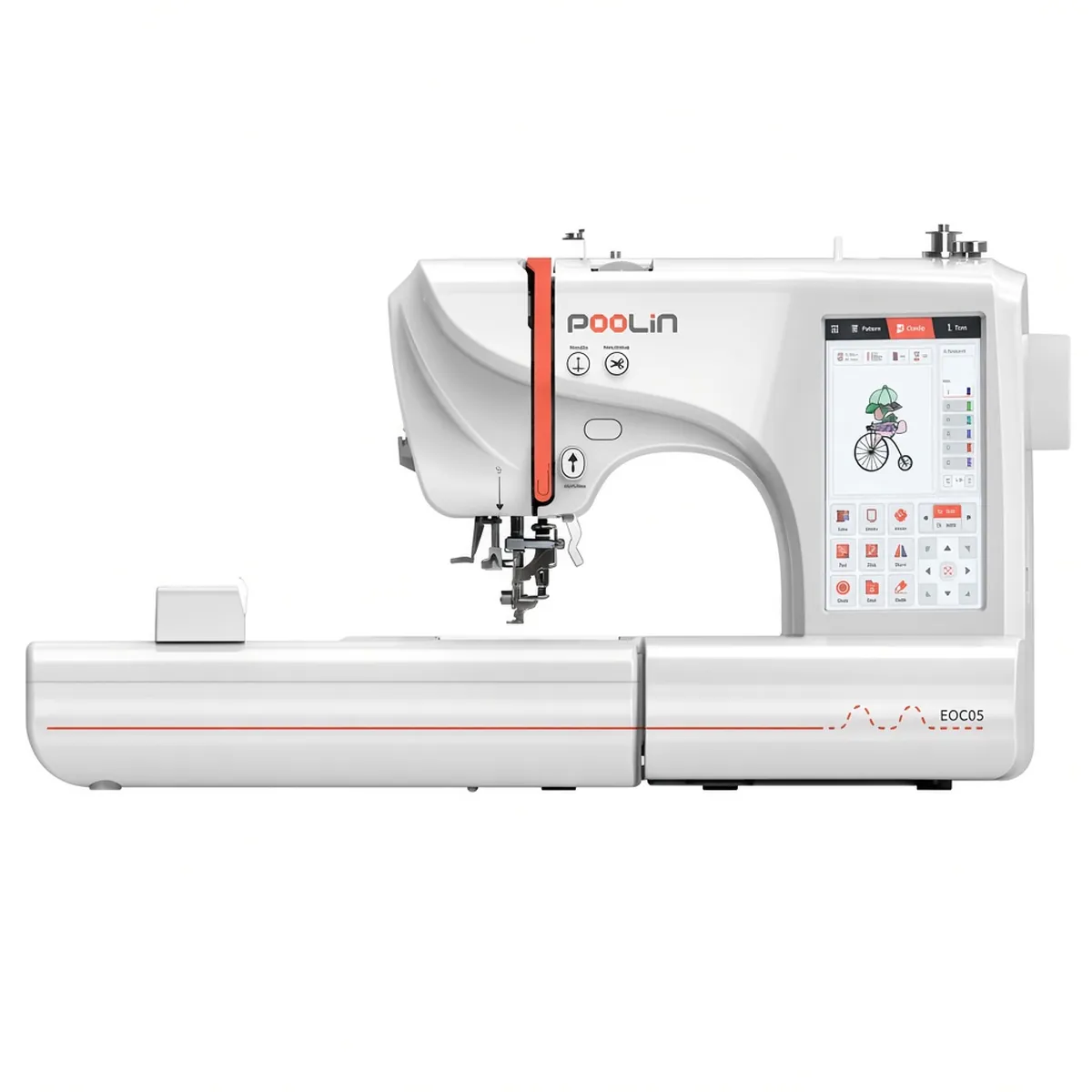
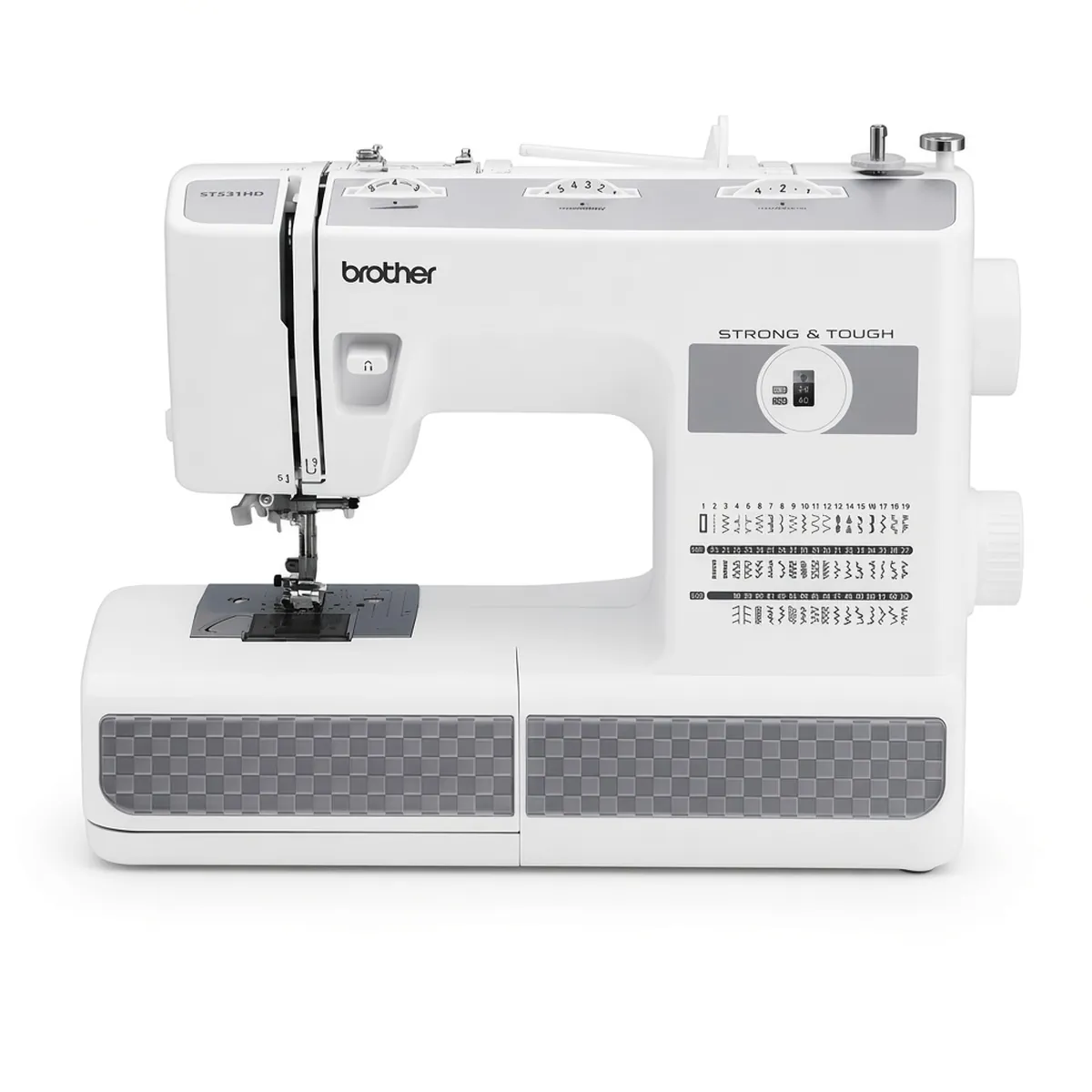
The Brother PE545 (Amazon) is the lighter, smaller-field sibling, and our breakdown of the two embroidery-only Brother models covers that choice. The Brother SE2000 (Amazon) offers the same field size plus a sewing machine, at about 3 lb more. The Janome Memory Craft C400E (Amazon) goes larger still, with a 7.9"x7.9" maximum area and, per its Amazon listing, 4 hoops; our review of the Janome embroidery machine looks at it in detail.
If you want a larger square field, read our PE900 vs Janome C400E comparison.
Who should buy it, and who should skip it
Buy it if
You already own a sewing machine and want a dedicated embroidery machine.
You want designs bigger than 4"x4" for home decor, bags or gifts.
You stitch multicolor designs and want fewer thread changes and less trimming.
You like the option of sending designs from a phone.
Skip it if
You need one machine for both sewing and embroidery; look at a combo instead.
Your projects are strictly monograms and small patches, where a 4"x4" machine is lighter and simpler.
You want the largest home embroidery area available; a larger-field machine may suit you better.
FAQ
Does this machine sew as well as embroider? No. It is embroidery-only, so pair it with a sewing machine or look at a combo instead.
Can it stitch small designs? Yes. Any design that fits within 5"x7" can be stitched, including small monograms and patches.
Which thread and stabilizer should I start with? 40wt polyester embroidery thread is a common starting point, with cut-away stabilizer for knits and tear-away for stable woven fabrics.
Verdict
The Brother PE900 hits a sensible middle ground for embroidery-only buyers. The 5"x7" field covers most home projects, the built-in library and fonts are generous, and color sort plus jump stitch trimming address two of the most tedious parts of multicolor work. When yours arrives, our step-by-step setup guide for this machine takes you from unboxing to the first design, and the beginner embroidery machine shortlist shows where it sits among the alternatives.