
Brother PE545 Review: Is It the Best Beginner Embroidery Machine?
Published 10/29/2026 · Updated 11/15/2026
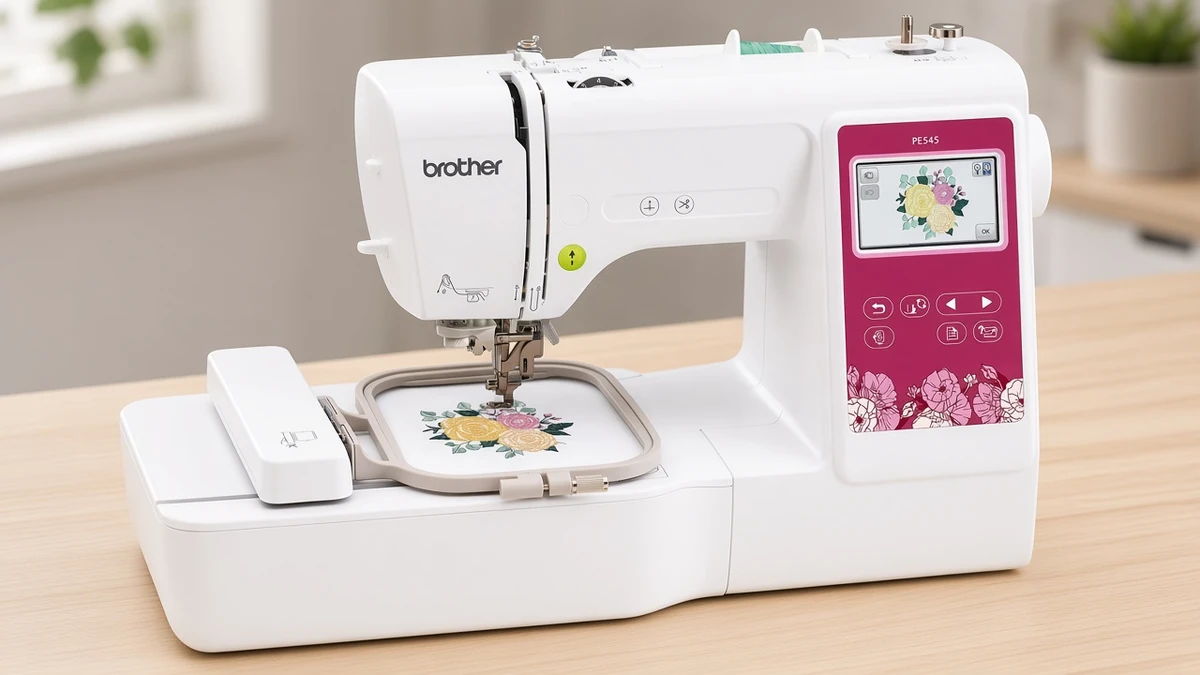
Our Brother PE545 review covers who this 4x4 embroidery-only machine suits, its pros and cons, starter supplies, and how it compares to other Brother models.
Products mentioned in this guide
Machine Reviews
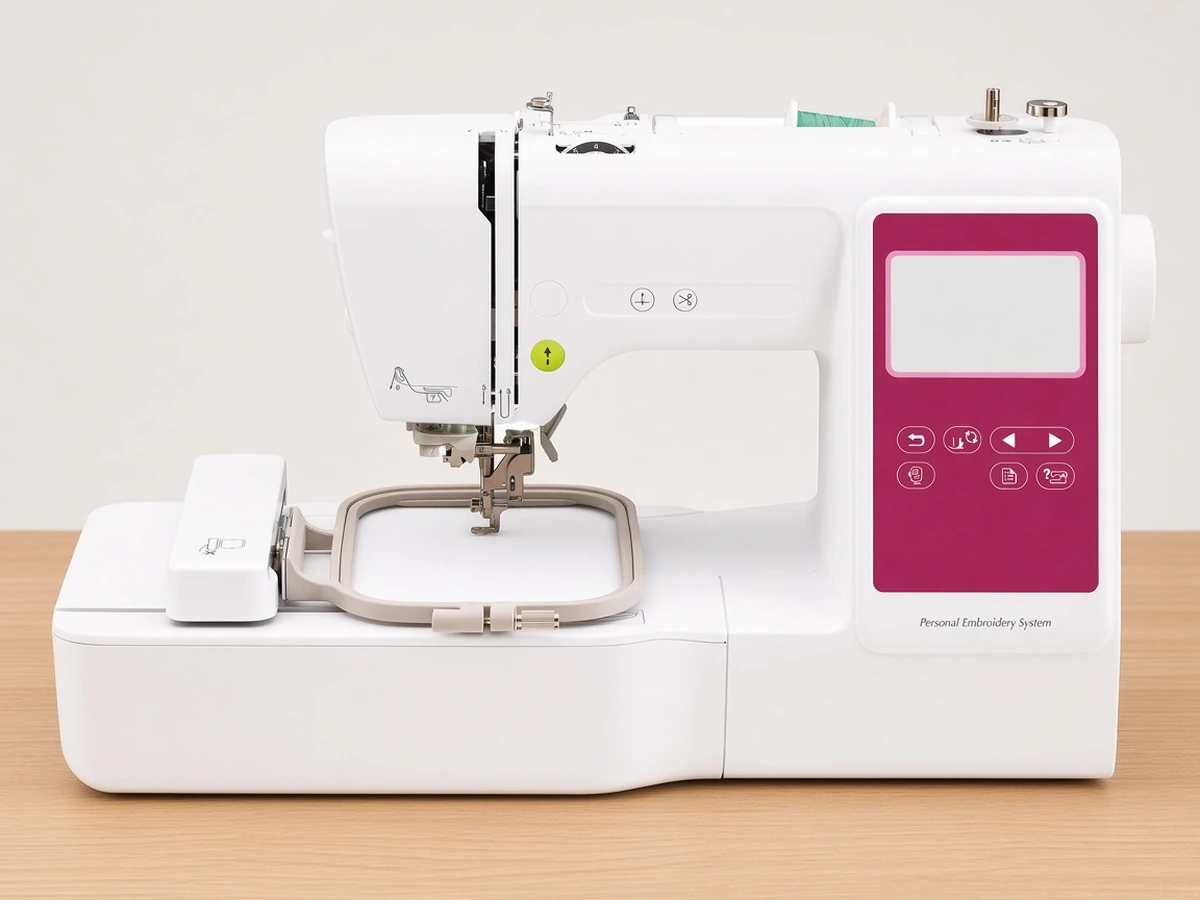
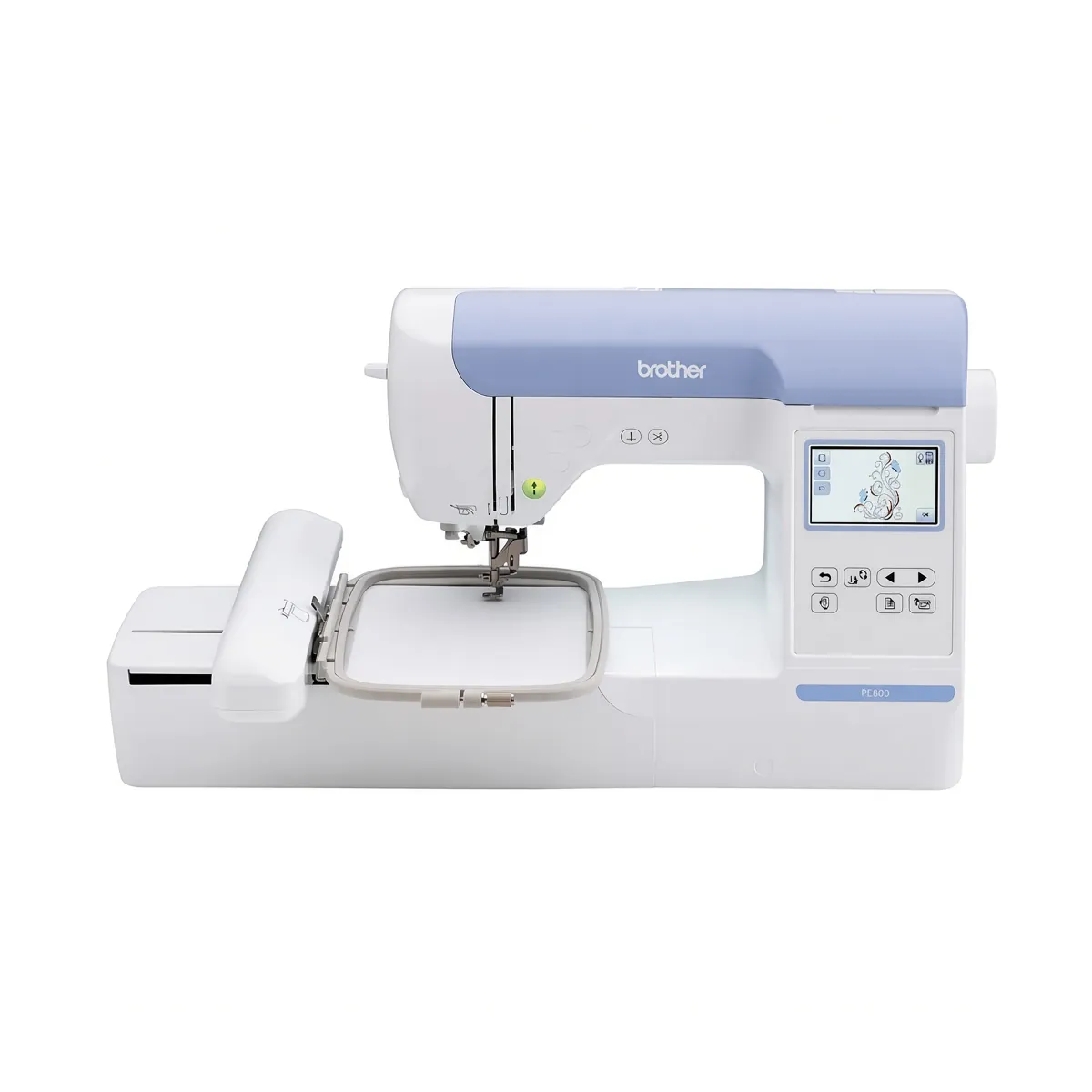
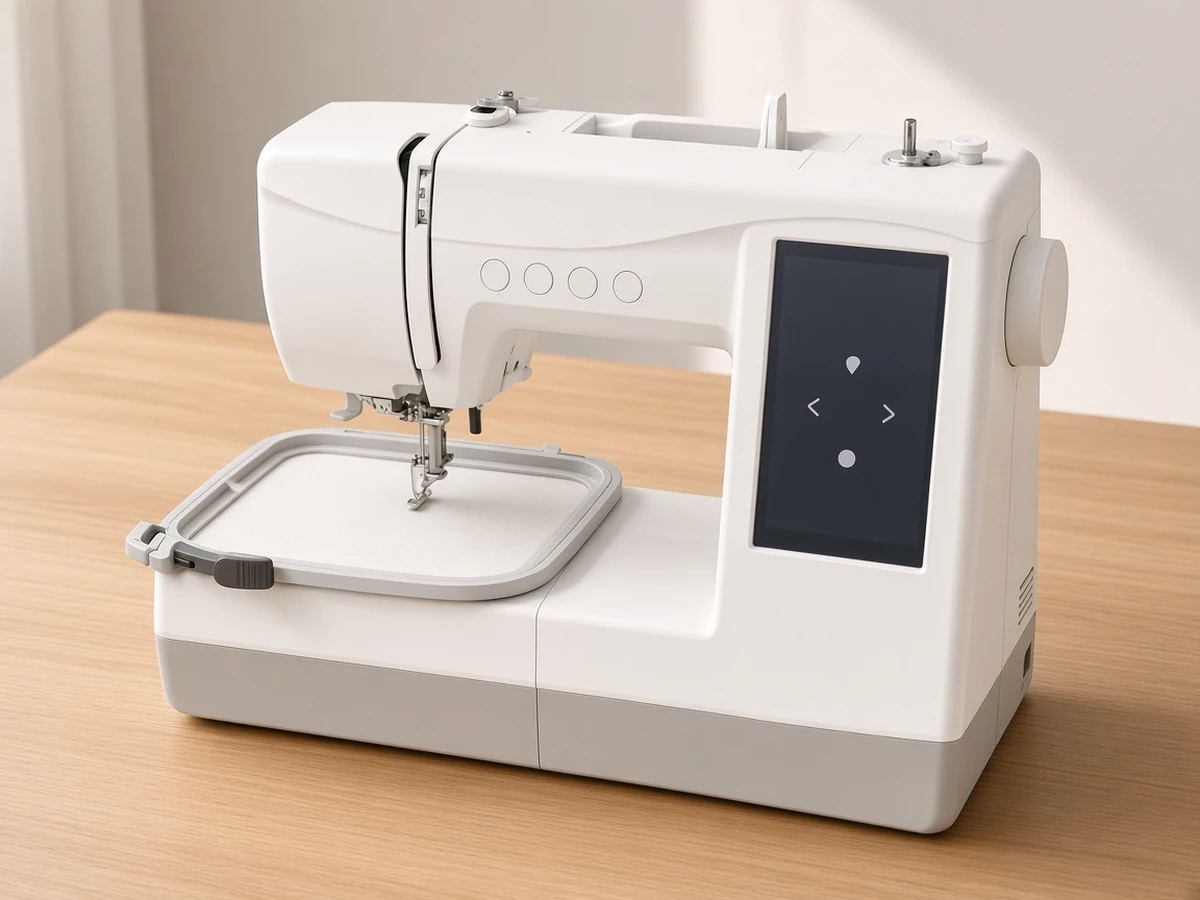
The Brother PE545 is a wireless, embroidery-only machine with a 4" x 4" hoop, 135 built-in designs, 10 built-in fonts and a 3.7-inch color touchscreen. It is a straightforward way to start machine embroidery at home, especially if you mainly want monograms, logos, patches, baby clothes and small decorative designs.
If you are comparing embroidery machines for the first time, the Brother PE545 Wireless Embroidery Machine is a popular starting point because it keeps the learning curve gentle. You get wireless design transfer, an easy touchscreen and a useful built-in design library without paying for sewing features or a huge embroidery field you may not need yet.
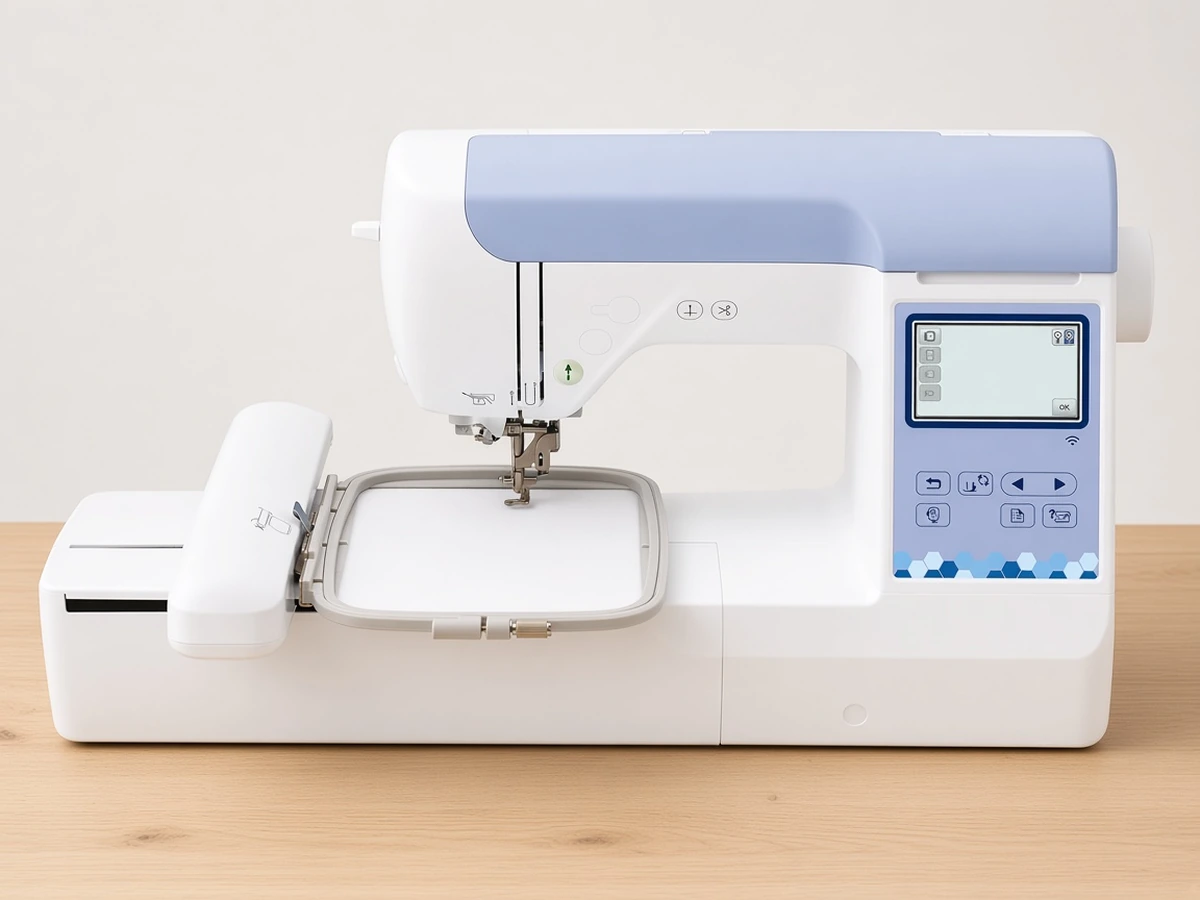
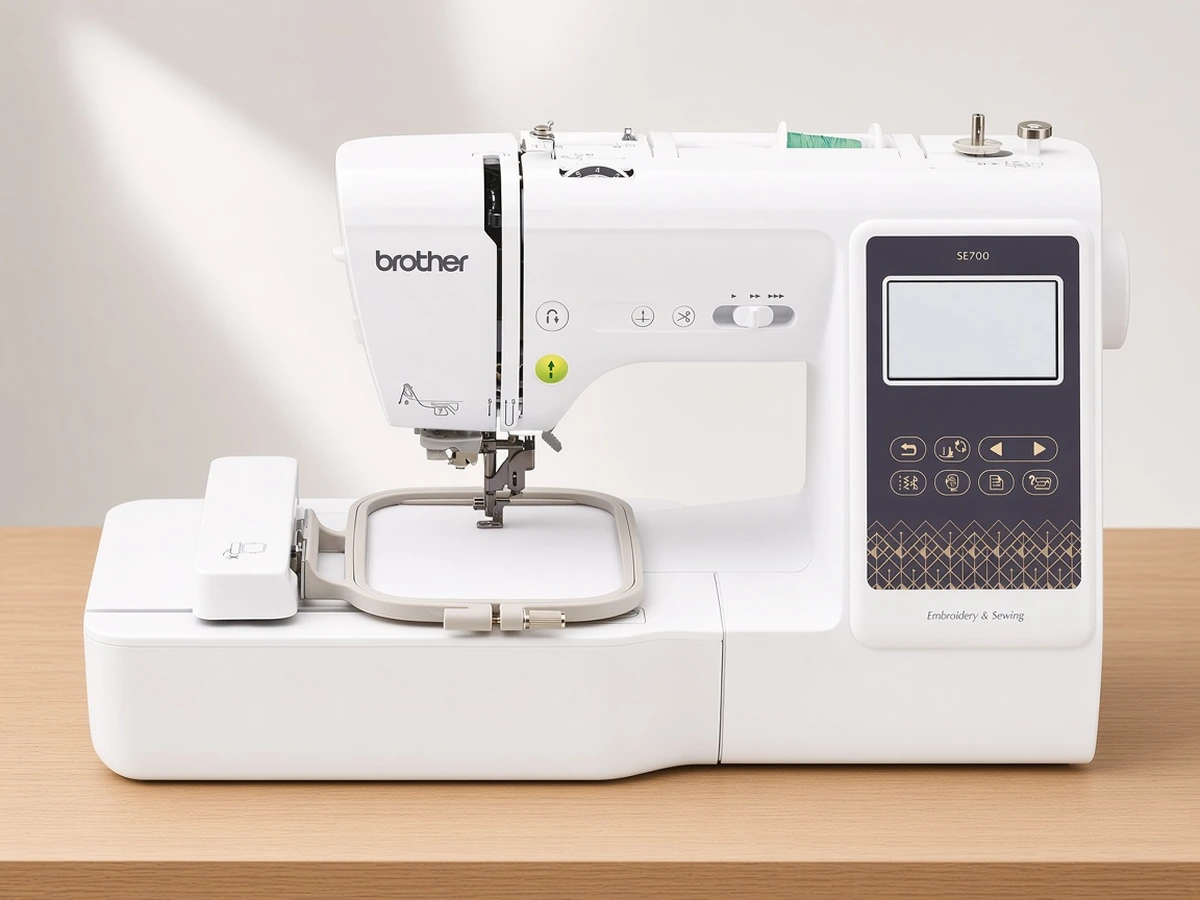
This guide covers what the PE545 does well, where it falls short, what to buy with it, and how it compares with the Brother PE900, SE700 and SE2000. Trimming leftover jump threads is covered in how to trim jump stitches.
Brother PE545 Key Features at a Glance
Embroidery area: 4" x 4" hoop, ideal for chest logos, pocket designs, monograms, onesies, hat-sized motifs on flat fabric and small patches.
Built-in designs and fonts: 135 built-in embroidery designs plus 10 built-in lettering fonts (7 English and 3 Japanese).
Display: Large 3.7-inch LCD color touchscreen for previewing, moving, resizing and rotating designs.
Connectivity: Built-in Wireless LAN, a USB port, and support for the Brother Artspira mobile app.
Machine type: Embroidery-only, so there are no sewing stitches to learn or presser feet to swap.
Who Is the Brother PE545 Best For?
The PE545 is a great match for:
Complete beginners who want a simple, dedicated embroidery machine with a clear touchscreen.
Gift makers and hobbyists who stitch monograms, names, small logos and seasonal designs.
Small Etsy sellers who sell personalized items such as baby bibs, towels, tote bags and pocket patches that fit in a 4" x 4" field.
Anyone who already owns a sewing machine and only needs the embroidery side.
Essential Starter Supplies for the Brother PE545
Like most home embroidery machines, the PE545 works best when you set up a few basic supplies before your first design:
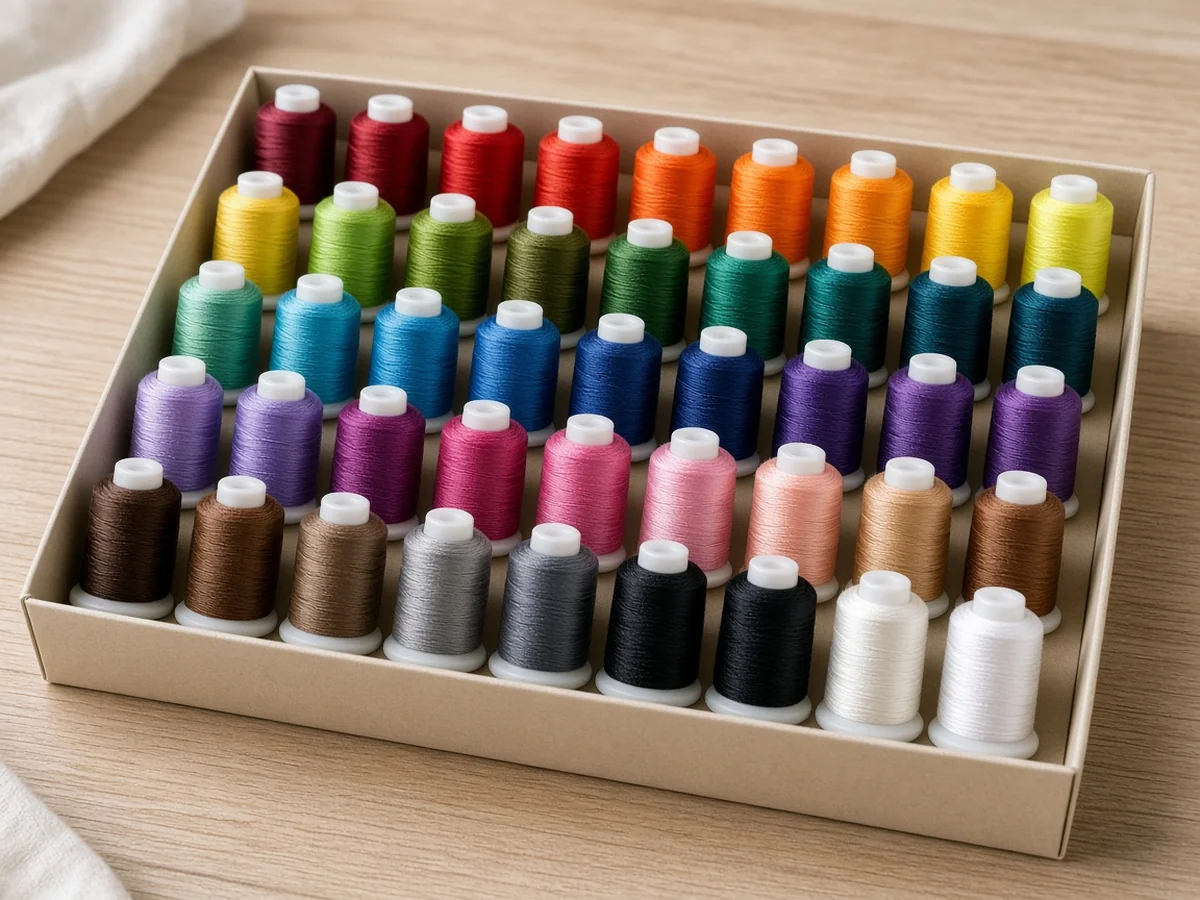
40wt Polyester Embroidery Thread: A multi-color starter set such as the New Brothread 40-Spool Polyester Embroidery Thread Starter Kit gives you a full palette of colors for your first projects. See best embroidery thread for beginners and the New Brothread 40-color thread kit product page.
Cut-Away Stabilizer: Stabilizer keeps designs from puckering. Brothread 2.5oz Pre-Cut 8" x 8" Cut-Away Stabilizer Sheets are sized to fit a 4" x 4" hoop with no cutting.
Class 15 Pre-Wound Bobbins: A 144-Pack of Class 15 (SA156) 60wt White Pre-Wound Embroidery Bobbins saves time and keeps your bottom tension consistent. A 25-pack of the same bobbin class is covered in how to use SA156 prewound bobbins.
Embroidery Needles: Keep a pack of Schmetz 75/11 Home Embroidery Needles ready, since a dull or bent needle is one of the most common causes of skipped stitches and shredded thread. What 75/11 versus 90/14 means, plus a separate Schmetz Gold 75/11 card, is in embroidery needle sizes: 75/11 vs 90/14.
Brother PE545 Pros and Cons
Pros
Wireless LAN and USB design transfer
Large 3.7-inch color touchscreen with on-screen editing
135 built-in designs and 10 fonts
Works with the Artspira app for creating and sending designs from your phone
Embroidery-only design keeps setup simple
Cons
The 4" x 4" hoop limits larger designs such as jacket backs or big sweatshirt graphics
No sewing functions, so you need a separate sewing machine for garment construction
How the PE545 compares with the PE900, SE700 and SE2000
Choosing between Brother's popular home embroidery machines mostly comes down to hoop size and whether you want sewing built in. For a closer look at the two embroidery-only models, see our Brother PE545 vs PE900 comparison.
Model | Type | Embroidery Area | Built-in Designs | Sewing Stitches | Best For |
|---|---|---|---|---|---|
Brother PE545 | Embroidery-only | 4" x 4" | 135 designs, 10 fonts | None | Simplest embroidery-only start |
Embroidery-only | 5" x 7" | 193 designs, 13 fonts | None | Bigger designs from day one | |
Sewing + embroidery | 4" x 4" | 135 designs, 10 fonts | 103 | One machine for both jobs | |
Sewing + embroidery | 5" x 7" | 193 designs, 13 fonts | 241 | Larger hoop plus full sewing stitches |
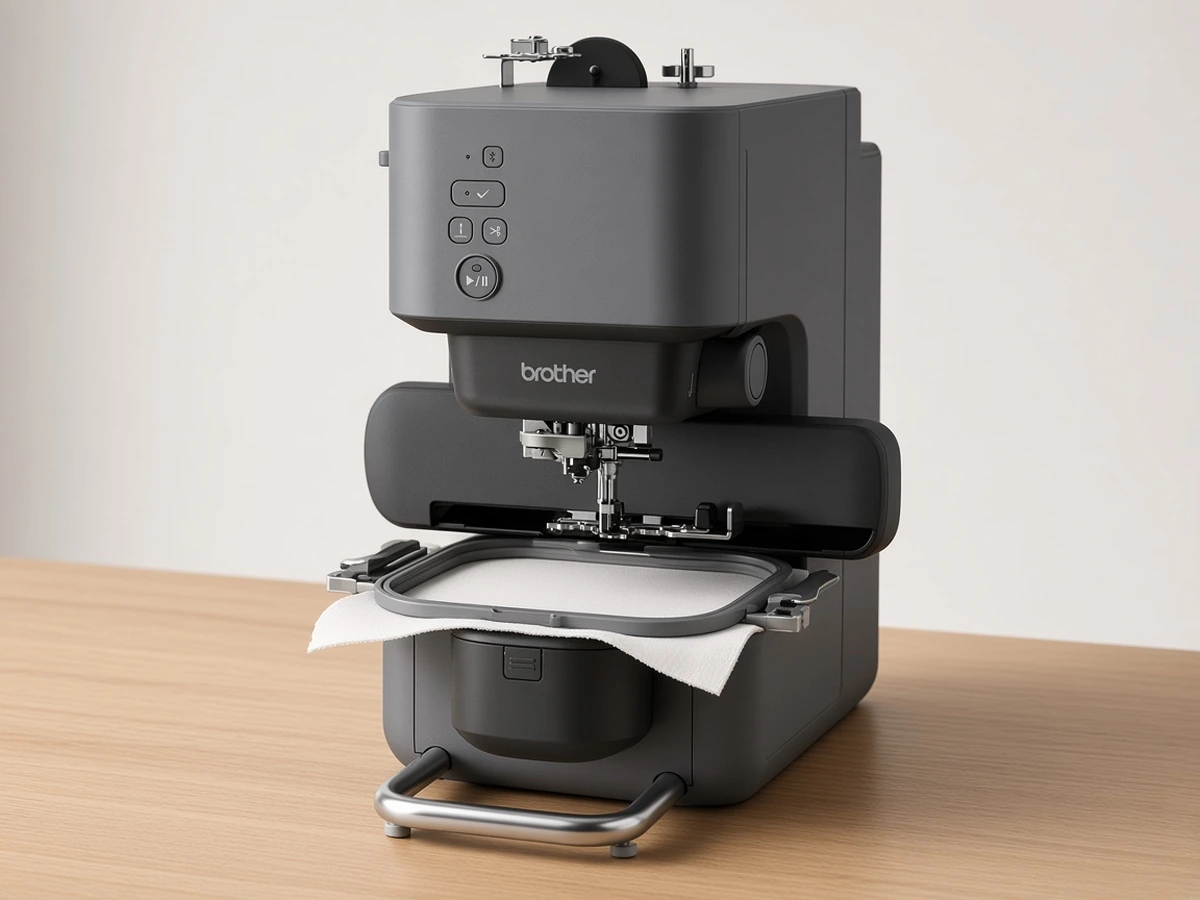
If you want an even smaller, app-driven option, the Brother Skitch PP1 (Amazon) is a compact single-needle machine that you control from the Artspira app over Bluetooth.
For an app-driven alternative with the same 4"x4" field, see our Skitch PP1 vs PE545 comparison.
How to Get Great Results on Your First Projects
Always use stabilizer: Hoop your fabric together with a sheet of cut-away stabilizer, especially on stretchy knits like t-shirts and baby clothes.
Keep the hoop taut but not stretched: Fabric should feel firm like a drum without distorting the weave.
Thread with the presser foot lever raised: This opens the tension discs so the thread seats properly and helps avoid bunching under the hoop.
Start with a built-in design: Test your thread, stabilizer and tension on one of the 135 built-in designs before stitching a customer order or gift.
Replace the needle regularly: A fresh embroidery needle after every few projects keeps stitches clean.
Brother PE545 FAQ
Is the Brother PE545 good for beginners?
Yes. It is embroidery-only, has a large color touchscreen and supports wireless transfer, which makes it one of the more approachable machines for first-time embroiderers.
What size is the Brother PE545 embroidery area?
The PE545 uses a 4" x 4" hoop, which suits small to medium designs such as logos, monograms, patches and pocket embroidery.
Can the Brother PE545 sew?
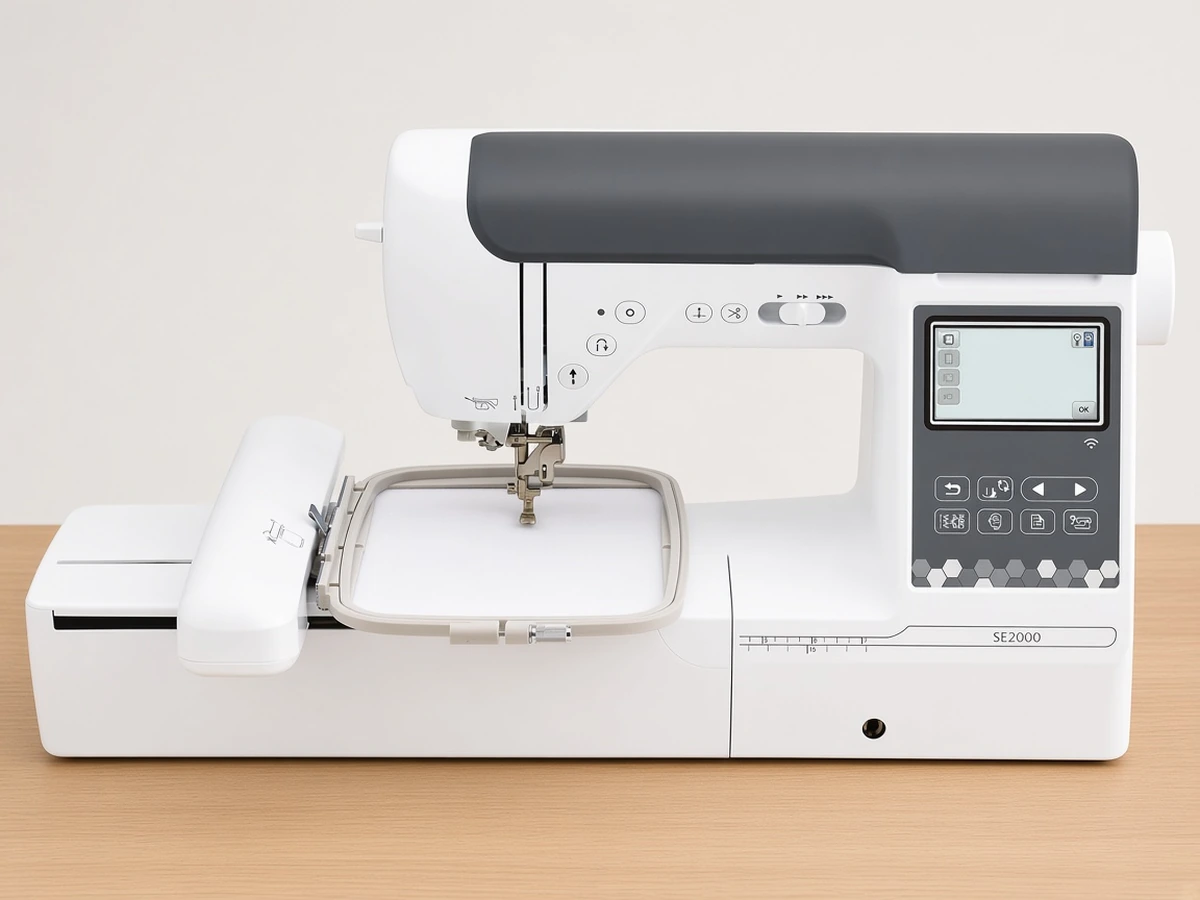
No. The PE545 is an embroidery-only machine. If you want sewing and embroidery in one machine, look at the Brother SE700 or SE2000.
Does the Brother PE545 have Wi-Fi?
It has built-in Wireless LAN, a USB port and support for the Brother Artspira mobile app, so you can send designs without a cable.
What thread should I use with the Brother PE545?
Use 40wt polyester embroidery thread on top and 60wt pre-wound Class 15 bobbins underneath for smooth, even stitching.
Final Verdict: Is the Brother PE545 Worth Buying?
The Brother PE545 is a smart choice if you want a simple, wireless, embroidery-only machine for small and medium projects at an approachable price. If you already know you need a bigger hoop, the Brother PE900 is the step up, and if you also need to sew, the Brother SE700 is a better fit. To weigh it against other first machines, see our guide to the best embroidery machines for beginners.