
Brother PE545 vs PE900: Which Should You Buy?
Published 11/3/2026 · Updated 11/15/2026
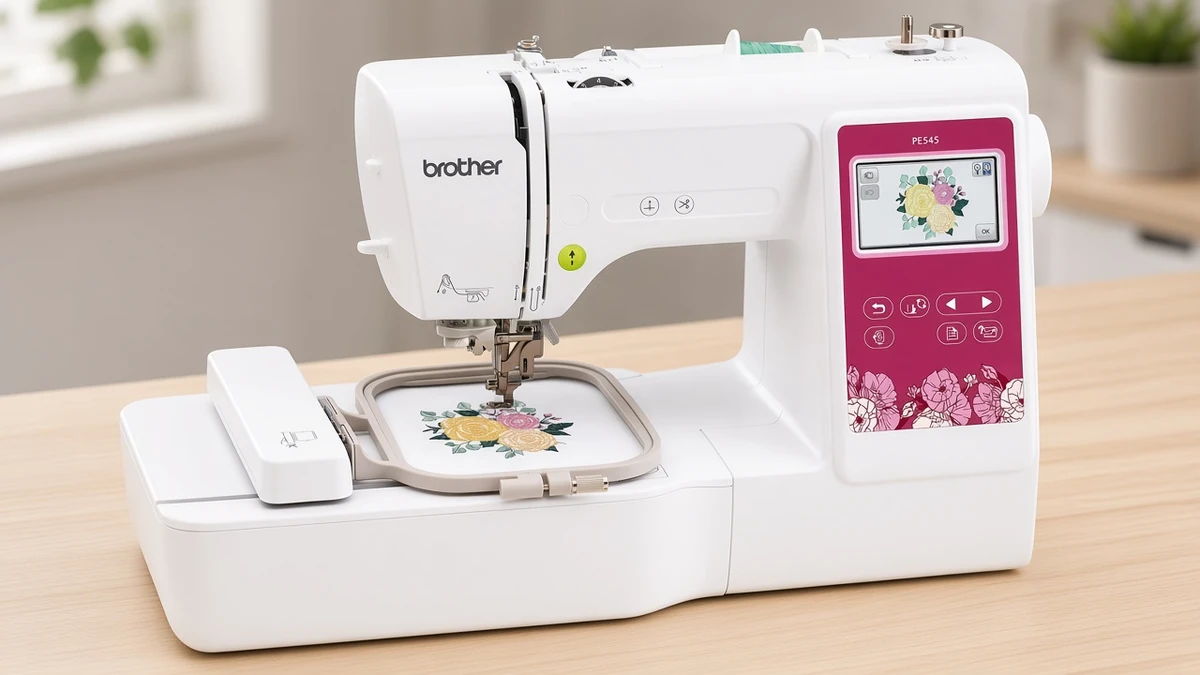
Both are embroidery-only Brother machines with touchscreens and wireless transfer. The real choice comes down to design size, two time-saving extras and desk space.
Products mentioned in this guide
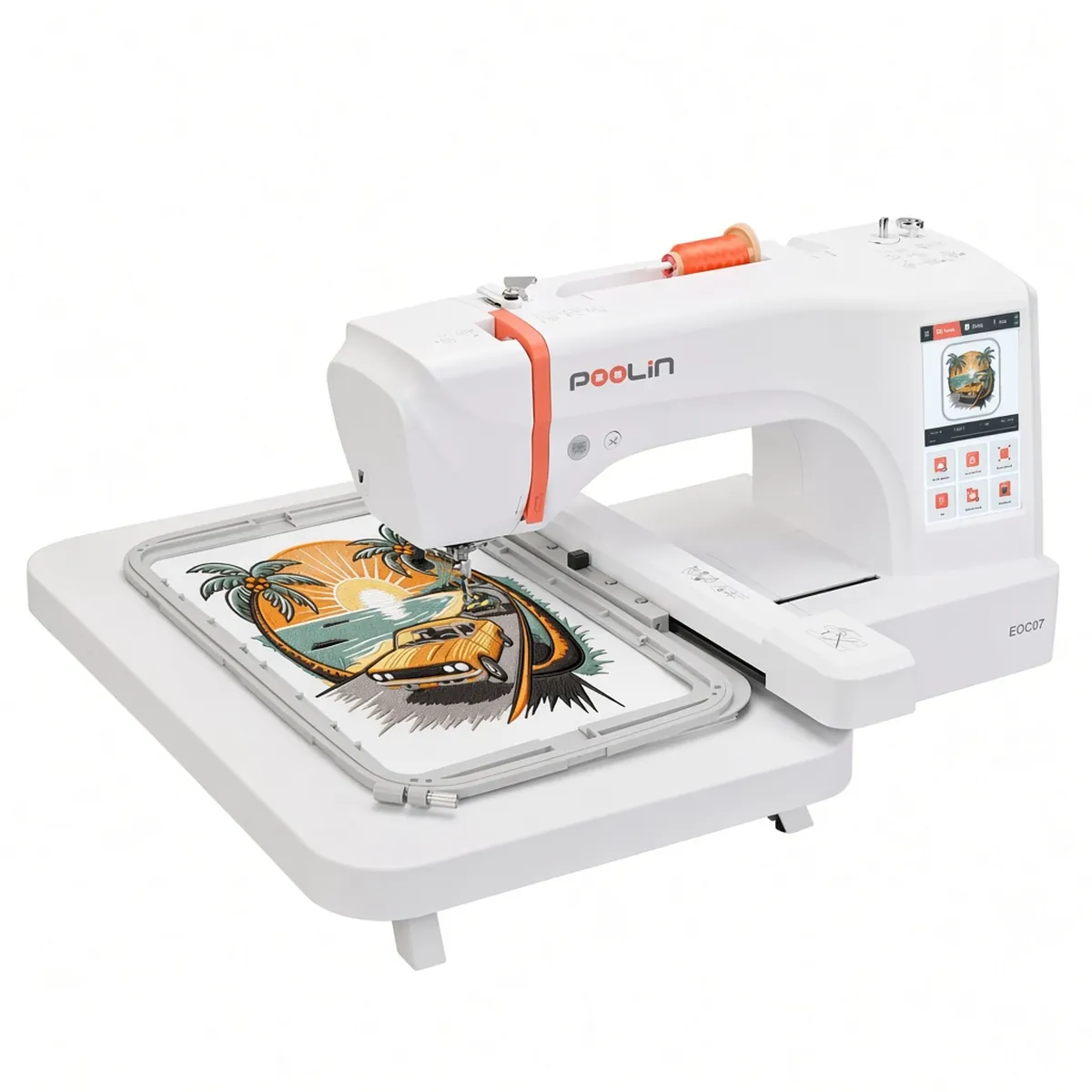
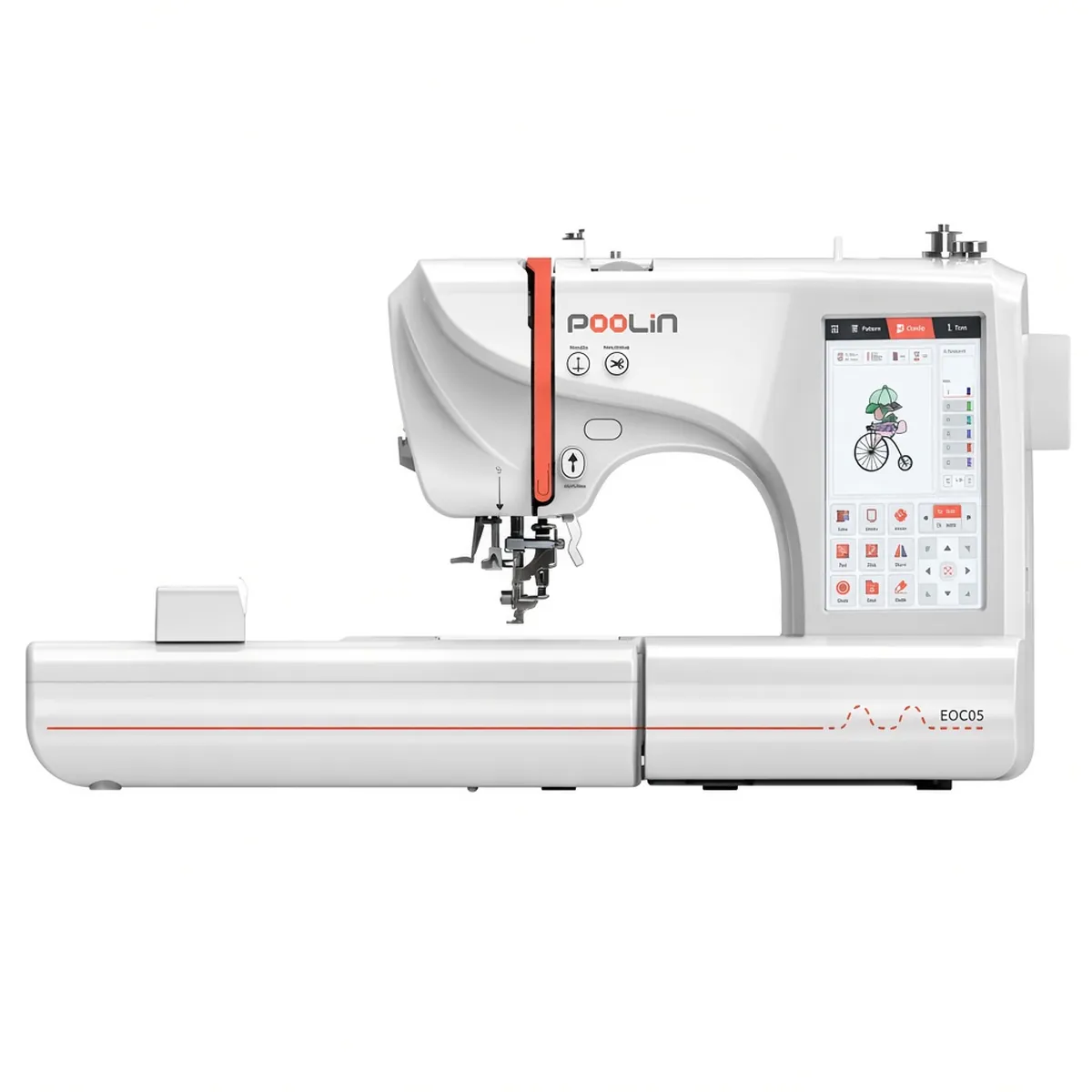
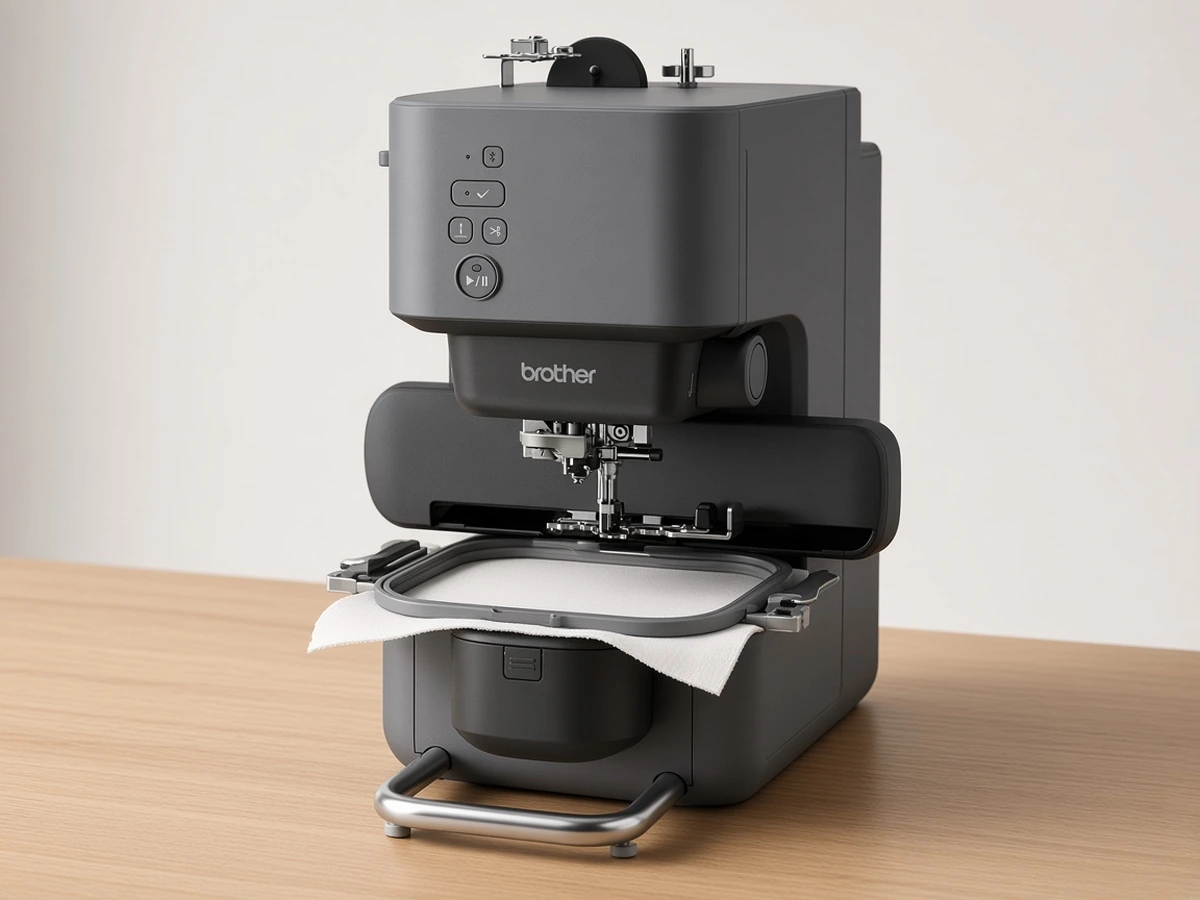
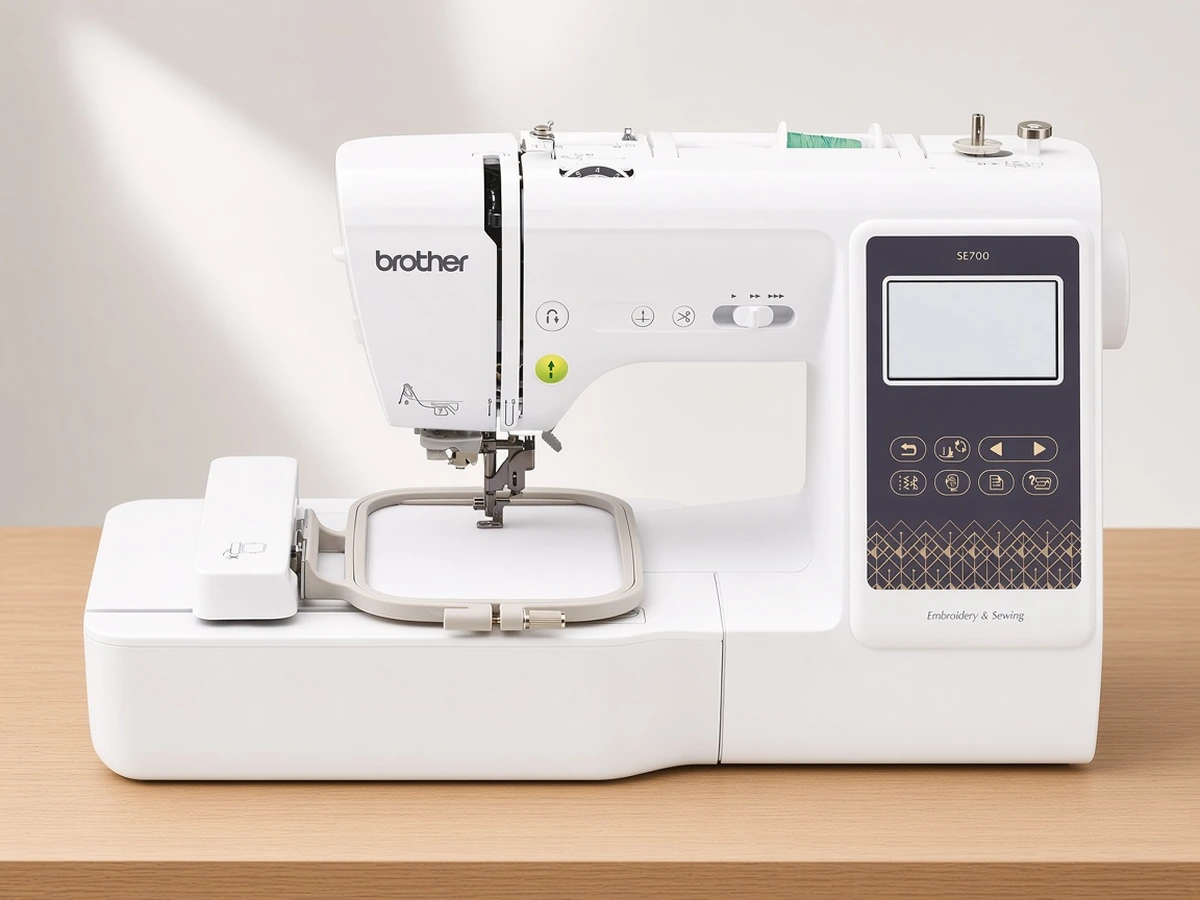
Embroidery Machine Comparisons
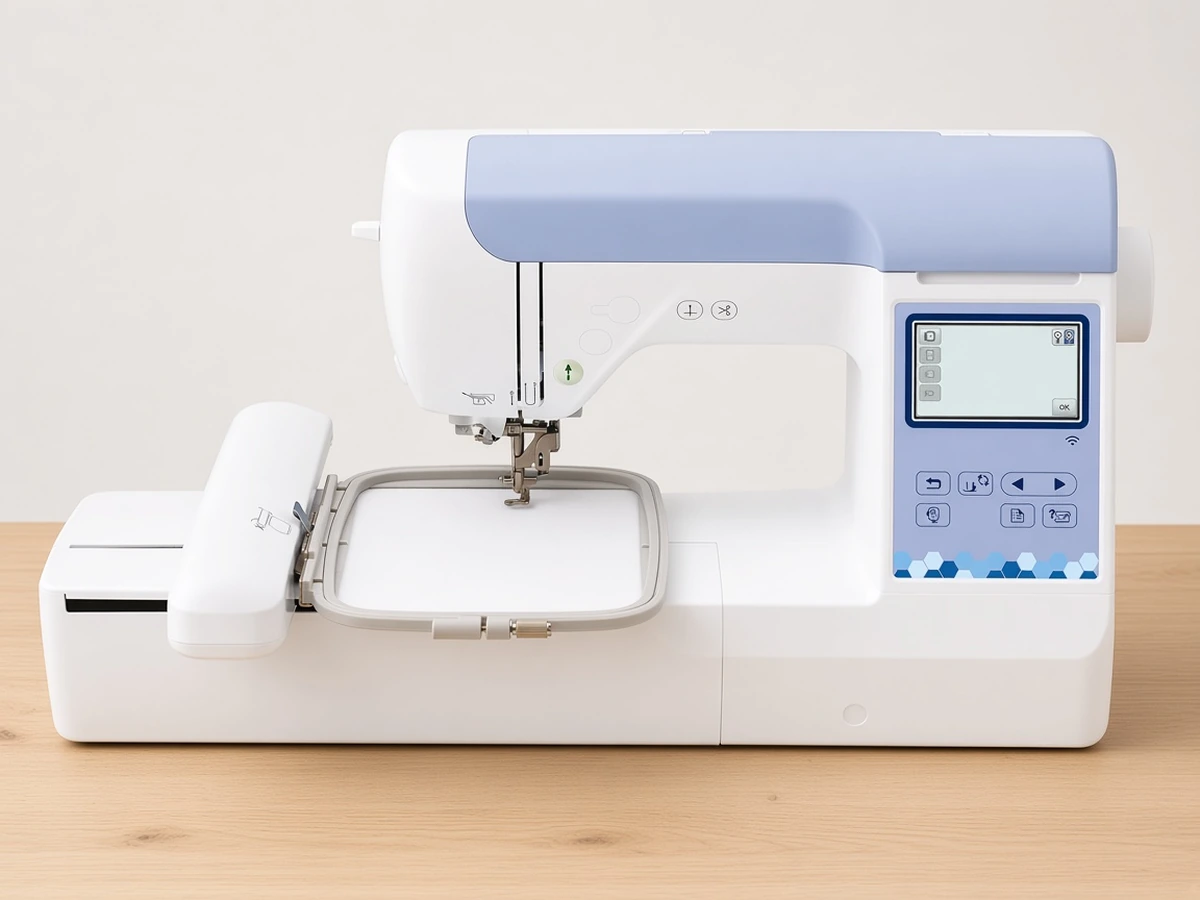
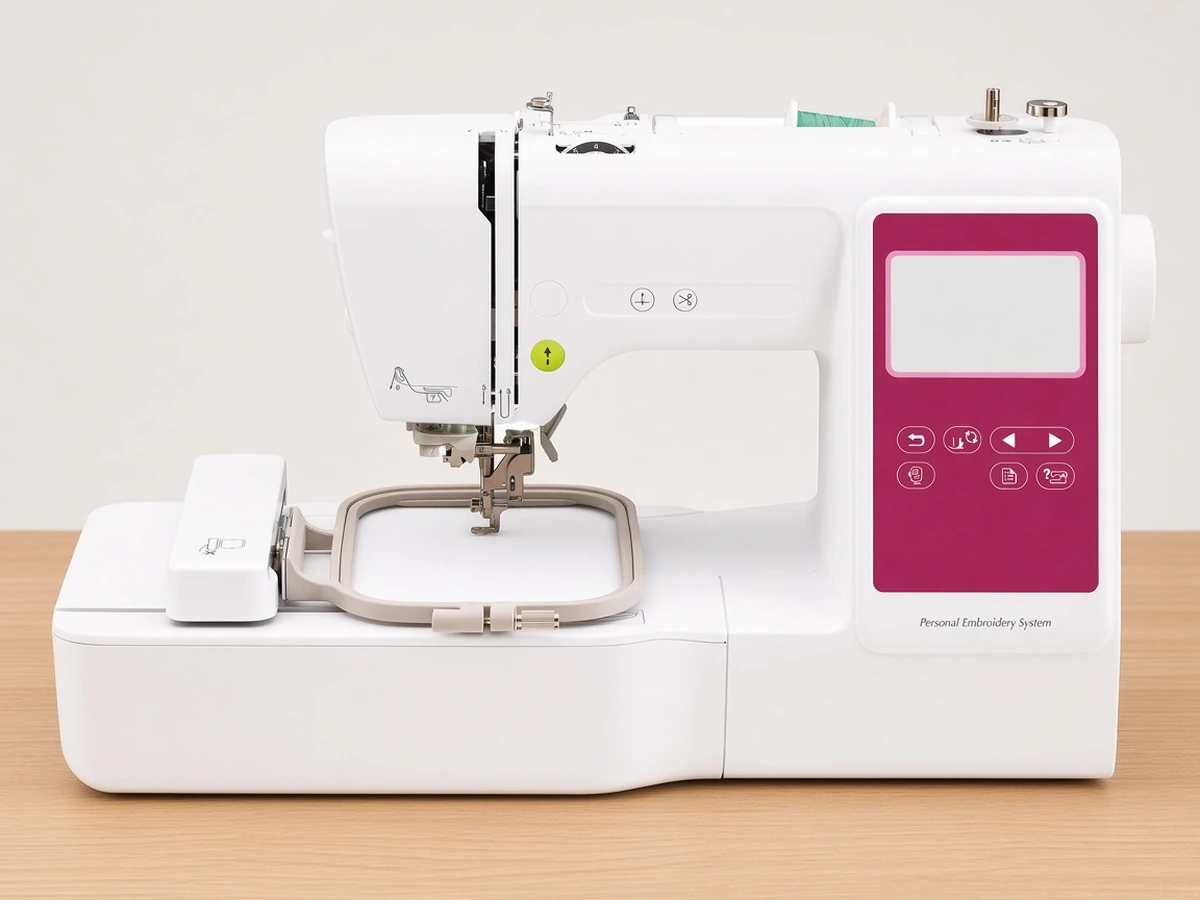
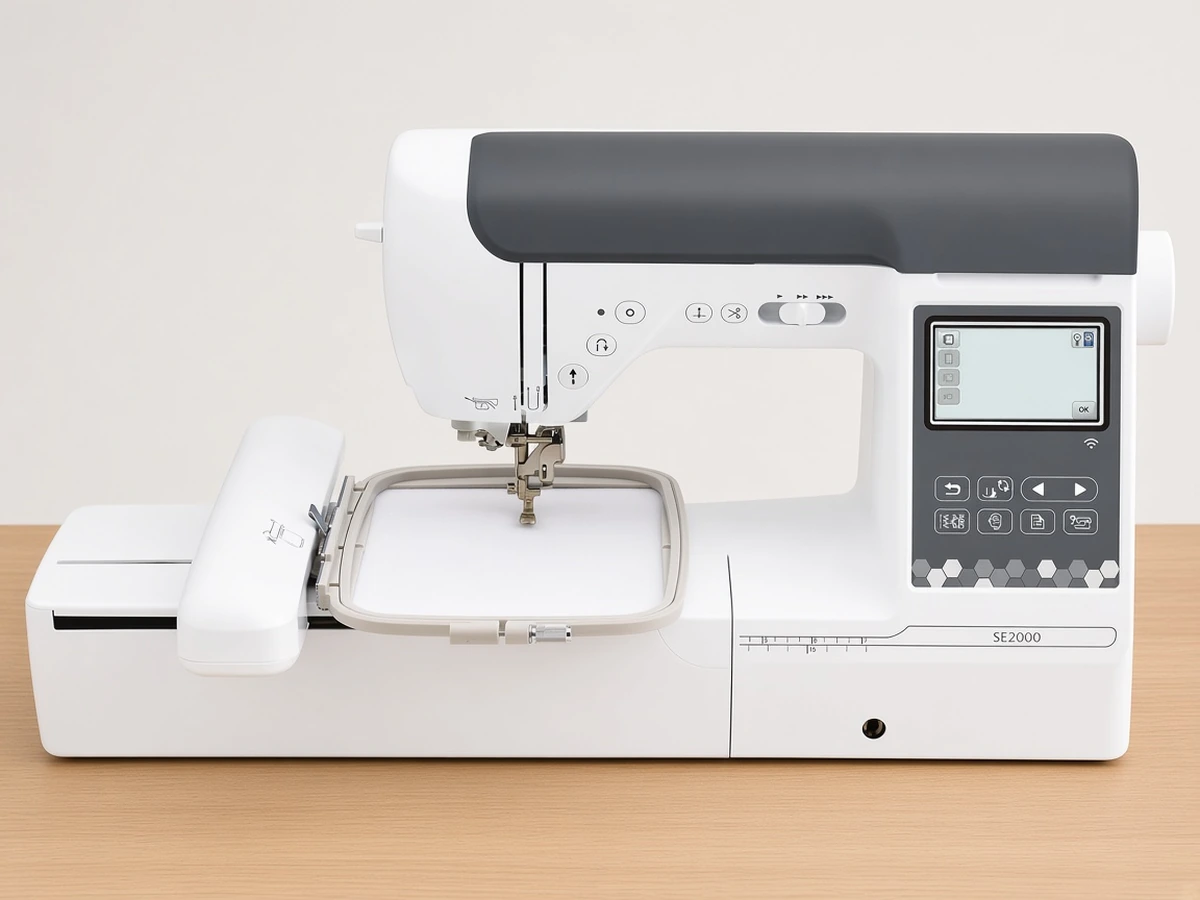
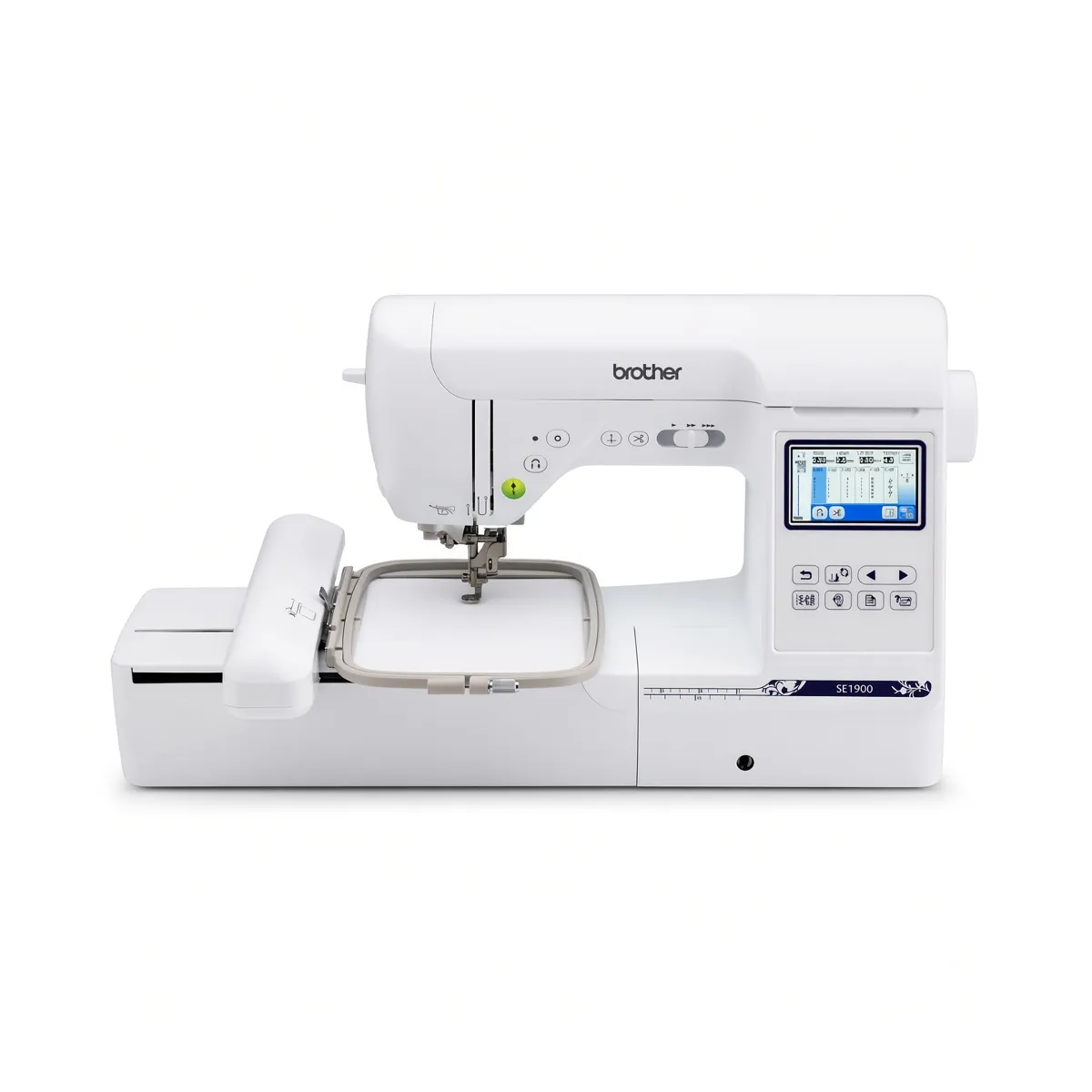
Choose the Brother PE900 (Amazon) if you want designs larger than 4"x4" or expect to stitch a lot of multicolor work; its 5"x7" field, color sort and jump stitch trimming are the upgrades that matter. Choose the Brother PE545 (Amazon) if your projects will stay small, such as monograms, patches and children's clothing, and you would rather have a lighter machine.
Side-by-side specs
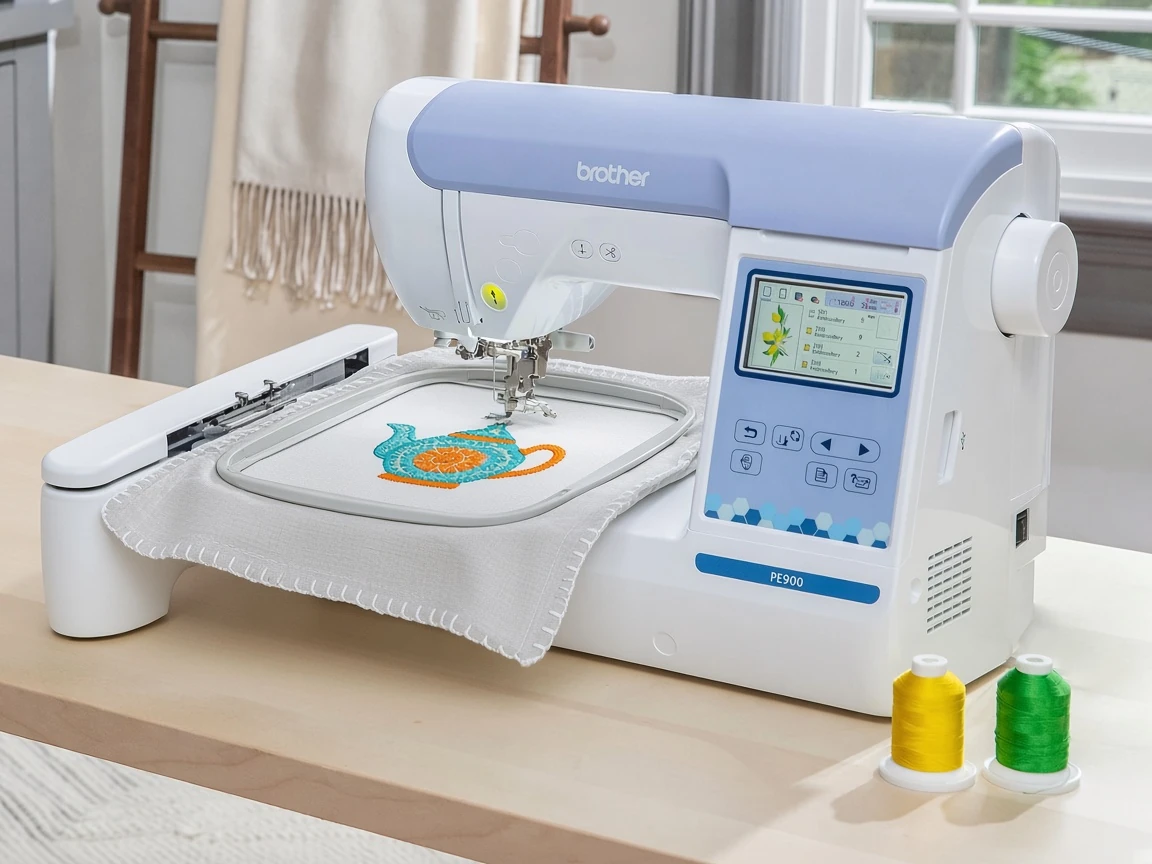
Both machines are embroidery-only Brother models with a 3.7" LCD touchscreen, wireless networking, a USB port and support for the Artspira mobile app. The differences sit in field size, design library, fonts, a pair of workflow features and weight.
Machine | Embroidery field | Built-in designs | Built-in fonts | Weight | Extra listed features |
|---|---|---|---|---|---|
4"x4" | 135 | 10 (7 English, 3 Japanese) | 14.1 lb | Hoop included | |
5"x7" | 193 | 13 (9 English, 3 Japanese, 1 Cyrillic) | 17.6 lb | Color sort, jump stitch trimming, 50 free designs through Artspira |
Embroidery field: the deciding difference
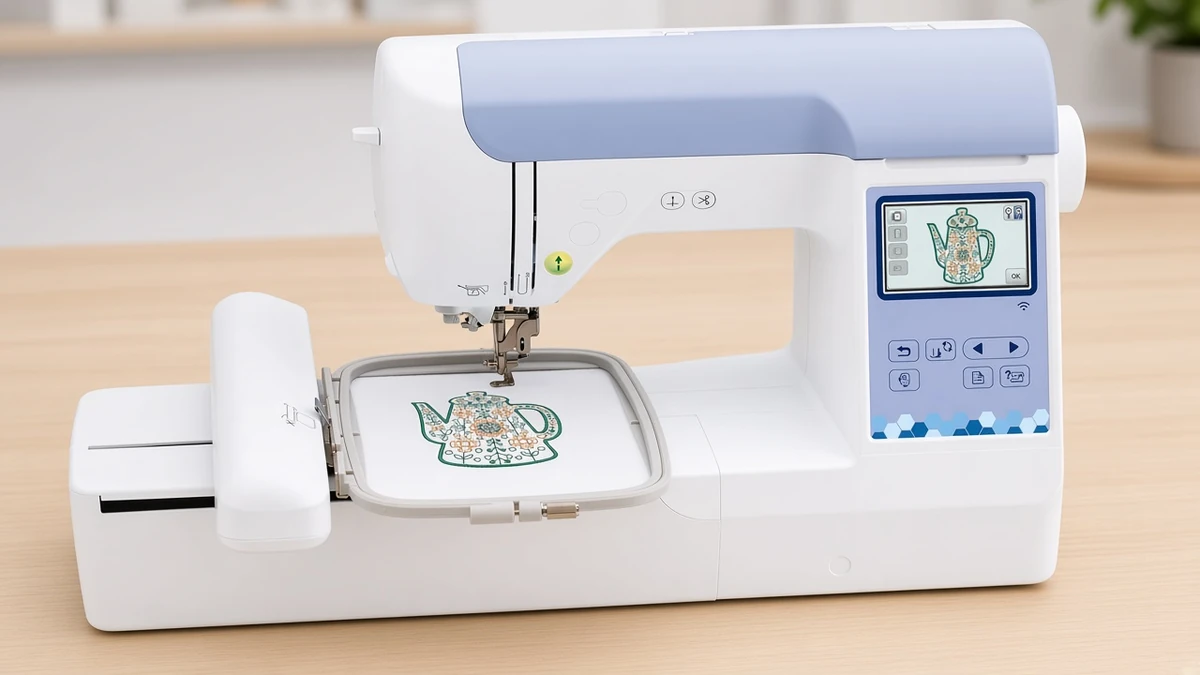
The field sets the largest design either machine can stitch in a single hooping, so it should drive the decision more than anything else. A 4"x4" area covers left-chest logos, monograms, small appliqué shapes, patches and towel corners. It starts to feel tight on pillow covers, tote fronts, quilt blocks with a central motif and anything that needs a long line of lettering.
The 5"x7" field on the Brother PE900 offers more than double the stitching area of a 4"x4" field, and it still handles small work, so choosing the bigger field costs nothing at the small end. The reverse does not hold: a design sized for 5"x7" will not fit the Brother PE545 field in one hooping.
Designs, fonts and the app
The Brother PE545 ships with 135 built-in designs and 10 fonts, 7 English and 3 Japanese. The Brother PE900 raises that to 193 designs and 13 fonts, adding English options and a Cyrillic font. If you plan to personalize gifts or sell named items, the wider font choice is a practical gain rather than a spec-sheet extra.
Both connect to the Artspira mobile app, which sends designs wirelessly instead of shuttling a USB stick between computer and machine. The listing for the Brother PE900 mentions 50 free designs through the app. Both machines keep a USB port, which helps if you buy files from independent digitizers and prefer to load them from a computer.
Workflow features for multicolor designs
Color sort and jump stitch trimming are listed for the Brother PE900. They are not glamorous, but they change how a multicolor project feels from start to finish. The Brother PE545 listing does not call out either feature, so check its manual before assuming it has them.
Color sort
When you combine several designs or add lettering to a motif, the same thread color can appear at several points in the stitching order. Color sort regroups those sections so you change thread fewer times, which cuts down on stop-and-start work on a busy design.
Jump stitch trimming
Jump stitches are the threads left behind as the needle travels from one section of a design to the next. Trimming them automatically means less clipping by hand after the hoop comes off, and a tidier reverse on items like towels where the back shows.
Size, weight and setup
The Brother PE545 weighs 14.1 lb and the Brother PE900 weighs 17.6 lb, according to Brother. Neither is heavy by sewing-room standards, but the gap shows if you keep the machine in a cupboard and set it up on the kitchen table for each session. A larger hoop also generally needs more clear space around the machine while the embroidery arm moves.
For first-time setup on the larger machine, our beginner setup walkthrough for the 5x7 model covers threading, hooping and the first stitch-out in order.
Who should buy which
Pick the 4x4 model if
You mainly want monograms, patches, small logos and baby items.
You need a lighter machine that is easy to move and store.
You want to learn embroidery basics before committing to a larger format.
Pick the 5x7 model if
You want pillow fronts, tote panels, longer lettering or quilt block designs.
You often combine designs or add text, where color sort saves thread changes.
You would rather buy once than upgrade after a year.
Our in-depth review of the 4x4 machine and full review of the 5x7 machine go deeper on each one.
FAQ
Can the smaller machine stitch designs made for a 5x7 hoop? Not in one hooping. Designs have to fit within the 4"x4" field, so larger files must be resized, which can affect how they stitch out, or split into sections and hooped more than once.
Do both machines need the app? No. Both have a touchscreen and a USB port, so Artspira is a convenience for wireless transfer rather than a requirement.
Which bobbins do they use? Brother embroidery machines like these commonly take Class 15 (SA156) bobbins. Confirm the exact type in your manual before ordering a bulk pack.
Is the larger machine harder for a beginner? Not in any meaningful way. Screen size and connectivity are the same, and the bigger field simply gives you more room. The main extra skill is hooping larger pieces of fabric straight and taut.
Verdict
For buyers still undecided, the Brother PE900 is the safer long-term choice because the field limits what you can make, and its 5"x7" area covers the projects many beginners grow into. The Brother PE545 remains a sensible pick if your work will stay small or if weight and storage matter more than design size. To see both alongside combo and app-driven options, read our beginner embroidery machine shortlist.
If even 5"x7" feels small, our Janome C400E vs Brother PE900 comparison looks at a 7.9"x7.9" option.