Brother Skitch PP1 vs PE545: App-Only or Touchscreen 4x4 Embroidery?
Published 11/5/2026 · Updated 11/15/2026
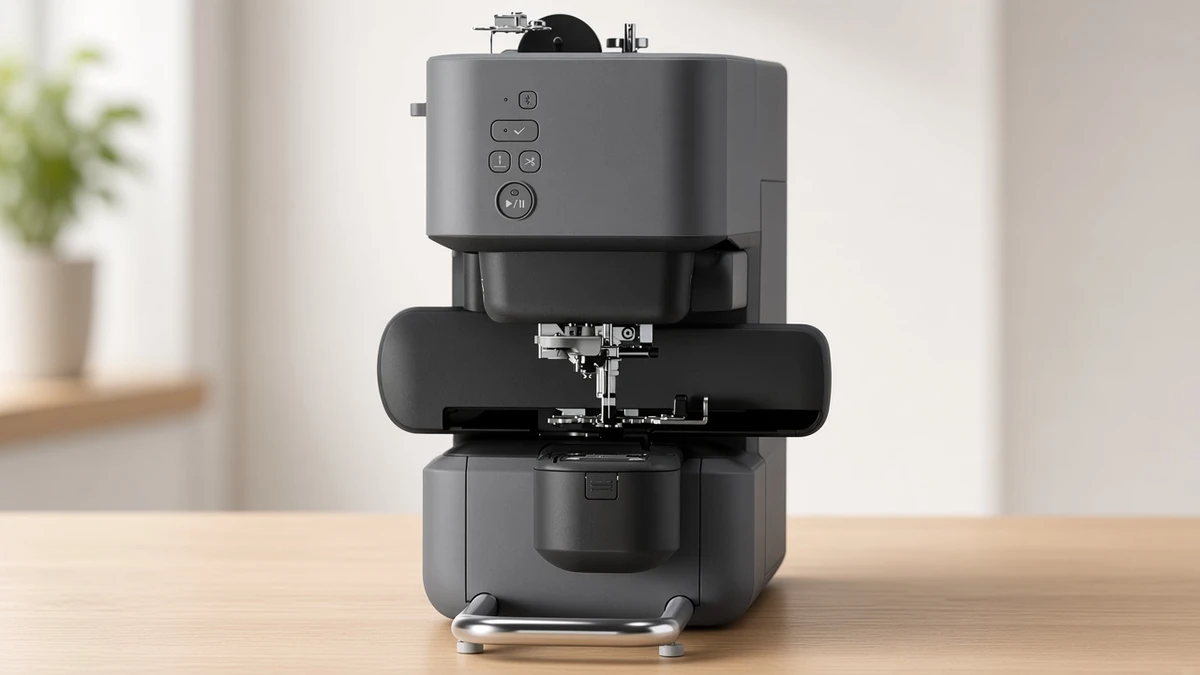
Two 4x4 Brother embroidery machines with very different workflows. We compare the app-only Skitch with the touchscreen PE545 to help you pick the right one.
Products mentioned in this guide
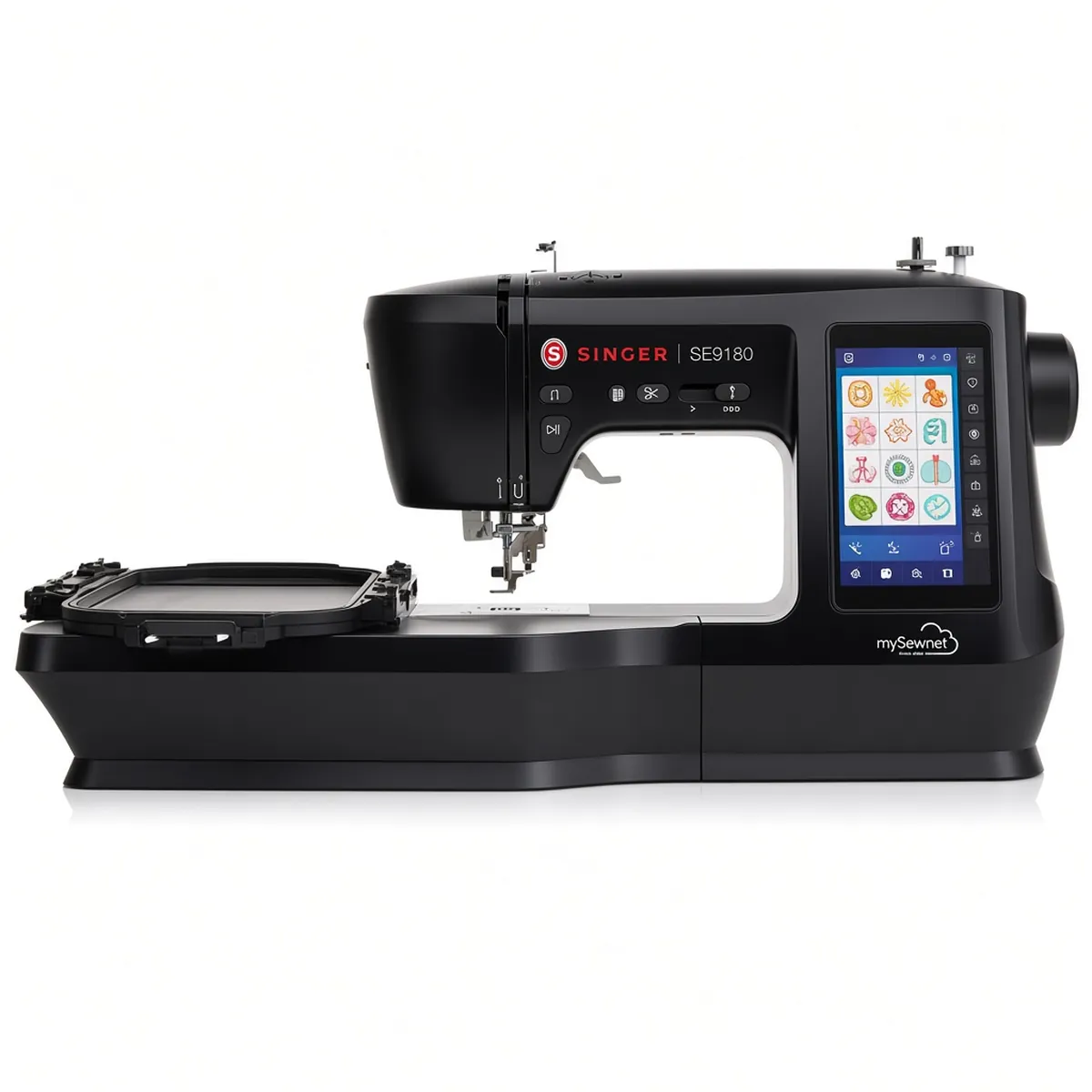
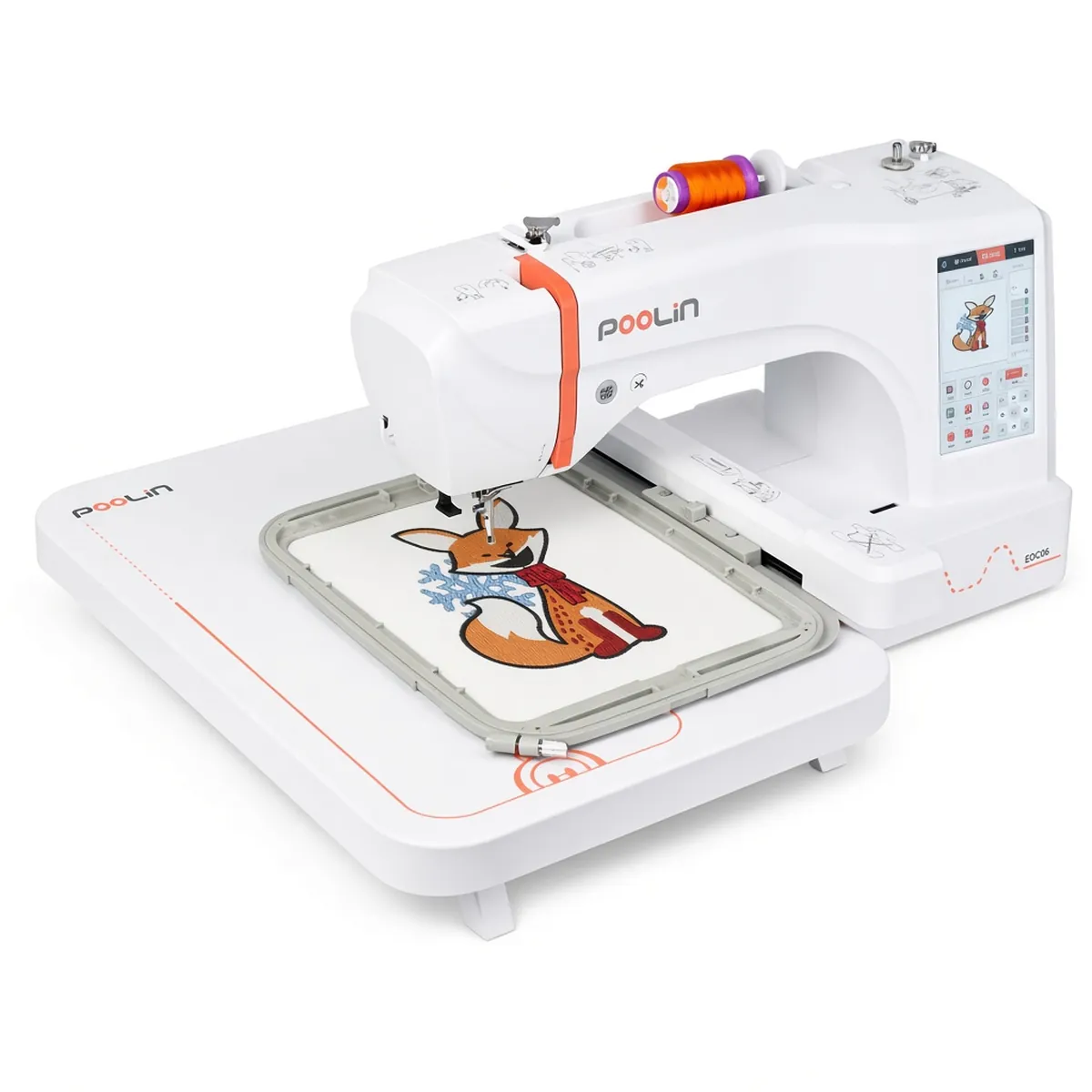
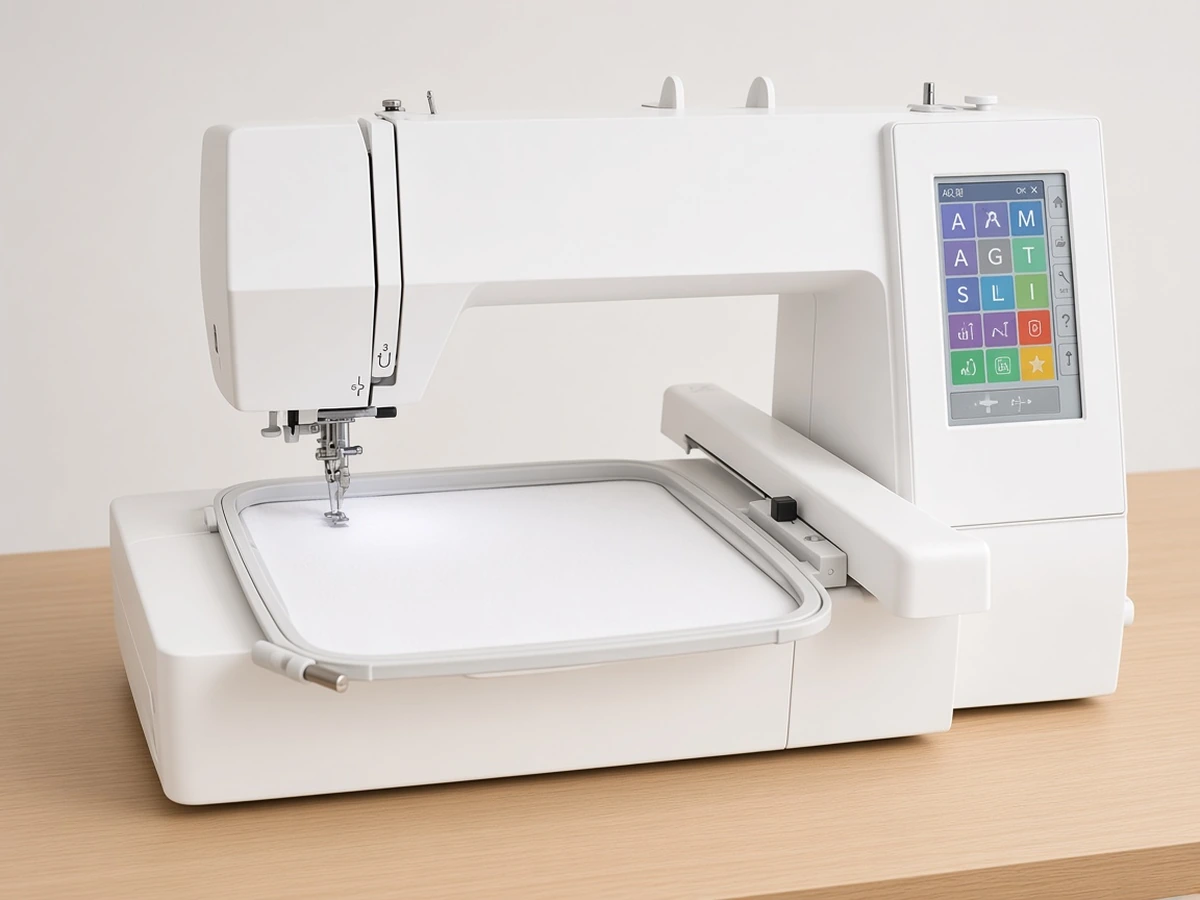
Embroidery Machine Comparisons
Choose the Brother PE545 (Amazon) if you want a self-contained 4"x4" embroidery machine with its own touchscreen, built-in designs and a USB port. Choose the Brother Skitch PP1 (Amazon) if you would rather run everything from a phone or tablet and like the idea of drawing your own designs in the Artspira app.
Side-by-side specs
Both are single-purpose Brother embroidery machines with a 4"x4" maximum field. Neither one sews seams. The real difference is how you control them: one has its own screen, while the other works only through an app.
Machine | Embroidery field | How you control it | Connectivity | Built-in designs and fonts | Weight |
|---|---|---|---|---|---|
4"x4" | Artspira app (required) | Bluetooth | Not listed as built-in; imports PES, PHC, PHX and DST files | 16.6 lb item weight on the Amazon listing | |
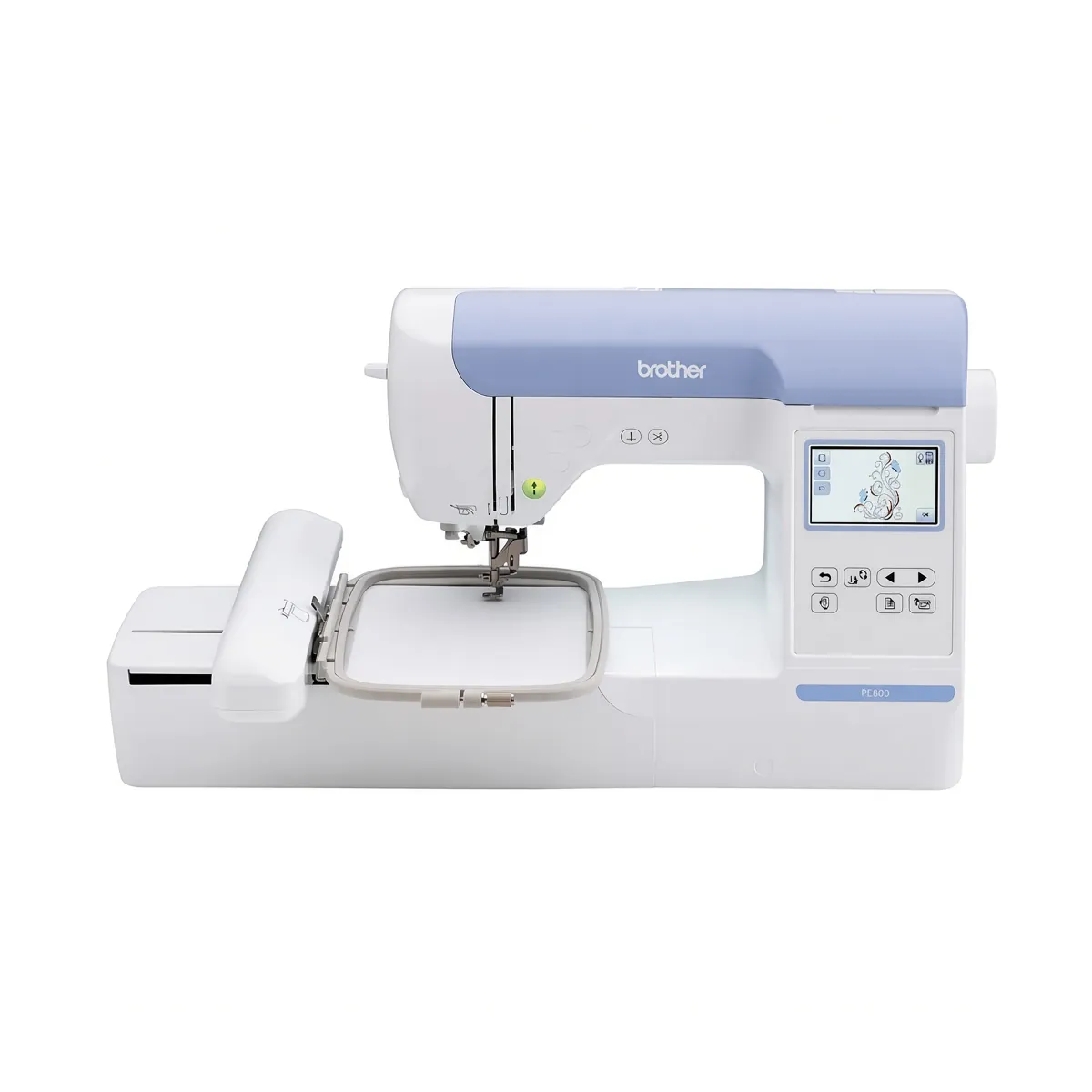
4"x4" | 3.7" LCD touchscreen on the machine | Wireless LAN, USB port, Artspira app support | 135 designs, 10 fonts (7 English, 3 Japanese) | 14.1 lb (Brother) |
Same field, different way of working
Because both stitch within 4"x4", design size does not separate them. Monograms, patches, left-chest logos and towel corners fit either one. If you already know you will want pillow fronts or longer lettering, neither is the right pick; our comparison of the 4x4 and 5x7 Brother machines explains what the bigger field adds.
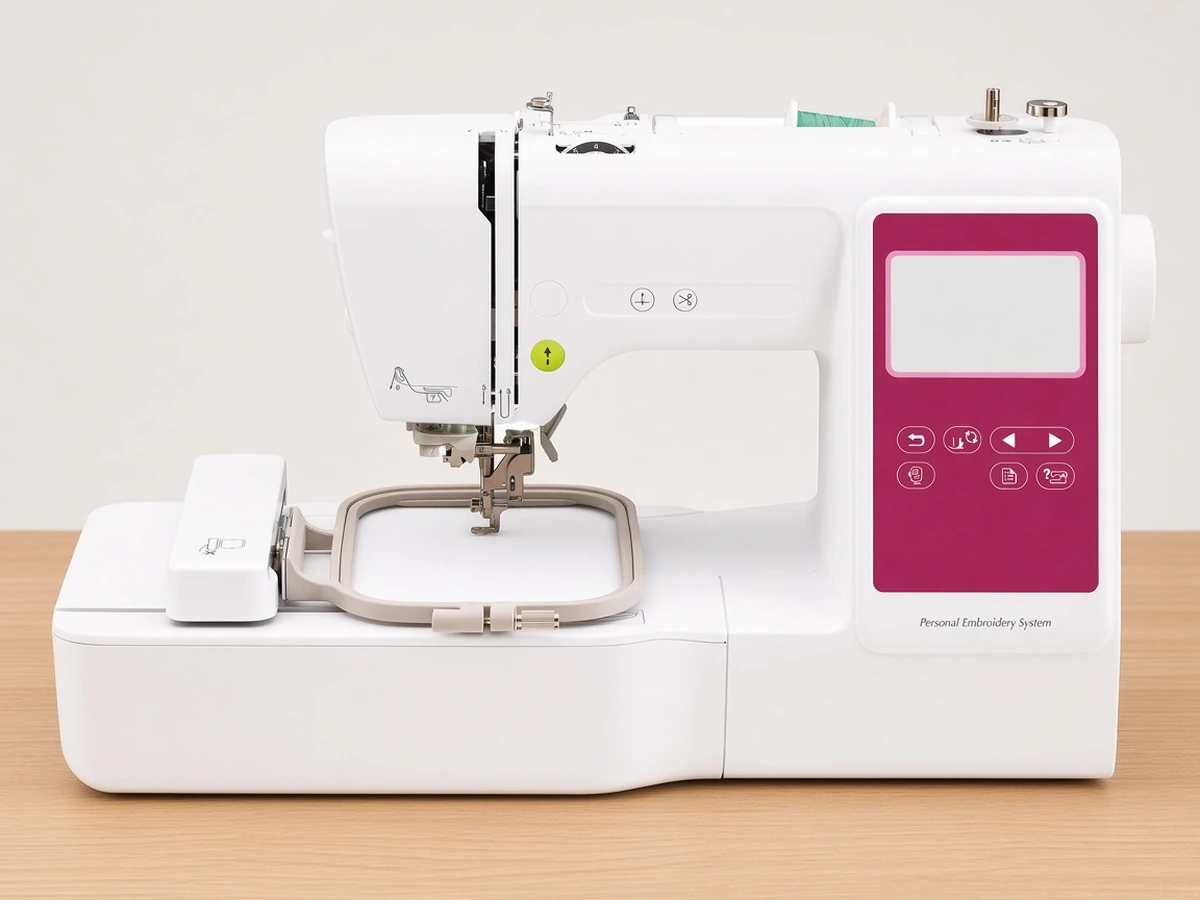
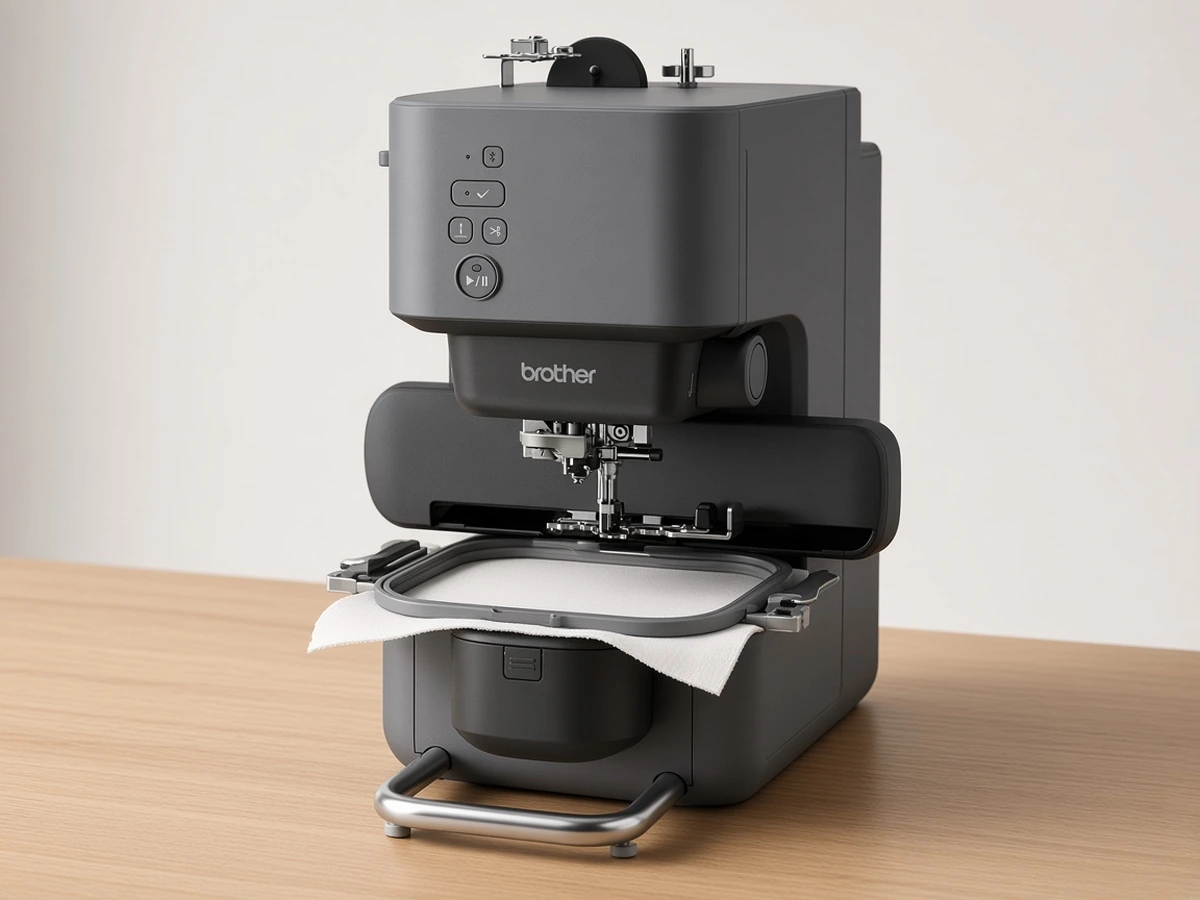
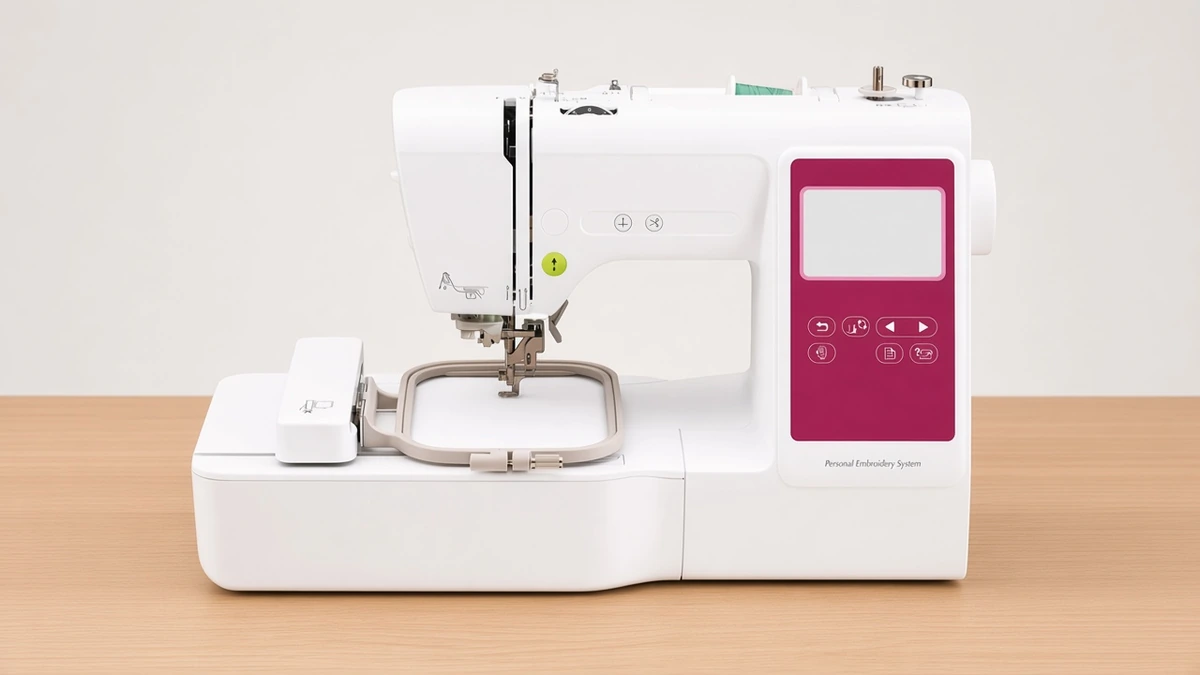
The Brother PE545 works like a traditional home embroidery machine. You can pick a built-in design or font on its screen, position it and start stitching without a phone in reach. The Brother Skitch PP1 is the opposite: its listing says the free Artspira app is required, and you send designs to the machine over Bluetooth.
Designs and file import
The Brother PE545 ships with 135 built-in designs and 10 fonts, and its USB port lets you load files from a computer. Wireless LAN and Artspira support are there if you prefer to send designs from your phone.
The Brother Skitch PP1 relies on the app for its design library. According to its listing, users of the free version of Artspira can import PES, PHC, PHX and DST files and store up to 20 designs at a time in the app, swapping them in and out as needed. The app also lets you draw your own artwork, which is the main attraction for many buyers. If you plan to keep a large personal design library, check what a paid Artspira plan adds before buying.
Speed, footprint and weight
The Brother Skitch PP1 listing quotes stitching speeds up to 400 spm and describes a small footprint suited to a makeshift craft room. Its Amazon listing gives an item weight of 16.6 lb, while Brother lists the Brother PE545 at 14.1 lb. The two figures come from different sources, so treat them as a rough guide rather than an exact comparison. The listing details used here do not give a stitching speed for the Brother PE545.
Owner feedback
At the time of checking, owner ratings on the Brother Skitch PP1 listing were mixed. Be honest with yourself about whether an app-first workflow suits you. The Brother PE545 has a conventional screen, which removes that question. Read recent owner reviews of both before you commit.
Who should buy which
If this describes you | Better fit |
|---|---|
You want built-in designs and fonts ready on the machine itself | |
You want to load files from a computer by USB | |
You do everything on your phone or tablet and want to draw your own designs | |
You are short on space and happy for the app to be required | |
You expect to outgrow 4"x4" quickly | Neither; see the 5x7 machine review |
Our in-depth review of the 4x4 Brother covers that machine in more detail, and our beginner embroidery machine shortlist puts both next to combo options.
FAQ
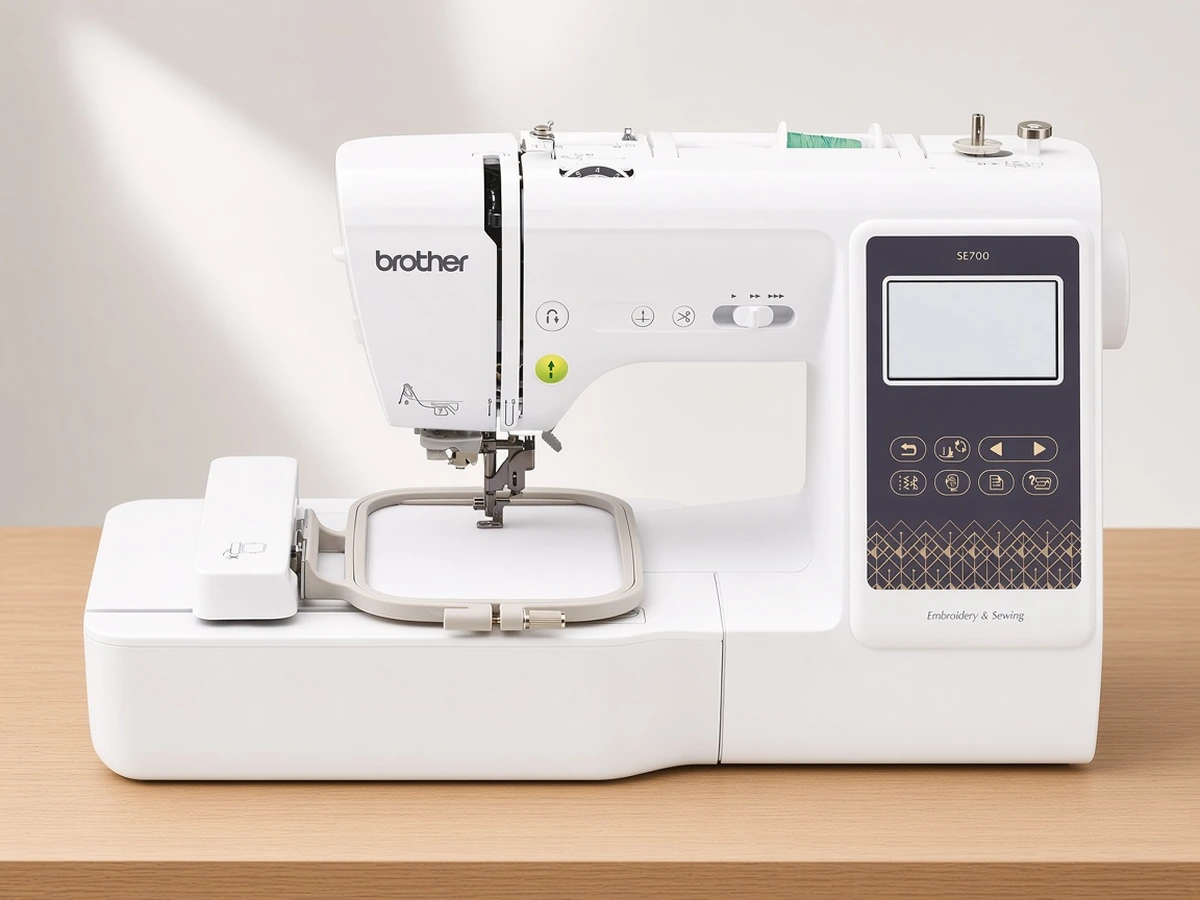
Can either machine sew regular seams? No. Both are embroidery-only machines. If you want one machine for sewing and embroidery, look at a combo such as the Brother SE700 (Amazon).
Do I need a phone for the app-driven machine? Yes. Its listing describes the Artspira app as required, so you will need a compatible phone or tablet.
Can I use designs I buy online? Both can work with purchased files. The app-driven machine's listing names PES, PHC, PHX and DST import through Artspira, and the touchscreen model has a USB port. Check that your files are in a supported format before buying.
Which is easier for a complete beginner? It depends on how you like to work. A built-in screen and designs make the touchscreen model easier to start with offline, while app-confident users may find drawing and sending designs from a phone just as simple.
Verdict
For most first-time embroiderers, the Brother PE545 is the safer choice: it has its own touchscreen, a built-in design and font library, and USB as well as wireless transfer, so it never depends on a single app. The Brother Skitch PP1 makes sense for buyers who specifically want an app-first, draw-your-own workflow in a small machine and are comfortable with mixed owner feedback. For more options, read our guide to choosing an embroidery machine.