Best Embroidery Machines for Beginners
Published 11/3/2026 · Updated 11/15/2026
A shortlist of five starter machines sorted by hoop size, sewing ability and how designs get loaded, so you can match one to the work you have in mind.
Products mentioned in this guide
Embroidery Machine Buying Guides
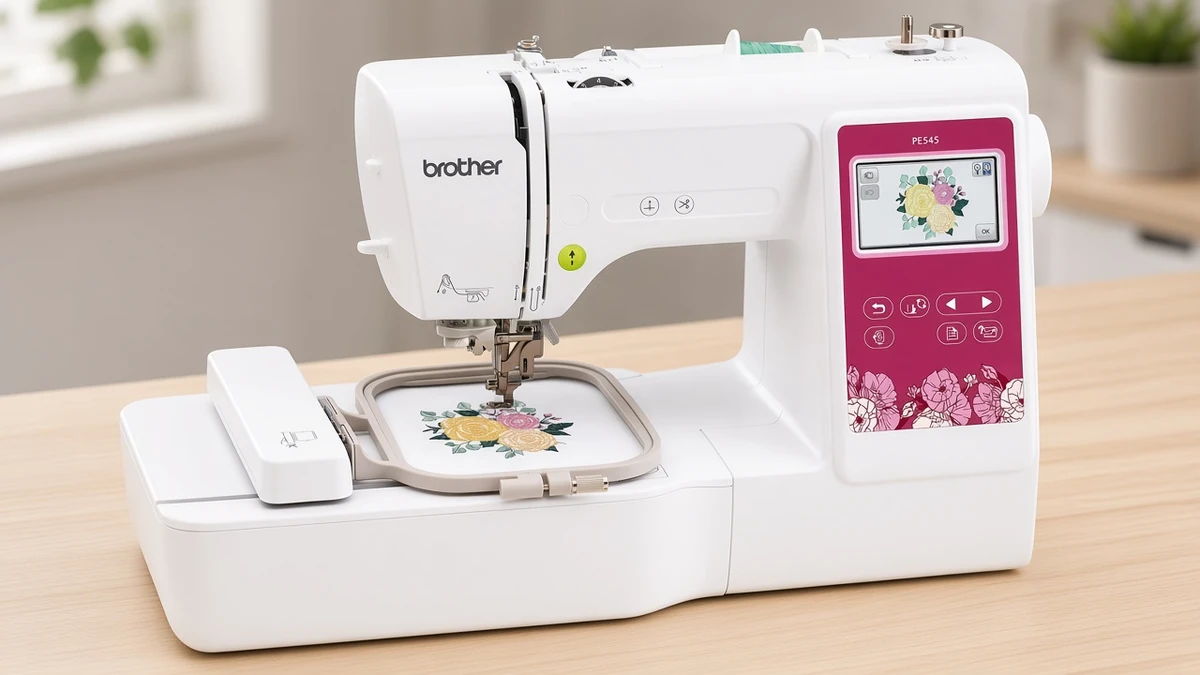
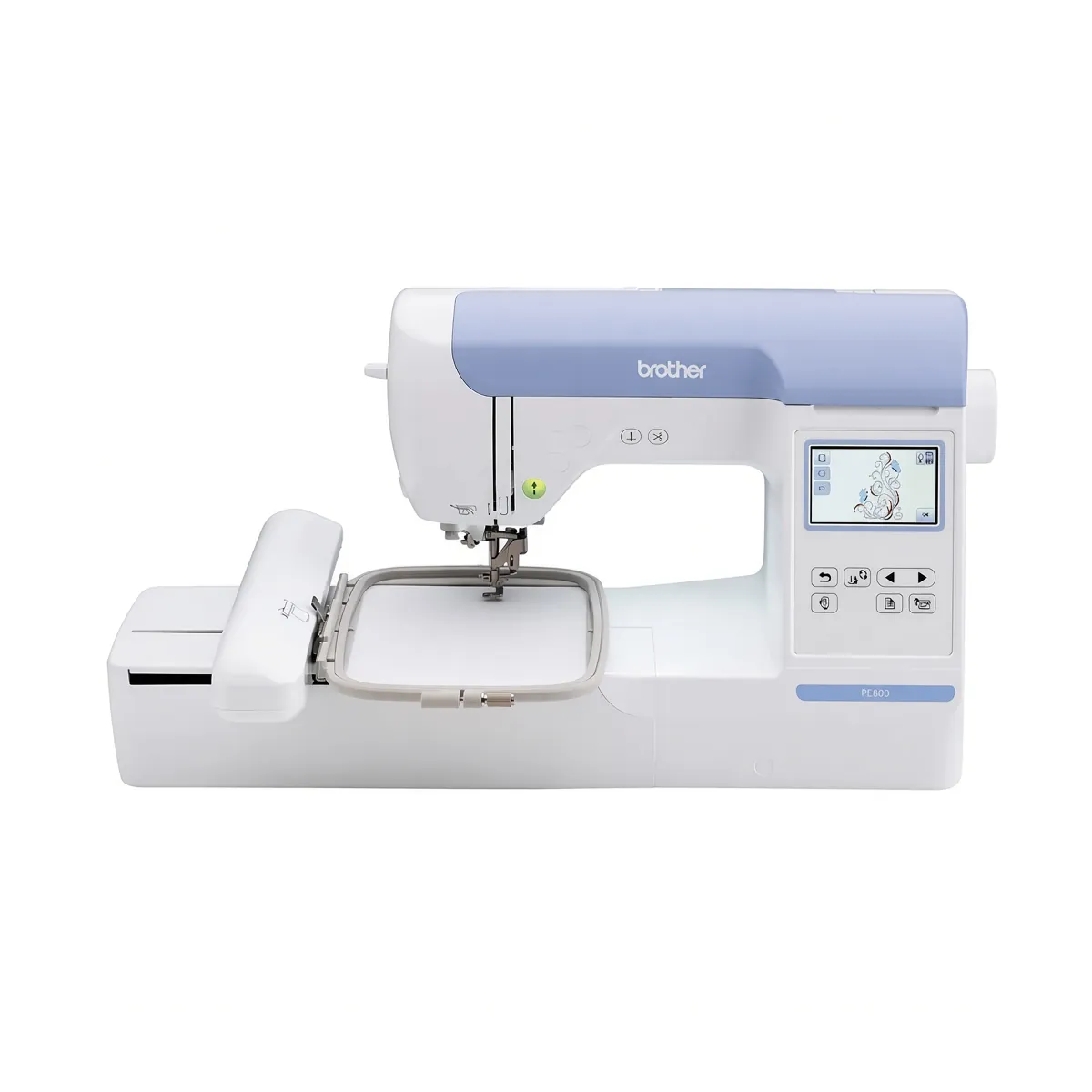
For most beginners, the Brother PE545 is the simplest first machine on this list: it does embroidery only, stitches within a 4"x4" field, and pairs a 3.7" color touchscreen with wireless design transfer. If you already know you want bigger designs, the Brother PE900 raises the field to 5"x7". If you also want to sew garments or quilts on the same machine, look at the Brother SE700 or the Brother SE2000.
The shortlist at a glance
Five Brother machines cover most of the reasons people buy a first embroidery machine. They differ in three ways that matter early on: how large a design they can stitch, whether they also sew, and how you get designs onto them.
Machine | Type | Embroidery field | Built-in designs | Connectivity | Best for |
|---|---|---|---|---|---|
Embroidery only | 4"x4" | 135 | Wireless LAN, USB, Artspira app | Most beginners | |
Embroidery only | 5"x7" | 193 | WLAN, USB, Artspira app | Larger designs | |
Sewing and embroidery | 4"x4" | 135 | Wireless LAN, USB, Artspira app | Sewing plus small designs | |
Sewing and embroidery | 5"x7" | 193, plus 50 downloadable | Wireless LAN, USB, Artspira app | Sewing plus larger designs | |
Embroidery only | 4"x4" | Designs come through the app | Bluetooth, Artspira app (required) | Small spaces, app-first users |
How this shortlist was put together
Each machine was chosen from its published listing details: embroidery field, built-in designs and fonts, connectivity, included accessories and weight. No hands-on claims are made here, and where a listing leaves a detail out, this guide leaves it out too.
Hoop size carried the most weight. The embroidery field sets the largest design a machine can stitch in one hooping, so it decides what you can make long after the first few projects. Sewing ability came next, because a combo machine can replace two purchases for some people and go half-used by others.
Best overall for most beginners
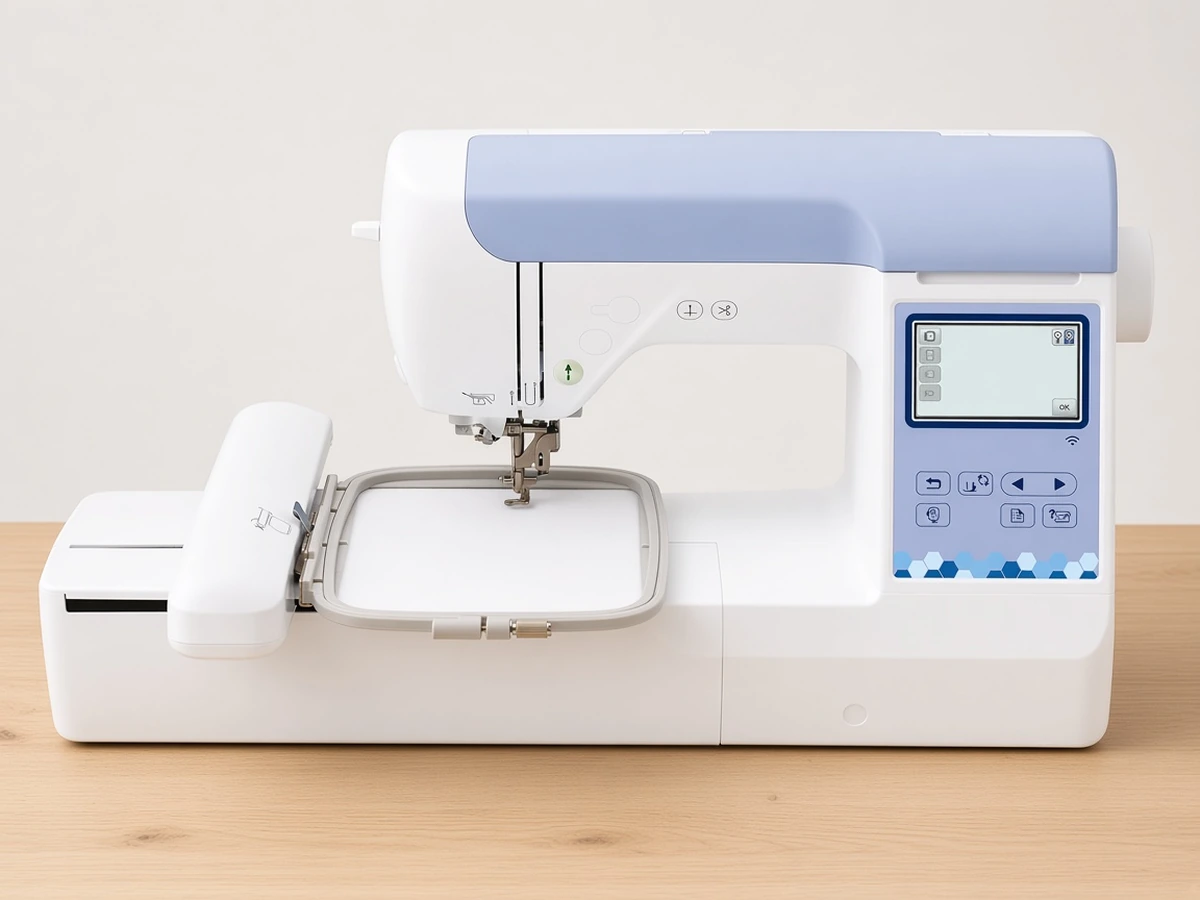
The Brother PE545 gives a new user a manageable 4"x4" field, 135 built-in designs and 10 built-in fonts (7 English and 3 Japanese). That covers monograms, patches, baby clothes, tea towels and small logos on shirts. The 3.7" LCD color touchscreen handles basic editing at the machine, and the listing specifies wireless LAN plus a USB port, so designs can arrive from the Artspira mobile app or from a USB stick.
Being embroidery-only keeps the learning curve focused. Early sessions go into hooping, stabilizer choice and thread changes rather than switching between sewing and embroidery setups. A hoop is included, and at 14.1 lb the machine is easy to lift off the table between projects.
The limit is the field. A 4"x4" design looks small on the back of a jacket or across a large tote, so if those projects are your goal, read the next section first. For more detail, see our full review of this 4x4 machine or the head-to-head comparison with its 5x7 sibling.
Best for larger designs
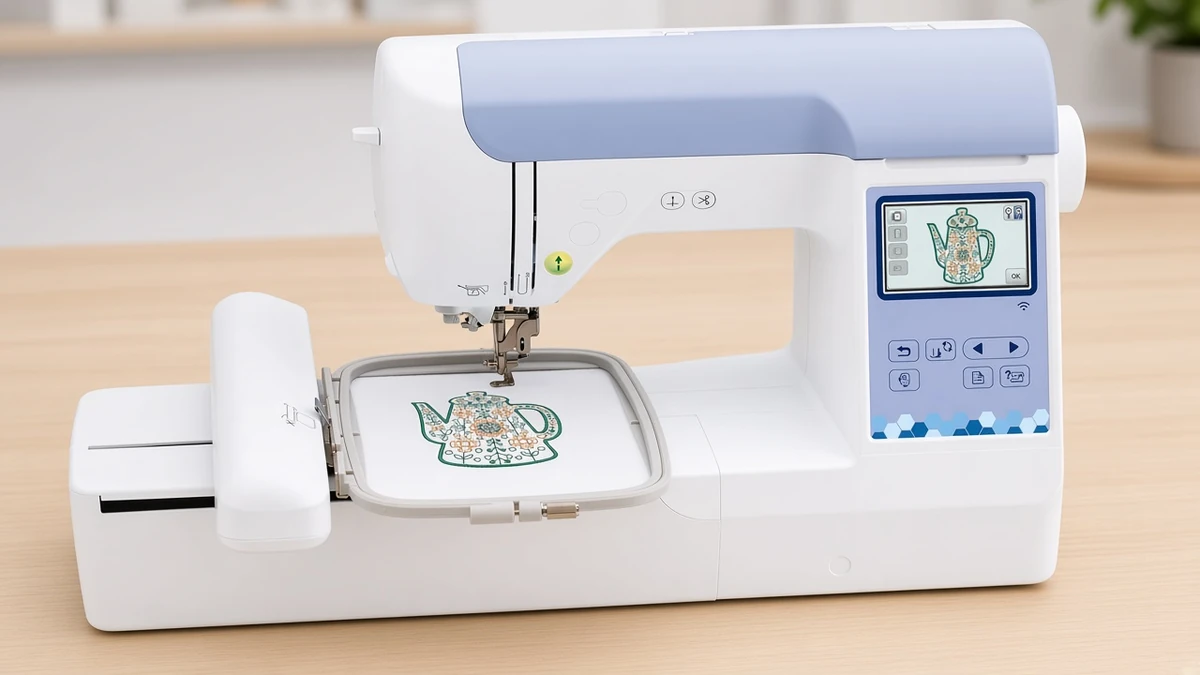
The Brother PE900 keeps the embroidery-only layout but stretches the field to 5"x7". That extra room is the difference between a small chest logo and a design that fills a pillow front or a tote panel. The listing adds more to work with as well: 193 built-in designs, 13 fonts (9 English, 3 Japanese and 1 Cyrillic), and 50 free designs through the Artspira app.
Two listed features help with multicolor work. Color sort regroups a combined design so you change thread fewer times, and jump stitch trimming cuts the connecting threads between sections, which leaves less snipping once the hoop comes off.
The cost is bulk: the Brother PE900 weighs 17.6 lb against 14.1 lb for the Brother PE545. If you are setting one up, our step-by-step setup guide for the 5x7 machine walks through the first session, and the in-depth review of the 5x7 model covers who it suits.
Best if you also sew
A combo machine makes sense when you will genuinely use both halves. If you already own a sewing machine you like, an embroidery-only model usually gives you more embroidery for the money and the desk space.
Starter combo with a 4x4 field
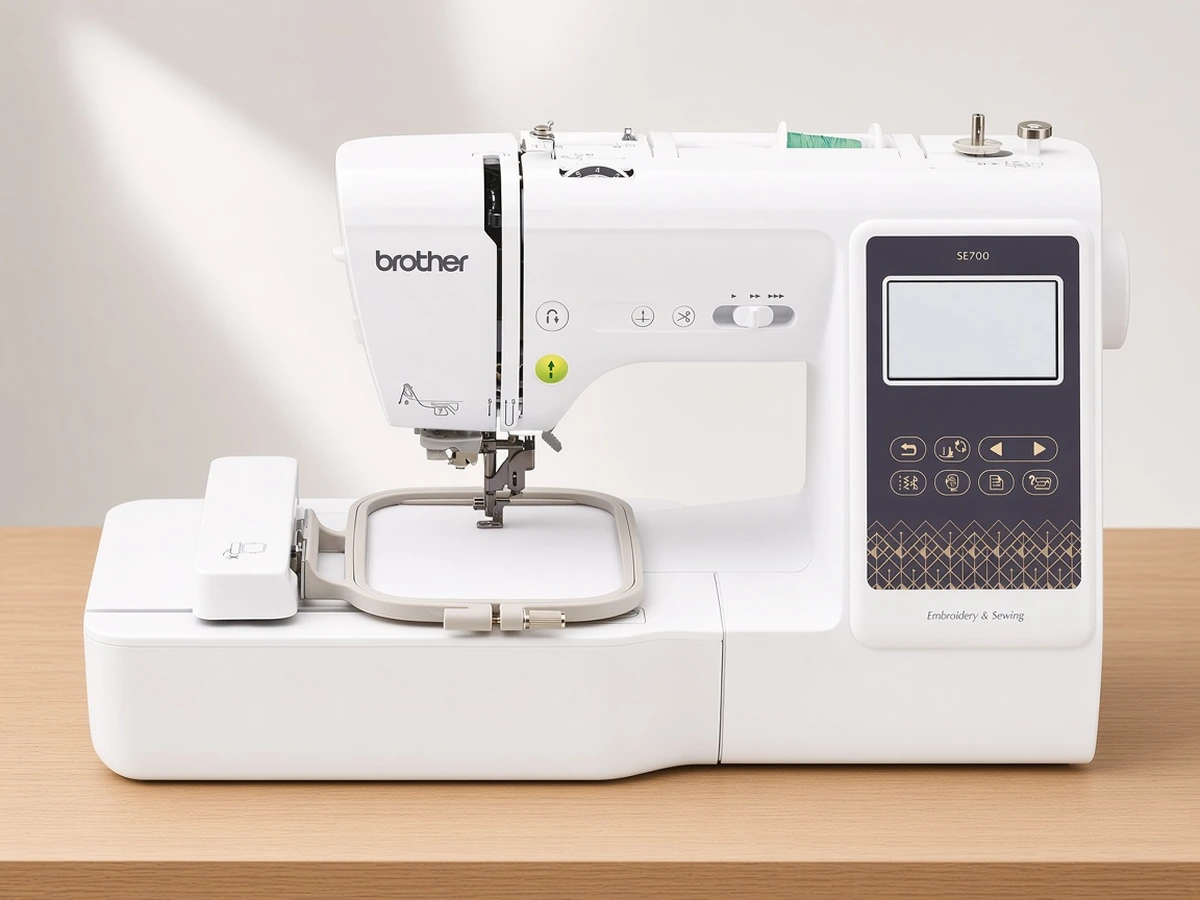
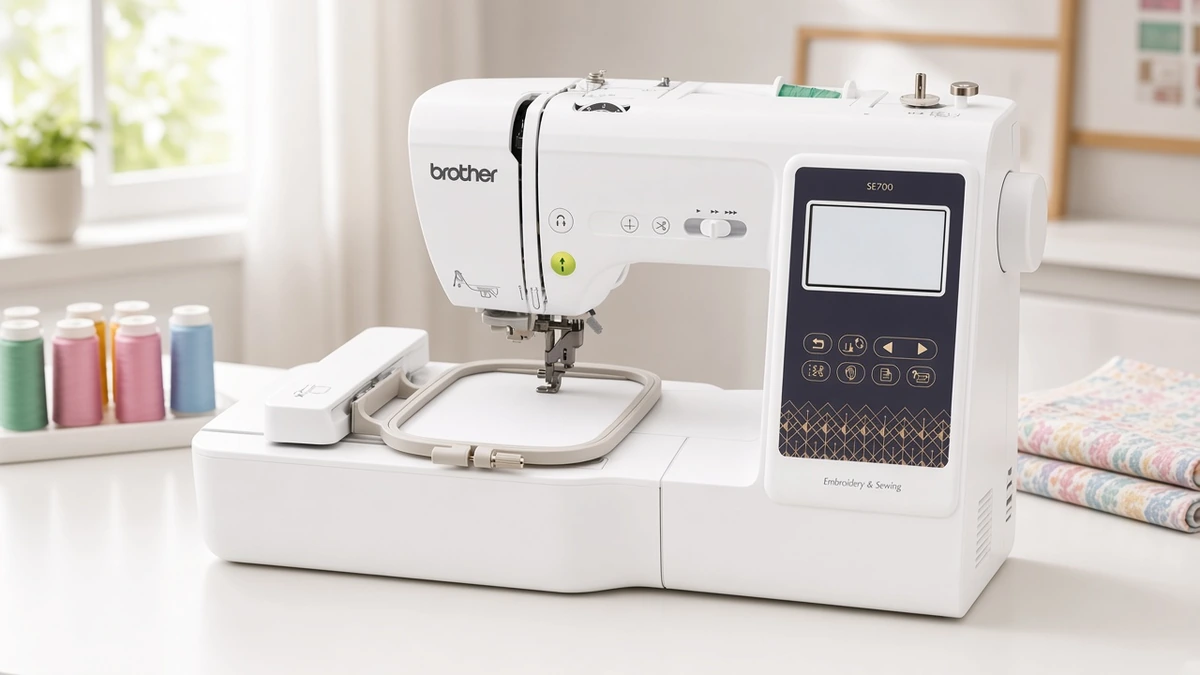
The Brother SE700 pairs a 4"x4" field and 135 built-in embroidery designs, the same field and design count as the Brother PE545, with 103 built-in sewing stitches, including 10 styles of one-step auto-size buttonholes. It has an automatic needle threader, 10 lettering fonts, wireless LAN, USB and Artspira support, and it ships with 8 presser feet (including the embroidery foot) and a 4"x4" hoop. Brother lists it at 15.1 lb.
Step up to a 5x7 combo
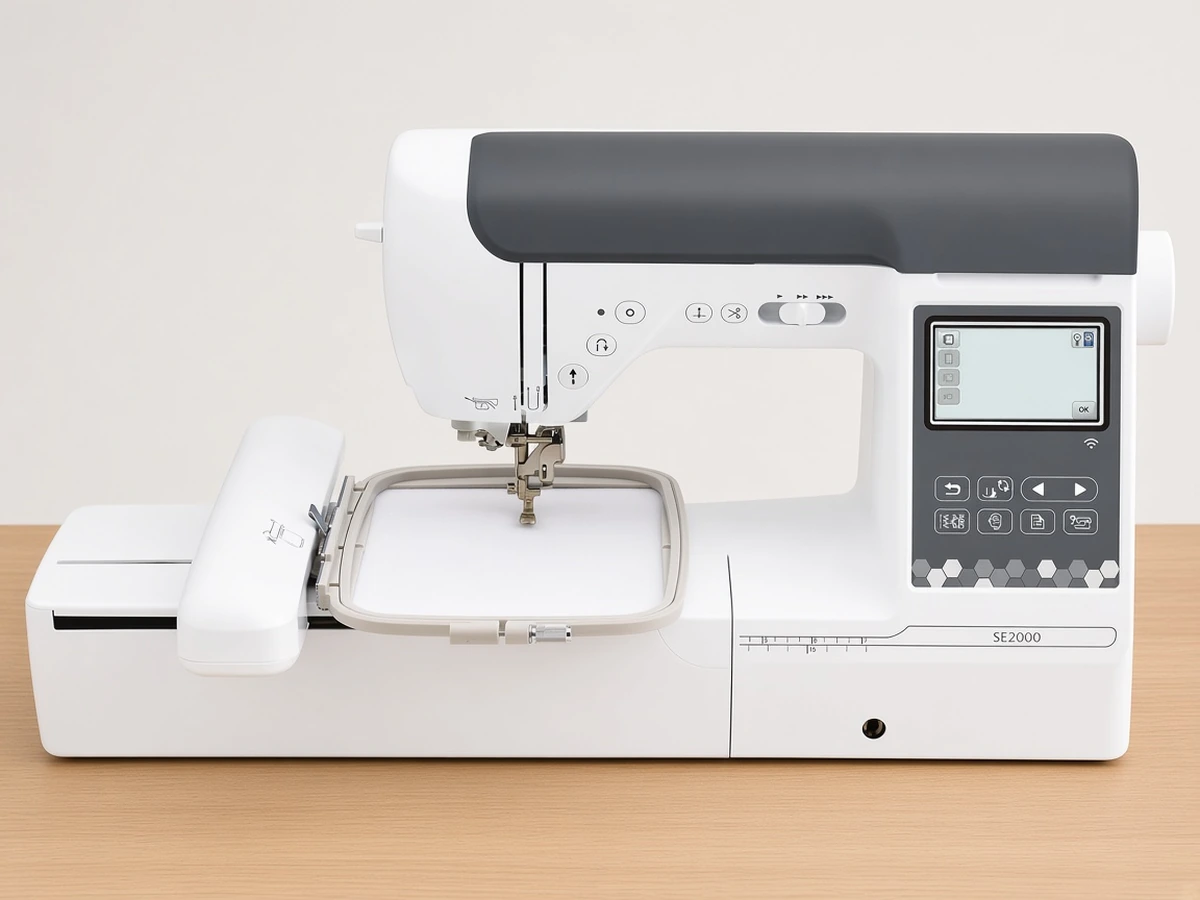
The Brother SE2000 is the larger-format version of the same idea: a 5"x7" field, 193 built-in embroidery designs plus 50 downloadable ones, 13 embroidery fonts and 241 sewing stitches. It also has a 3.7" touchscreen, wireless LAN, USB and Artspira, with a hoop and 8 sewing feet included. At 20.5 lb it is the heaviest machine here, so plan a permanent spot for it. Our side-by-side look at the two Brother combos covers that choice in detail.
Most compact app-driven option
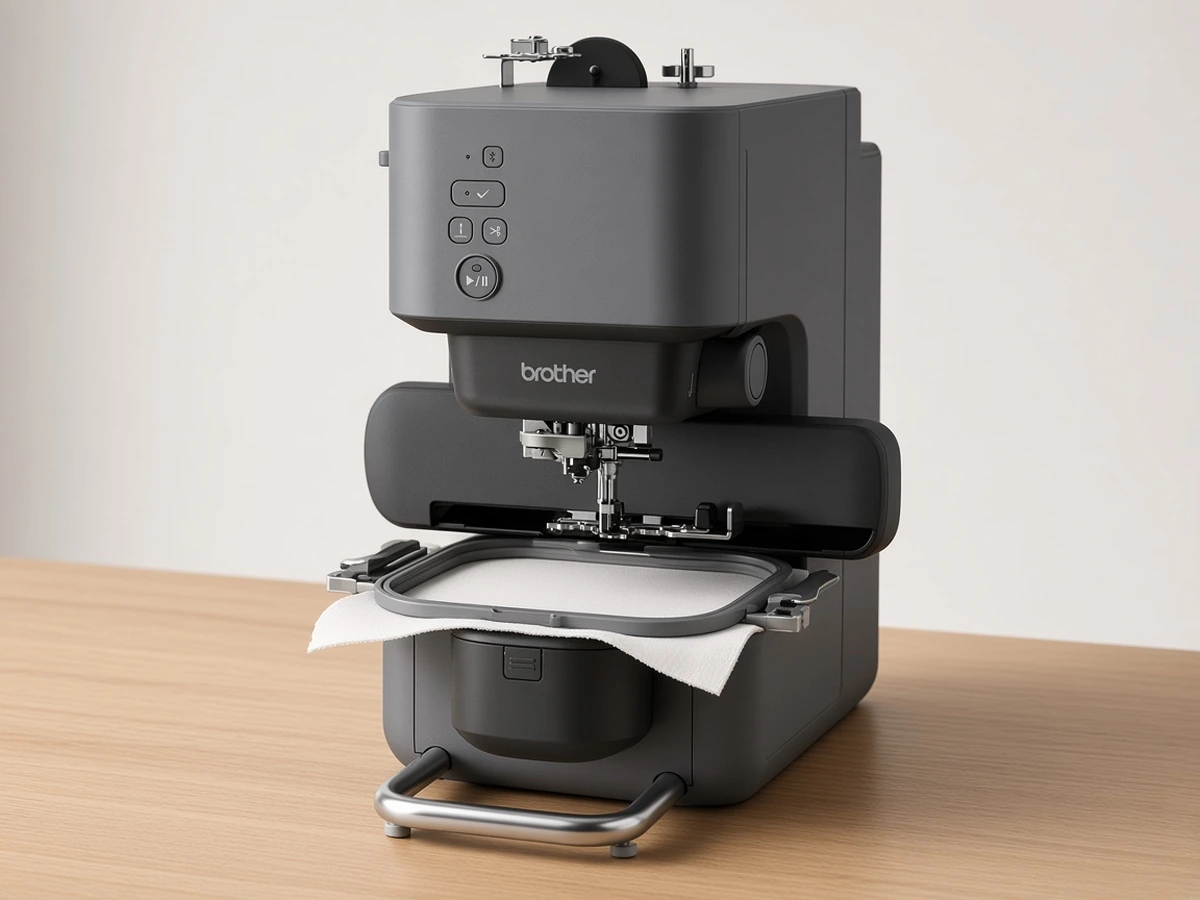
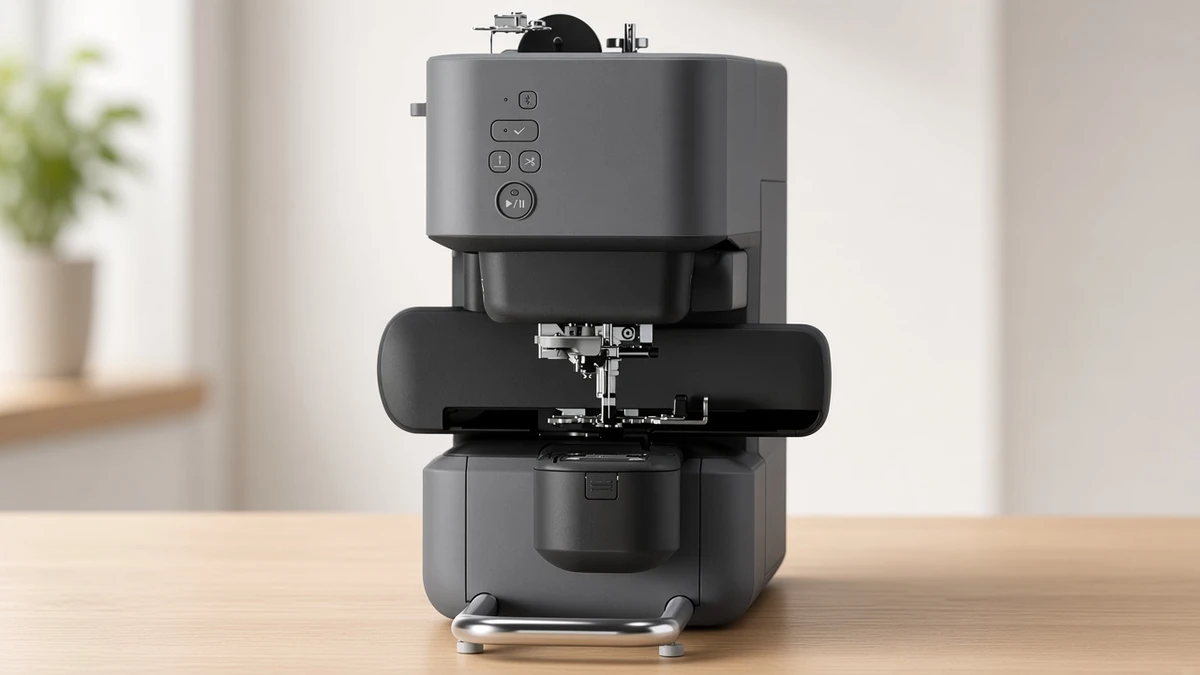
The Brother Skitch PP1 takes a different approach. It is a single-needle, embroidery-only machine with a 4"x4" maximum field, stitching at up to 400 spm, in a small footprint. It is operated through the free Artspira app over Bluetooth, and the app is required. It imports PES, PHC, PHX and DST files, and the free version of the app stores up to 20 designs.
That makes it appealing if you are short on space and comfortable running everything from a phone or tablet. Owner ratings on the listing are mixed, though, so it suits people who actively want an app-first workflow more than anyone who expects controls on the machine itself.
If you are weighing the app-only Skitch against a touchscreen model, our Skitch PP1 vs PE545 comparison covers that choice.
What to buy alongside your first machine
The machine is only part of the setup. Set aside money for supplies before the first project:
Embroidery thread: 40wt polyester is the usual top thread for home machines.
Stabilizer: cut-away for knits and stretchy fabric, tear-away for stable woven cotton.
Bobbins: the Brother embroidery machines here commonly take Class 15 (SA156) bobbins; confirm in your manual.
Spare embroidery needles, so a bent or worn needle never stalls a project.
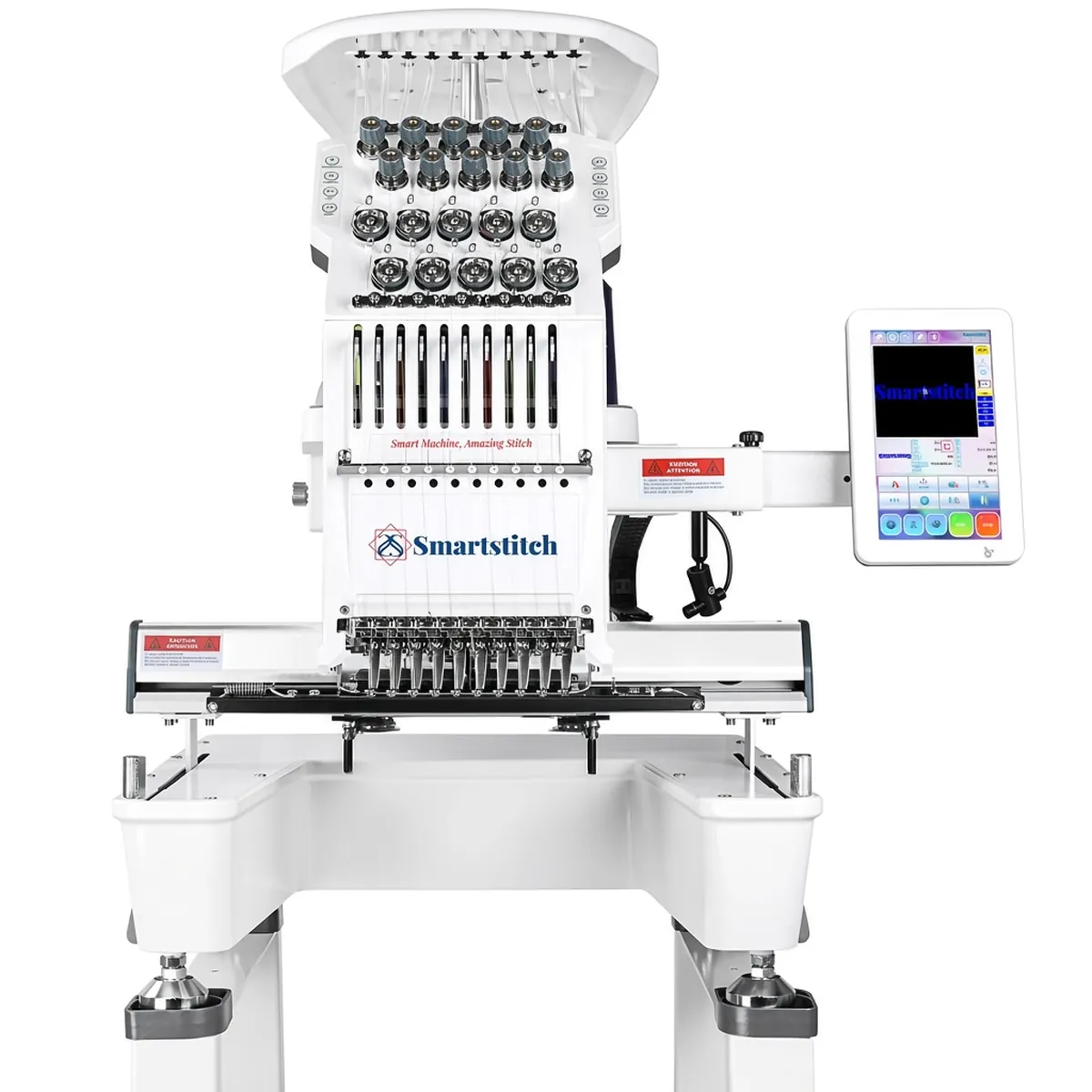
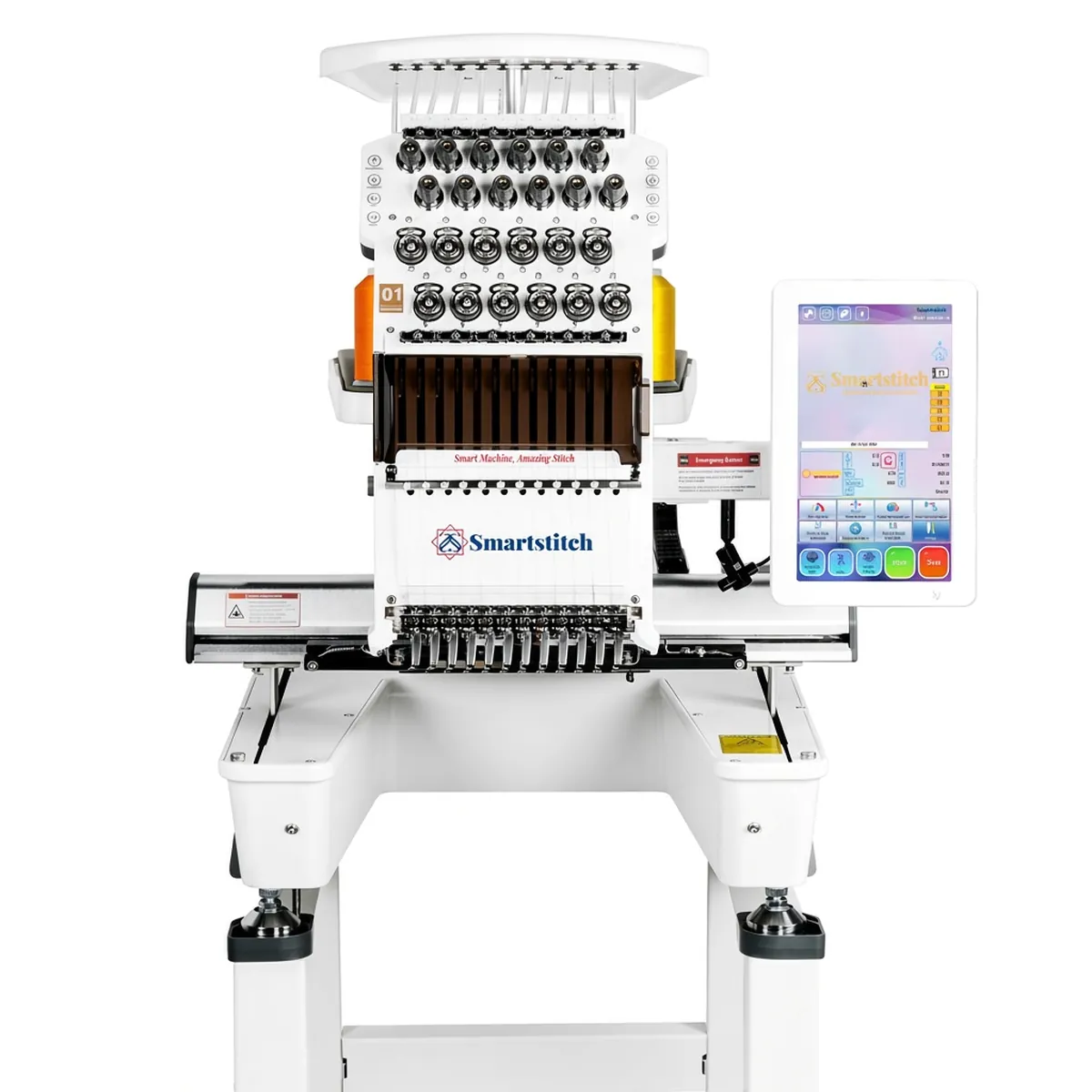
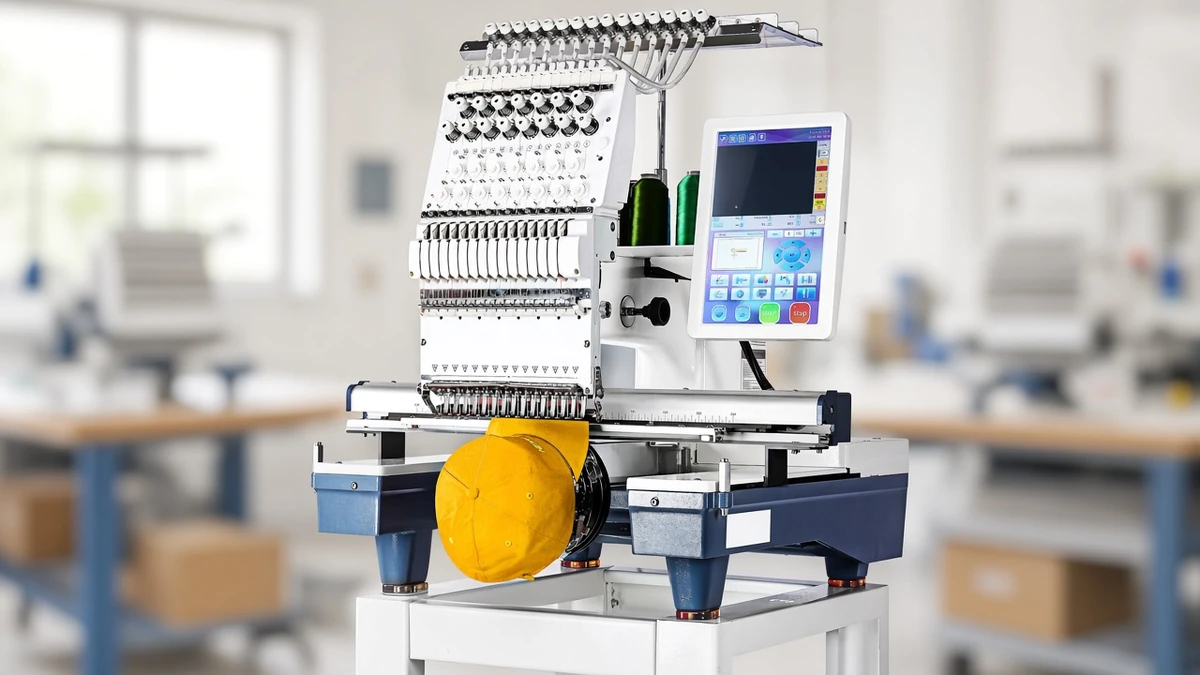
If you eventually outgrow home machines, multi-needle commercial models such as the Smartstitch S-1501 are a separate category. Our review of that 15-needle commercial machine explains what changes at that level.
FAQ
Should a beginner buy a 4x4 or a 5x7 machine? Buy for the projects you plan to make. A 4"x4" field handles monograms, patches and small chest designs. A 5"x7" field adds room for pillow fronts, totes and longer lettering, and it can still stitch small designs.
Is a combo machine a good first purchase? It is if you need a sewing machine anyway. If you already sew on another machine, an embroidery-only model keeps the setup simpler and leaves more room on the table.
Do I need the app to use these machines? The Brother touchscreen models also accept designs by USB, so the app is optional on them. The compact Bluetooth model on this list is the exception: it is operated through the Artspira app, and the app is required.
For a structured walkthrough of the decision, see how to choose an embroidery machine.
Verdict
For most beginners the Brother PE545 is the simplest starting point: a 4"x4" field, 135 built-in designs, 10 fonts, its own touchscreen and both wireless and USB transfer. Choose the Brother PE900 if you already know you want 5"x7" designs, and the Brother SE700 if you also need a sewing machine.
The Brother Skitch PP1 is the pick only for buyers who specifically want a compact, app-first machine and accept that the Artspira app is required. For a step-by-step way to narrow the choice, read our guide to choosing an embroidery machine.