How to Choose an Embroidery Machine
Published 11/3/2026 · Updated 11/15/2026
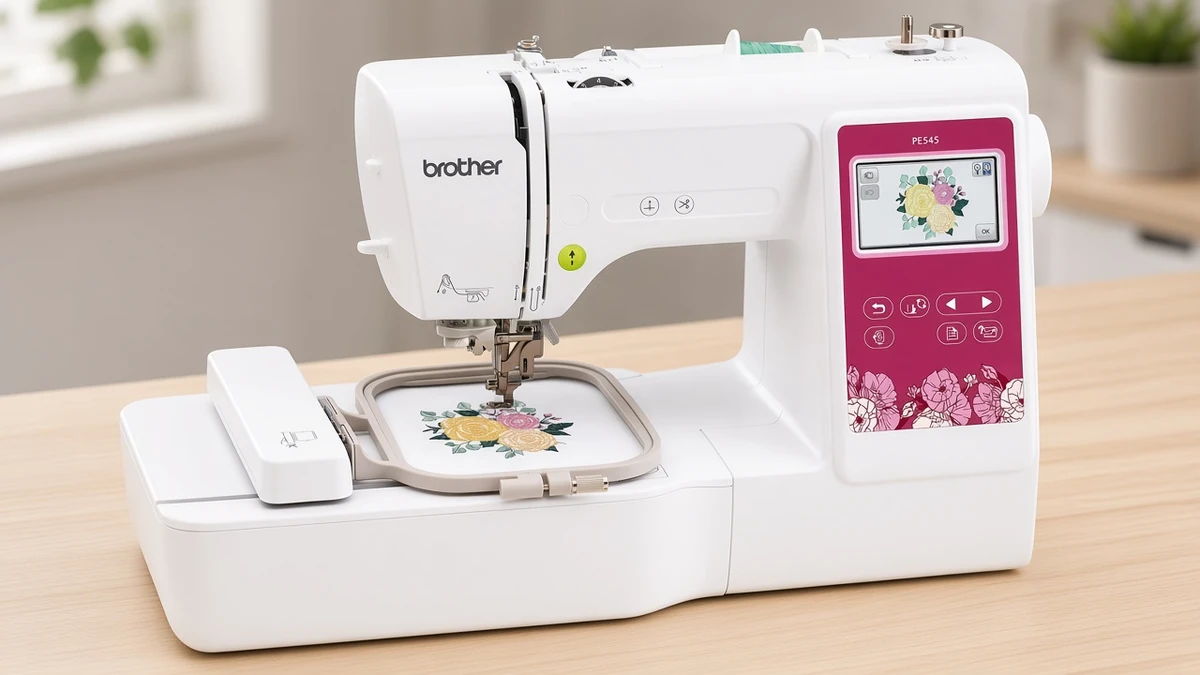
Six decisions narrow the options quickly, from machine type and hoop size to how designs reach it. Work through them in order and you will end with two or three sensible choices.
Products mentioned in this guide
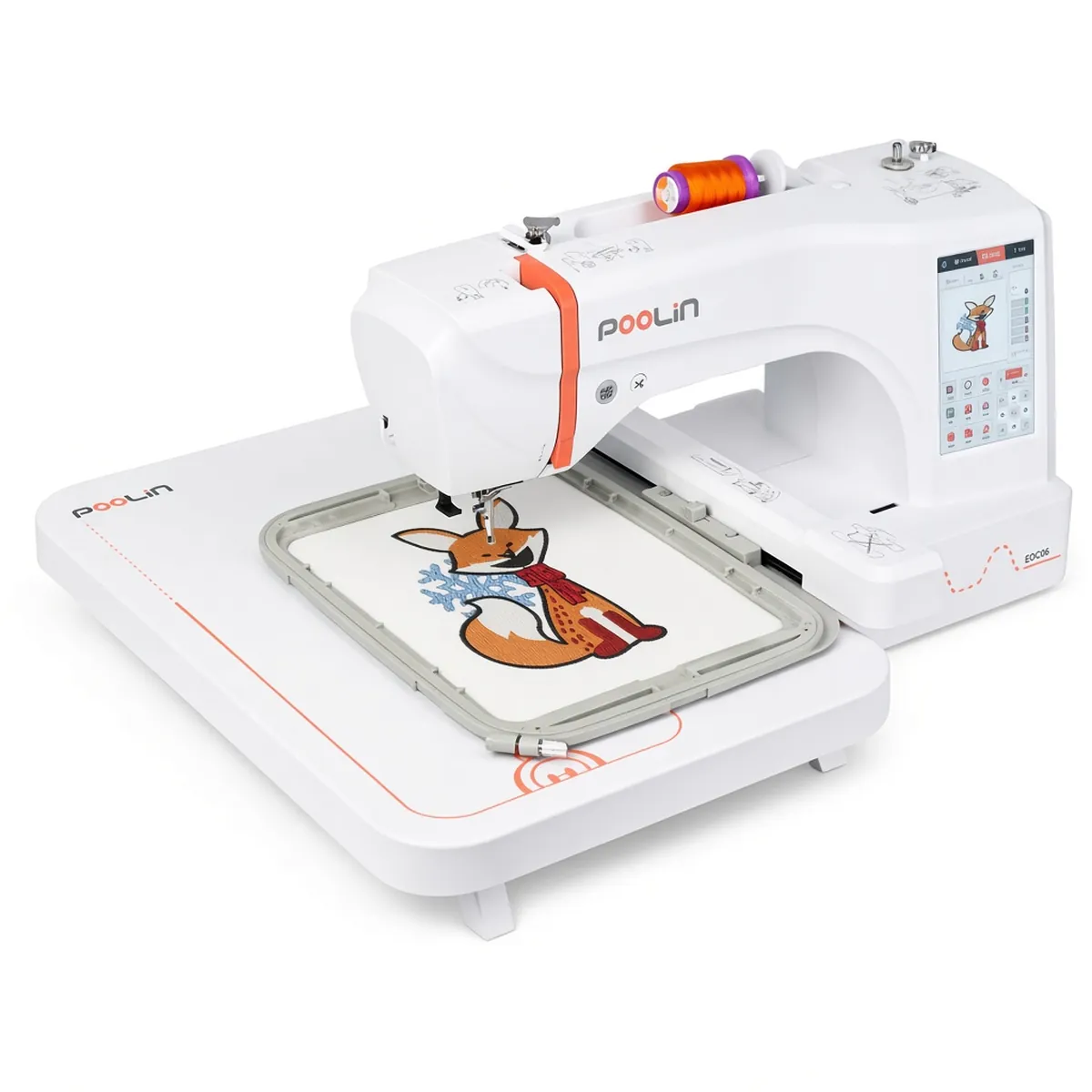
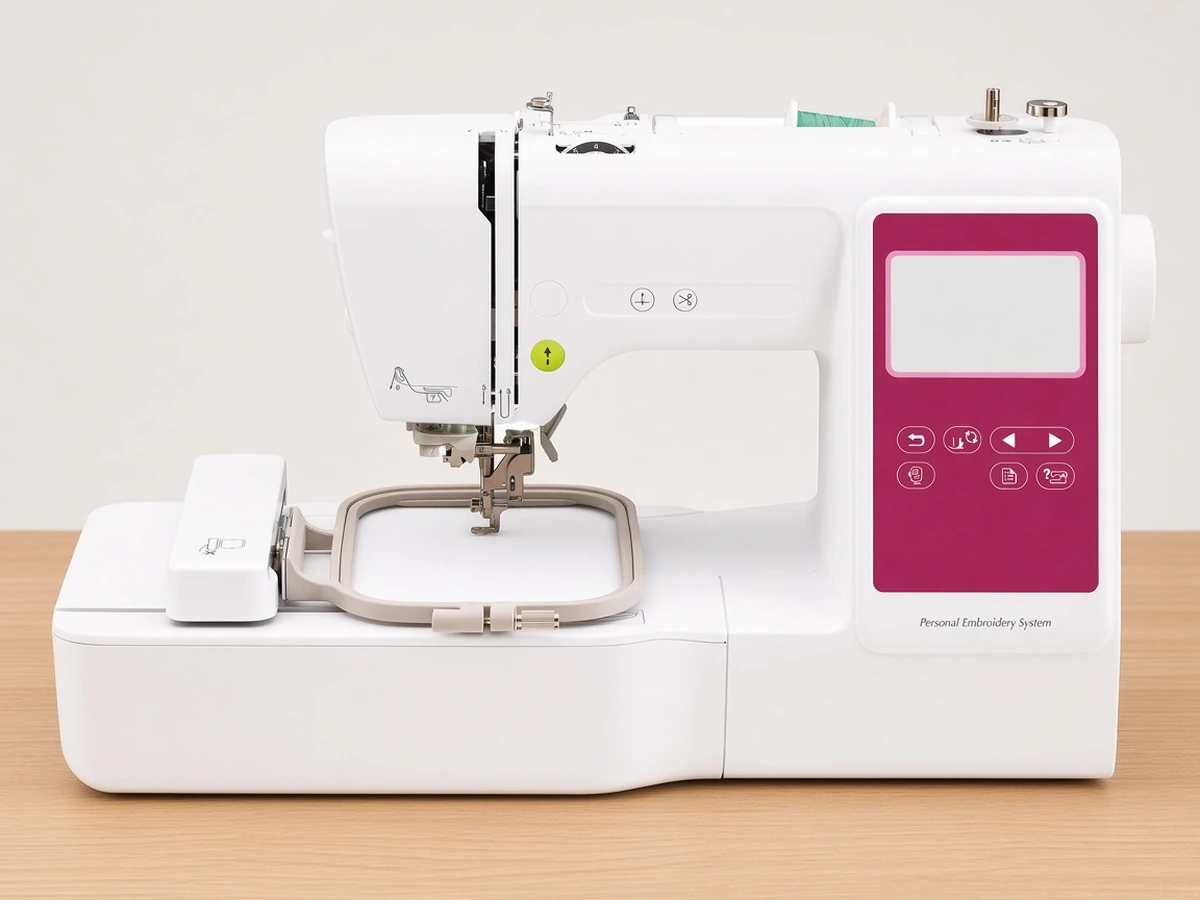
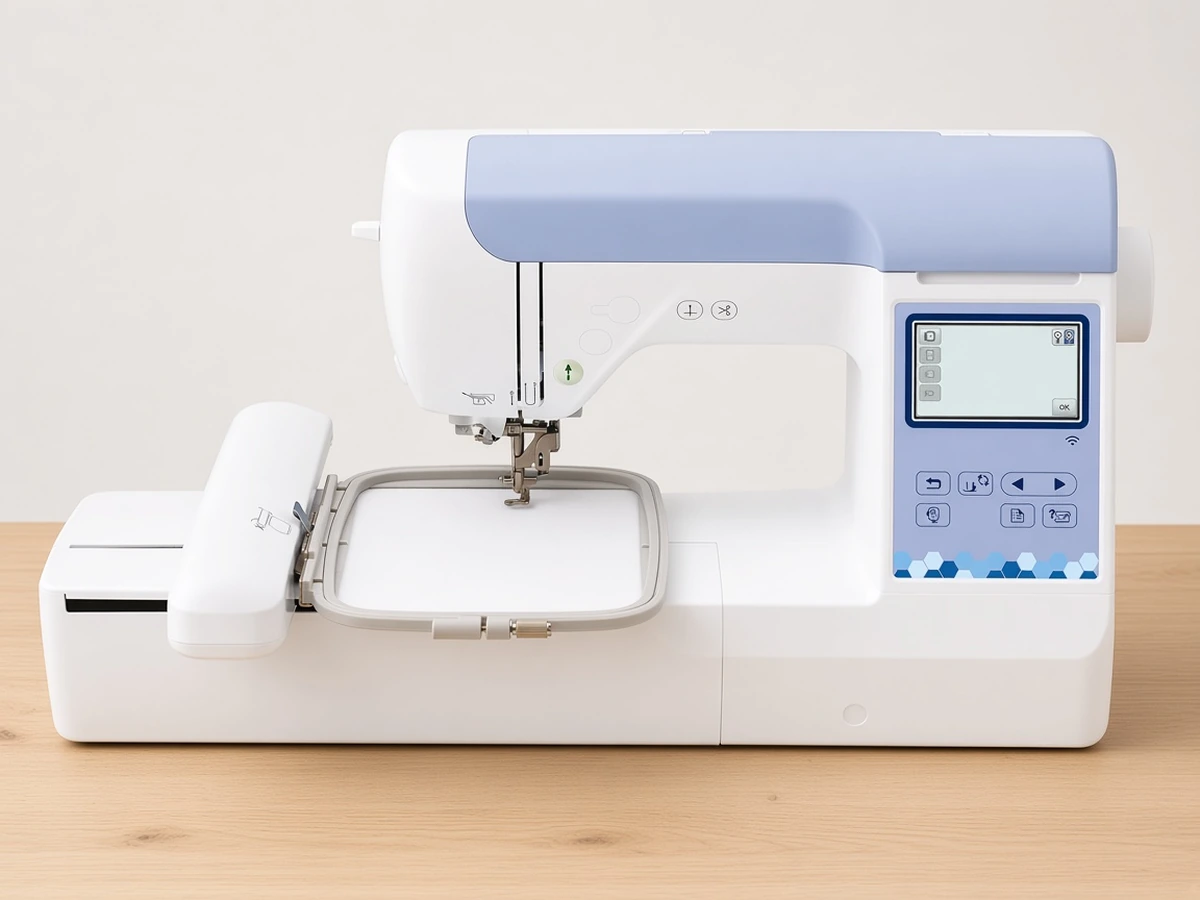
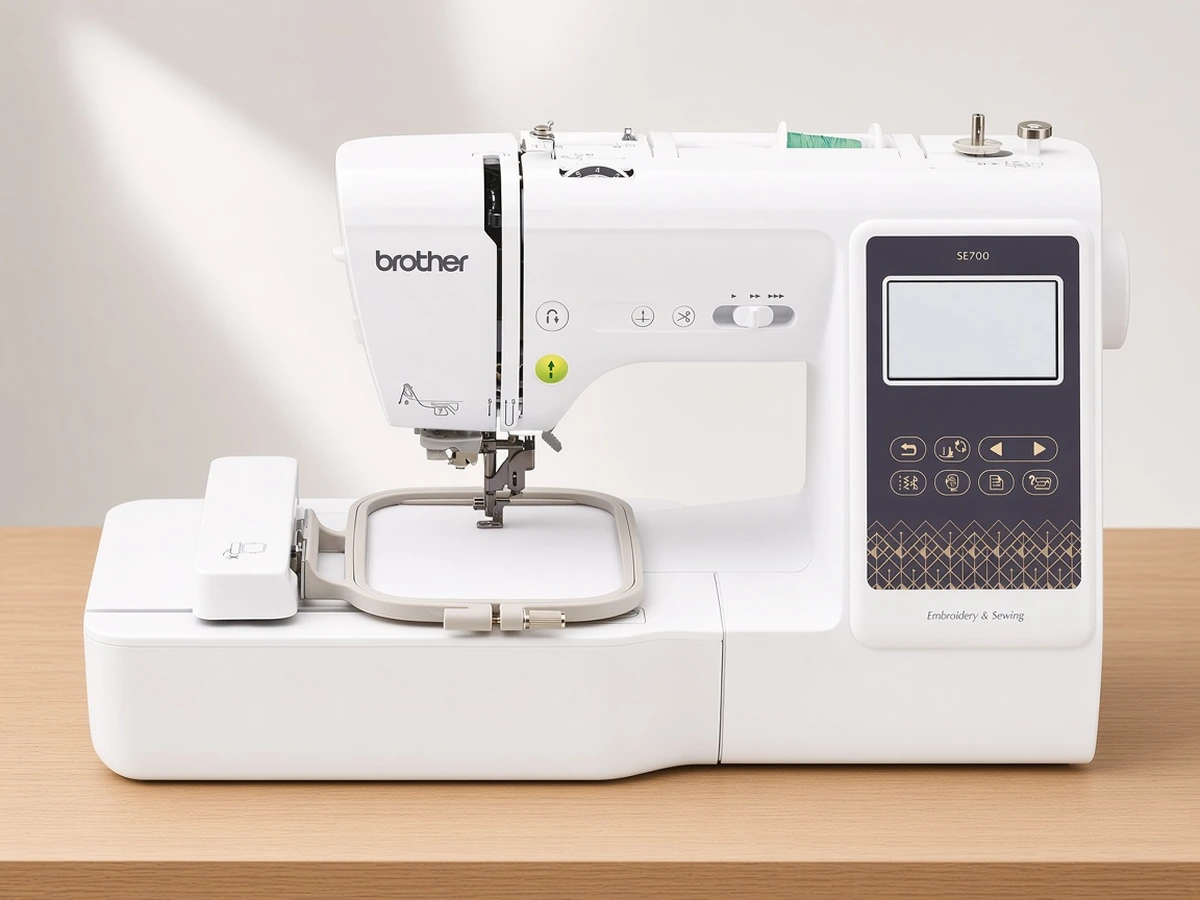
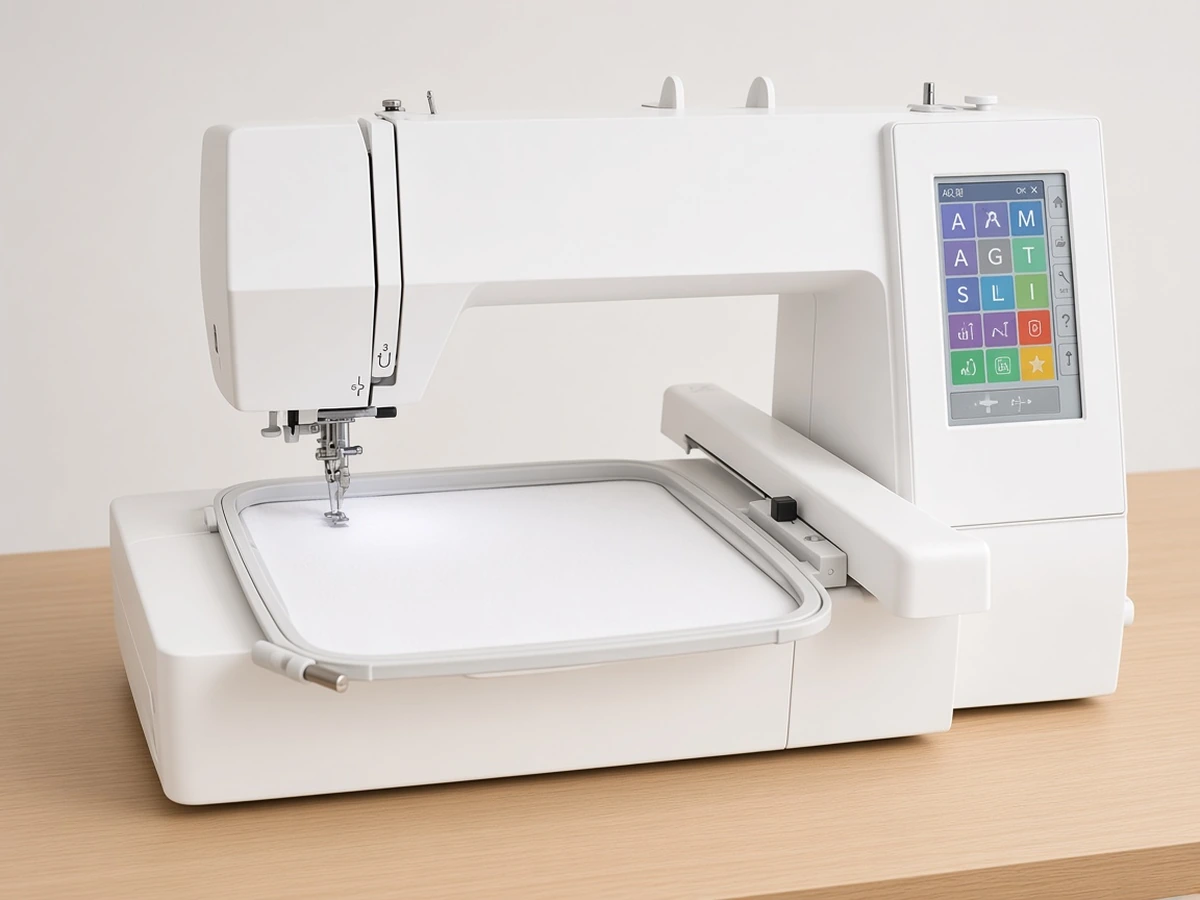
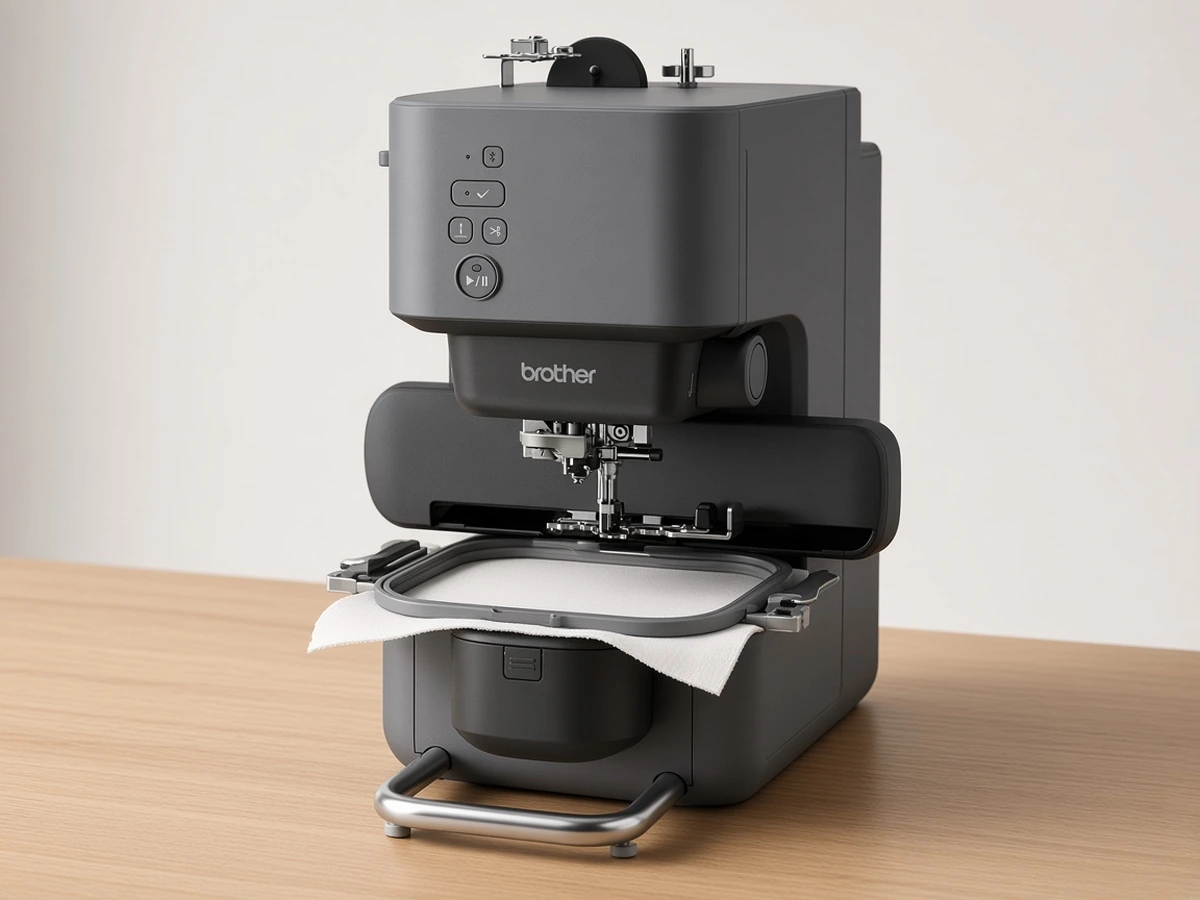
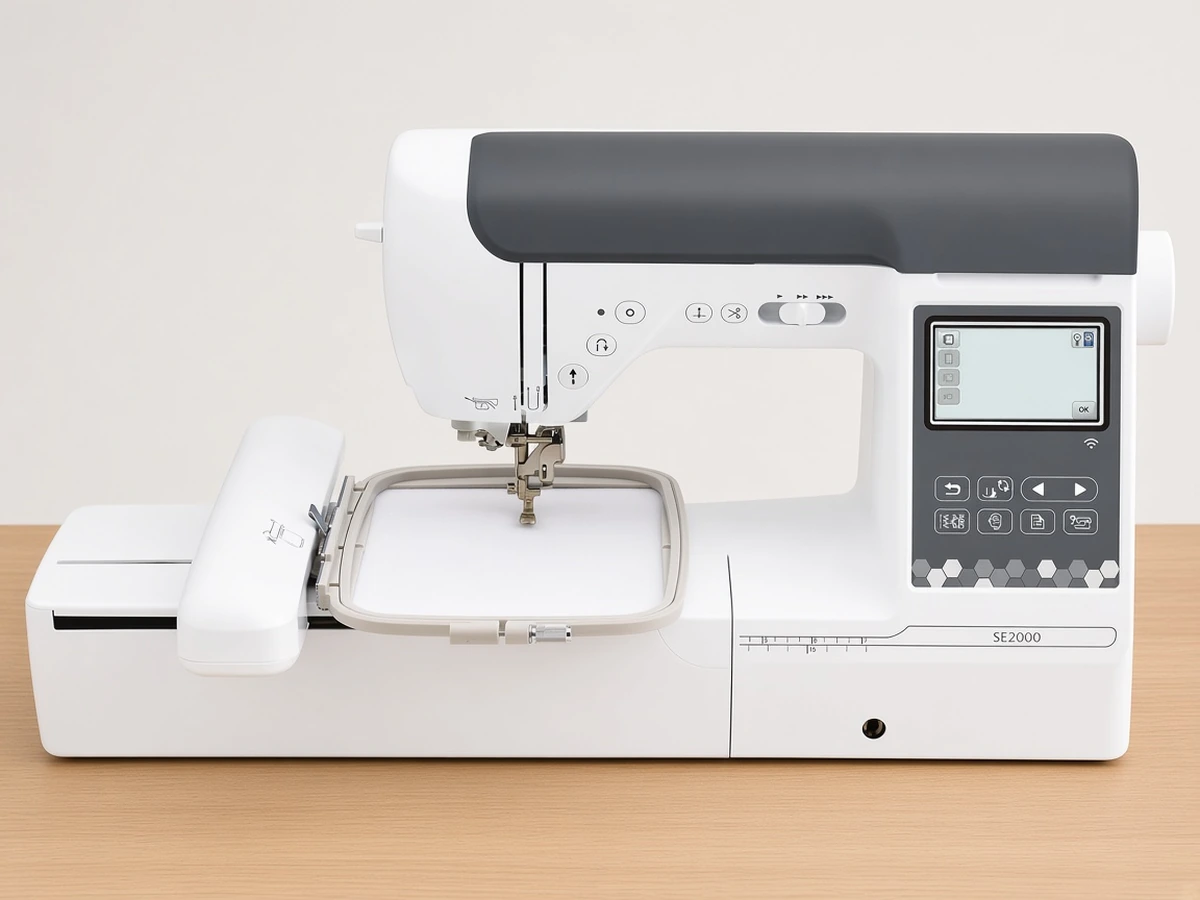
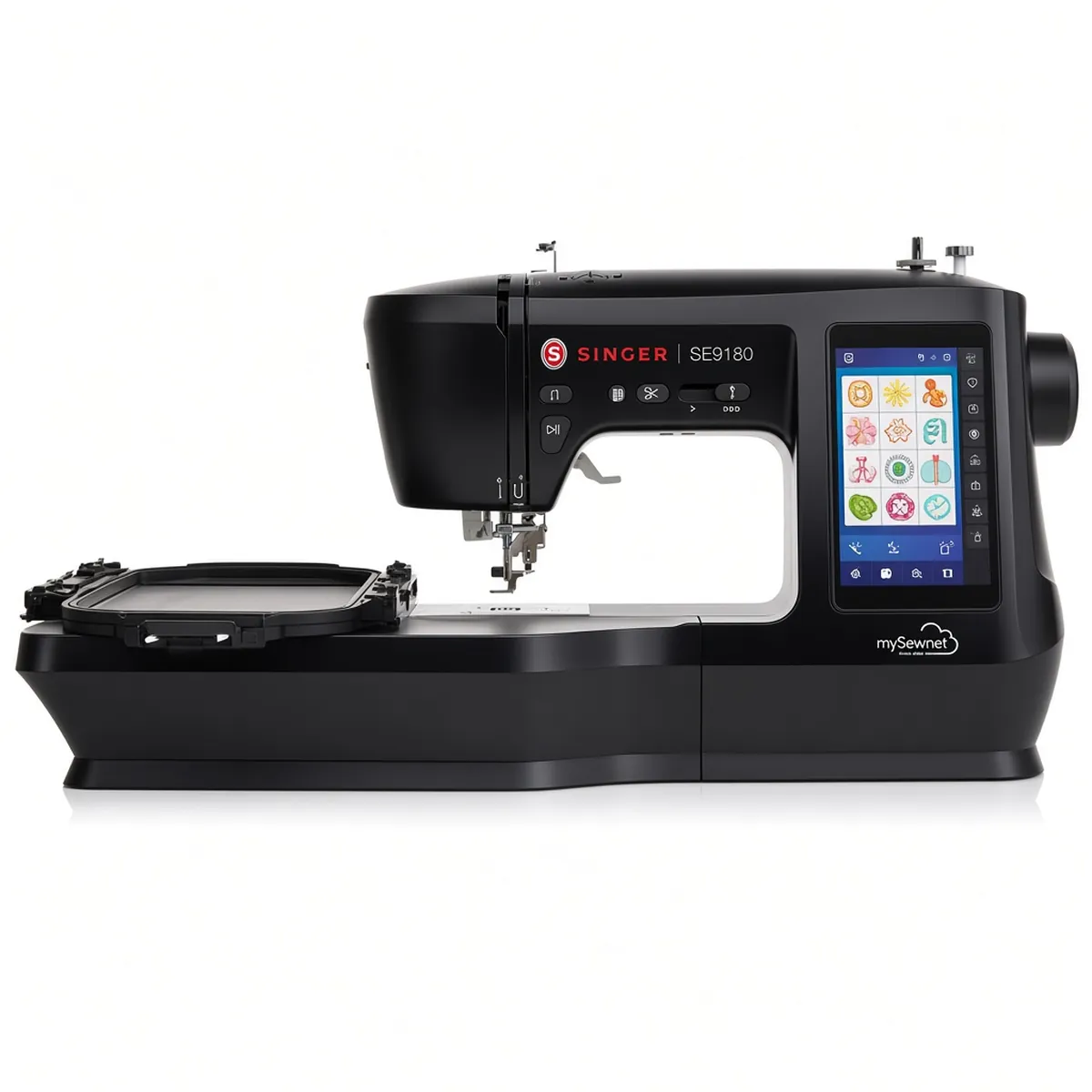
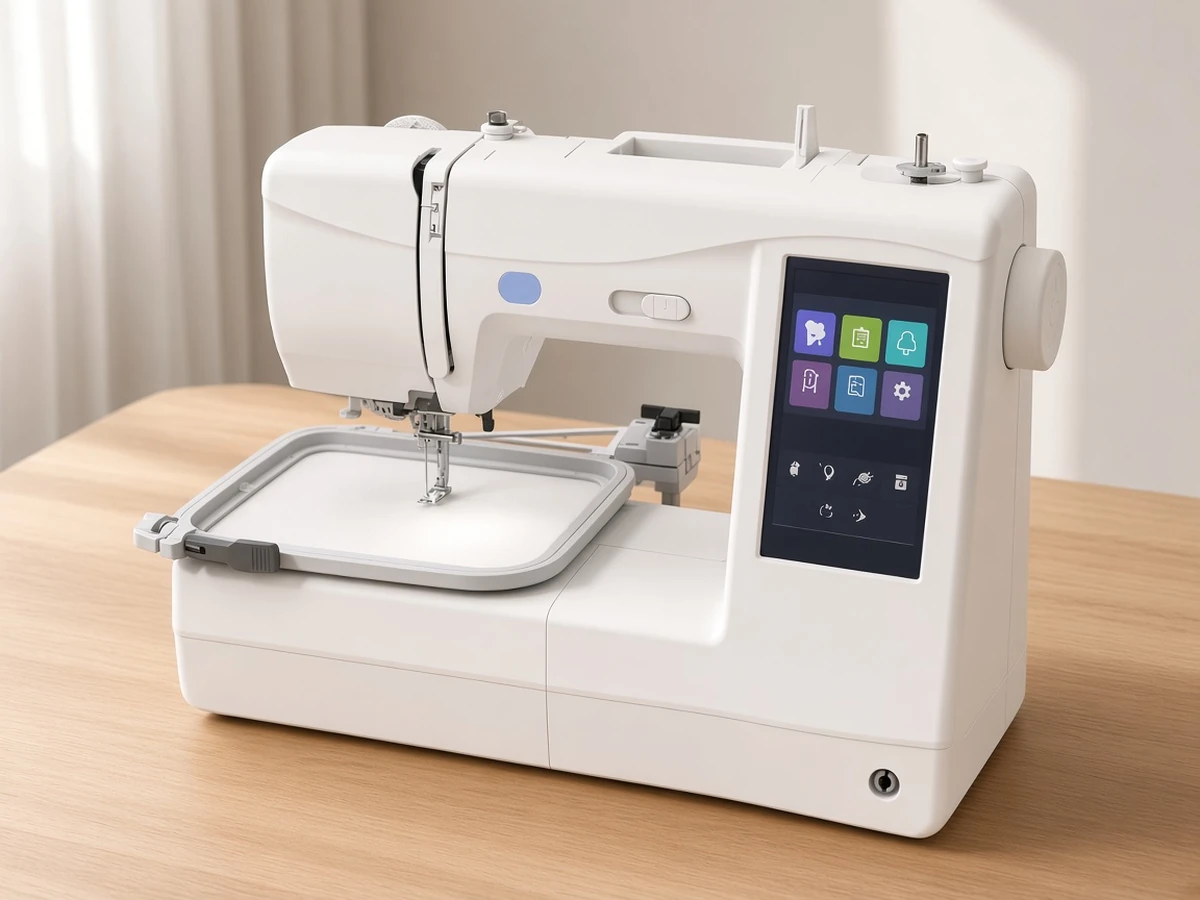
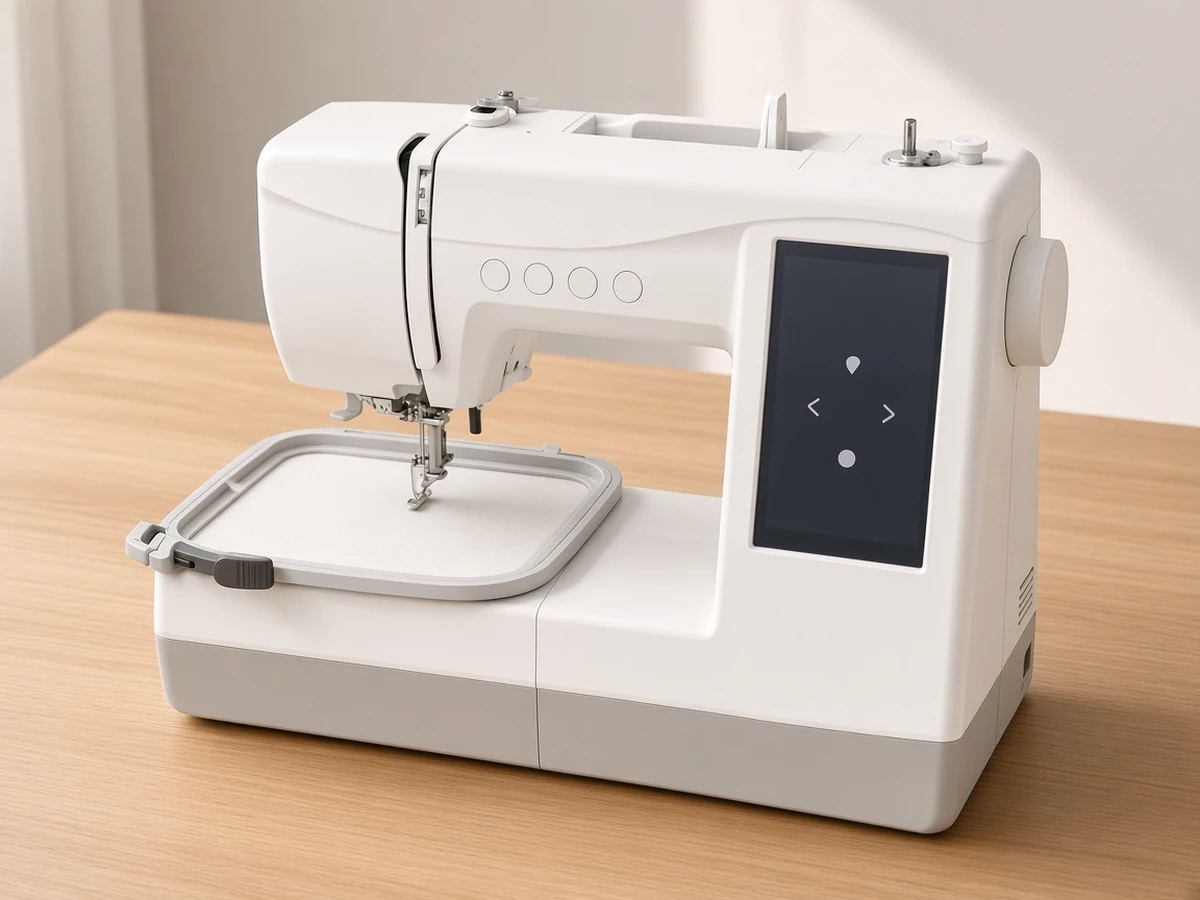
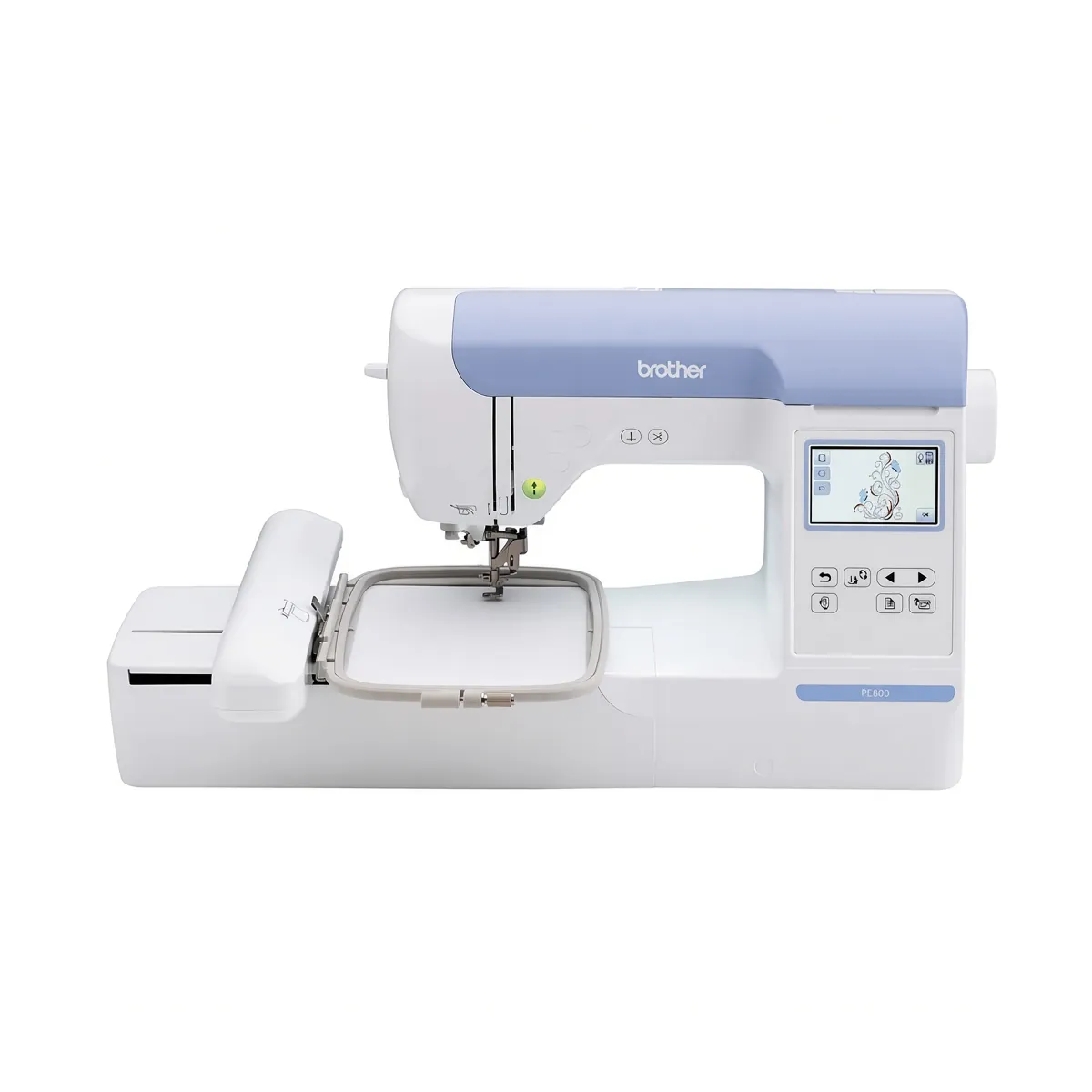
Embroidery Machine Buying Guides
To choose an embroidery machine, decide first whether you need embroidery only or a sewing and embroidery combo, then pick a hoop size that fits the largest design you plan to stitch. After that, check how designs get onto the machine, how many built-in designs and fonts you get, how much space and weight you can handle, and what supplies you will need to buy.
Step 1: Decide between embroidery-only and a combo
An embroidery-only machine does one job. It is often lighter than a combo with the same field and is always ready for embroidery, with no switching between modes. A combo machine sews and embroiders, which saves space and money if you need both, but you switch between modes rather than doing both at once.
Ask yourself one question: do you already own a sewing machine you like? If yes, an embroidery-only machine such as the Brother PE545 or Brother PE900 usually makes more sense. If not, a combo such as the Brother SE700 gives you both in one footprint. Our sewing and embroidery combo shortlist covers the main options. A compact Janome pair, one combo and one embroidery-only, is compared in Janome Memory Craft 1000 vs 100e.
Step 2: Choose a hoop size for your projects
The embroidery field, set by the hoop, is the largest design a machine can stitch in one hooping. It is the single most important spec, because it limits what you can make for as long as you own the machine.
4"x4" covers monograms, patches, small logos, baby clothes and towel corners.
5"x7" adds cushion fronts, tote panels, larger lettering and quilt-block motifs.
Larger square fields, such as the 7.9"x7.9" maximum area on the Janome Memory Craft C400E, open up big circular designs and full quilt blocks.
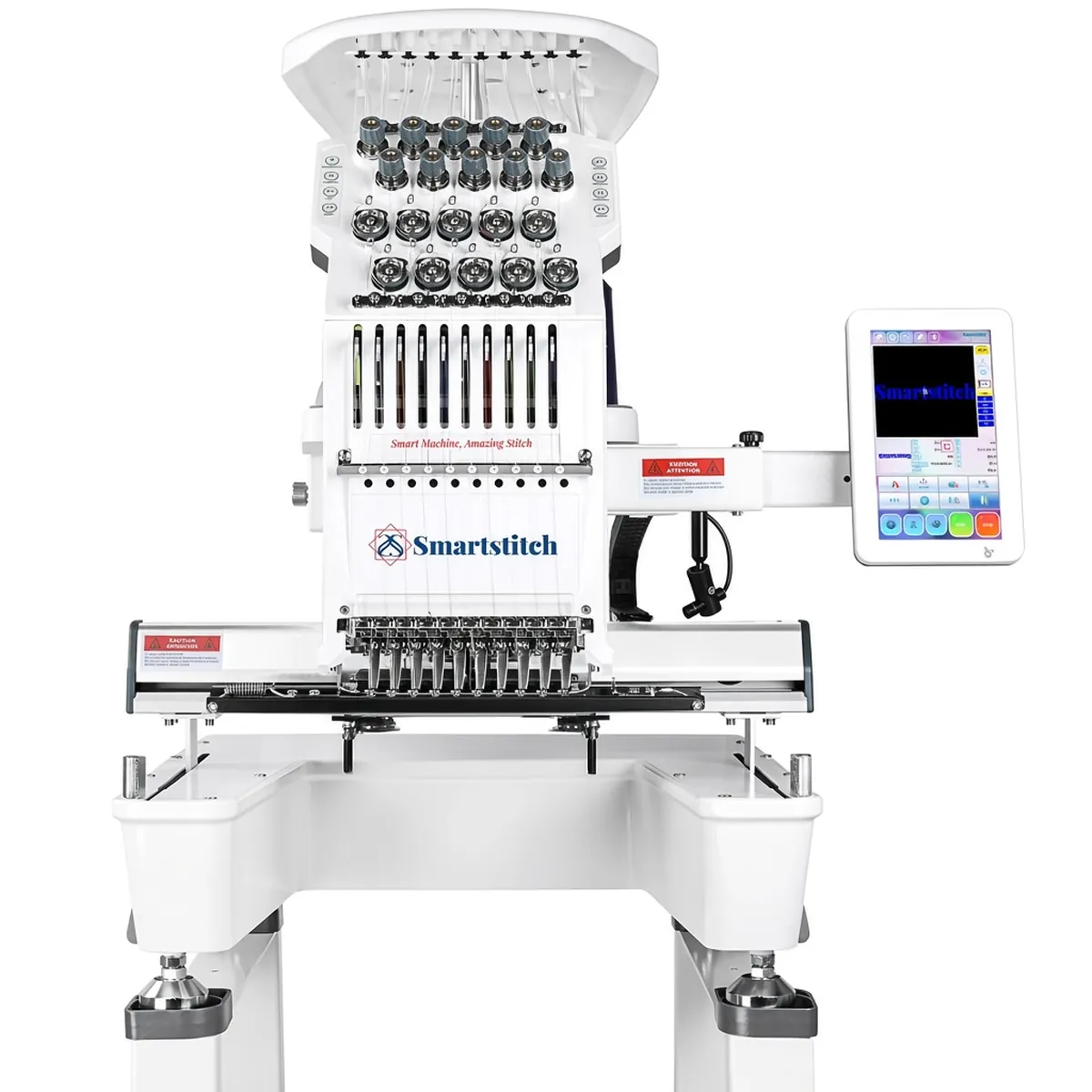
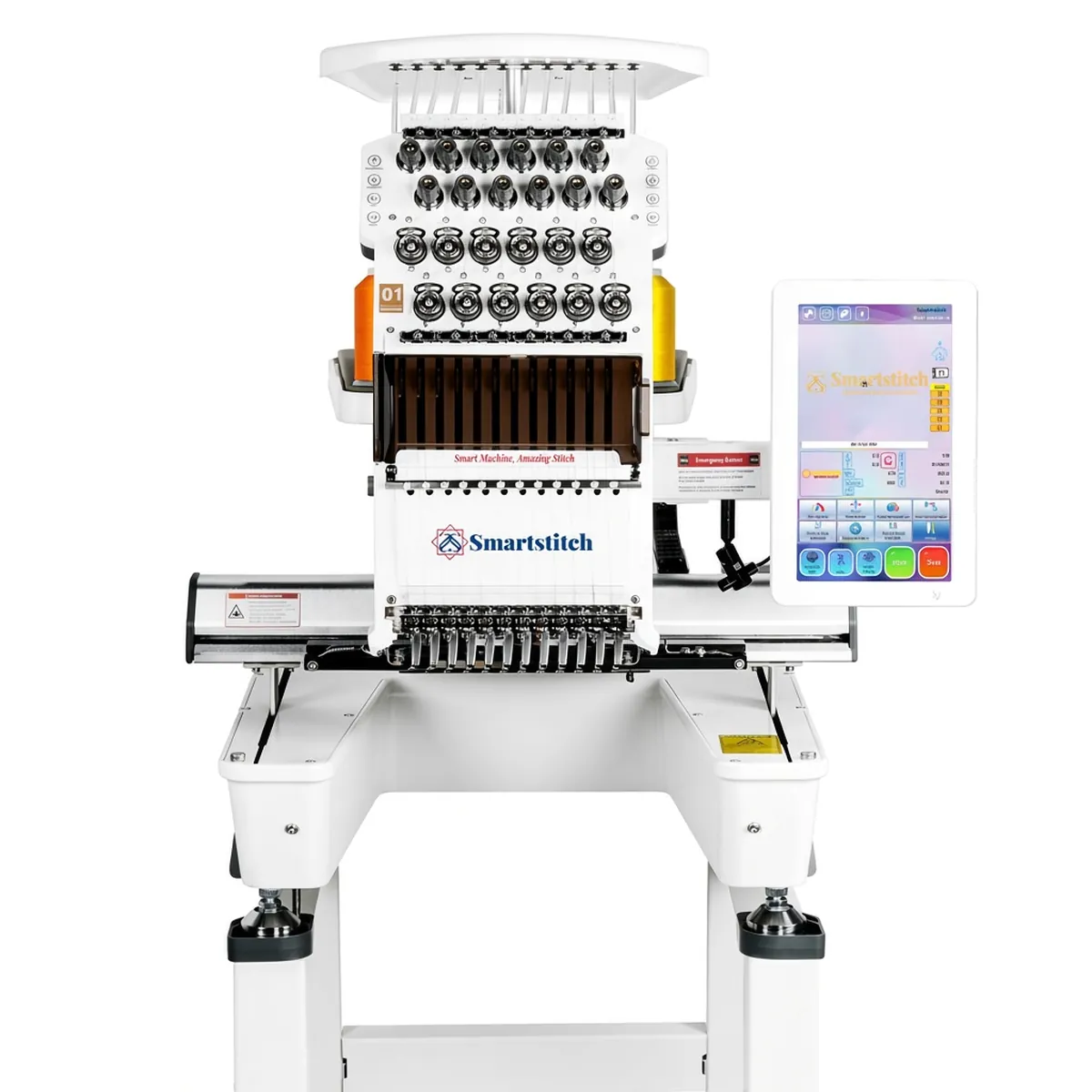
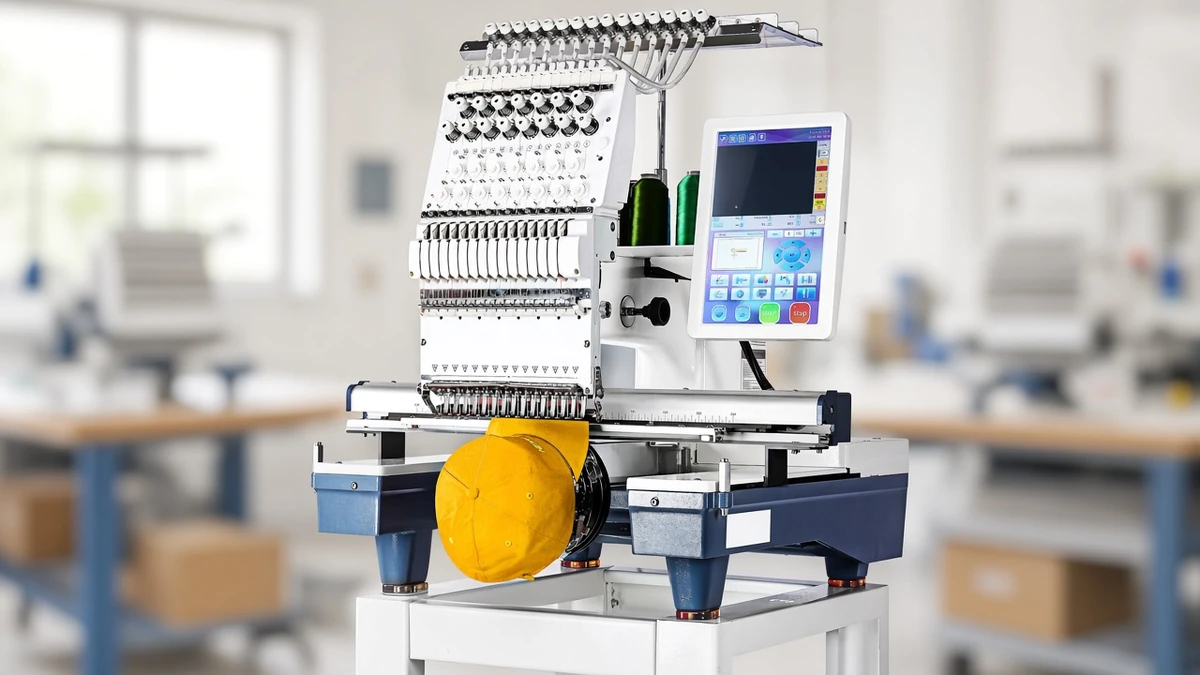
If you are torn, go one size up. A larger field still stitches small designs, but a small field cannot stitch large ones without splitting them across hoopings. Commercial multi-needle machines like the Smartstitch S-1501 go much further, with a 350 x 500 mm (13.7 x 19.7 in) area, but they are a different category; our review of that 15-needle machine explains when it makes sense.
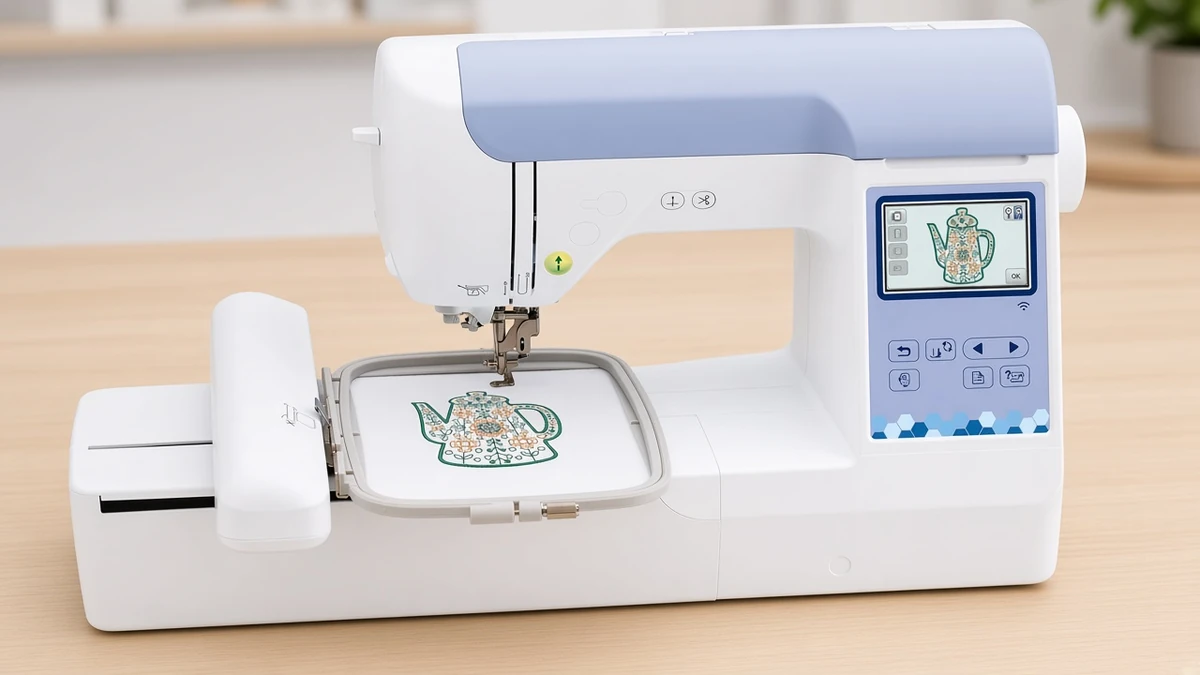
Step 3: Decide how designs will reach the machine
Most home machines accept designs in one of three ways:
USB. Copy files from a computer to a stick and plug it into the machine.
Wireless and app transfer. Send designs from a phone, tablet or computer over Wi-Fi. Brother's Artspira app and Singer's MySewNet Wi-Fi are examples.
Bluetooth and app-only. Some compact machines, like the Brother Skitch PP1, are operated entirely through an app. Its listing states that the Artspira app is required.
Our Skitch PP1 vs PE545 comparison shows how an app-only machine differs from one with its own screen.
Wireless transfer saves cables and trips between rooms. USB is useful if you buy designs from independent digitizers and keep them on a computer. Many machines offer both, and that flexibility is worth having.
Step 4: Check built-in designs and fonts
Built-in designs give you something to stitch on day one. Fonts matter more than many buyers expect, especially if you plan to personalize gifts or sell named items. Compare the counts in the listings rather than relying on marketing descriptions.
For example, the Brother PE545 lists 135 built-in designs and 10 fonts, while the Brother PE900 lists 193 designs and 13 fonts. The Janome Memory Craft C400E offers 160 designs but 6 monogramming fonts. If lettering is central to your work, that difference may matter more than field size.
Step 5: Measure your space and consider weight
Embroidery machines vary in weight. The Brother PE545 weighs 14.1 lb, the Brother PE900 17.6 lb, and the Brother SE2000 combo 20.5 lb, according to Brother. A heavier machine is harder to move between storage and the table, so if you will set it up for each session, weight matters.
Also allow room around the machine. The embroidery arm moves the hoop as it stitches, so the machine generally needs clear space on all sides, especially with larger hoops.
Step 6: Budget for supplies
The machine is only the start. Before your first project, plan for:
Thread. Most home embroiderers stitch with 40wt polyester embroidery thread on top.
Stabilizer. Keep cut-away on hand for knits and anything stretchy, and tear-away for stable woven cotton.
Bobbins. Brother's home embroidery machines covered on this site commonly use Class 15 (SA156) bobbins, but check the manual.
Needles. A pack of spare embroidery needles avoids a stalled project.
These supplies are ongoing costs, so set aside money for them alongside the machine itself.
Decision table
Use this table to match a machine to your priorities. Every detail comes from the product listings.
Machine | Type | Embroidery field | Connectivity | Good fit for |
|---|---|---|---|---|
Embroidery only | 4"x4" | Wireless LAN, USB, Artspira app | Small designs, first machine | |
Embroidery only | 5"x7" | WLAN, USB, Artspira app | Larger designs, multicolor work | |
Sewing and embroidery | 4"x4" | Wireless LAN, USB, Artspira app | One machine for sewing and small designs | |
Sewing and embroidery | 5"x7" | Wireless LAN, USB, Artspira app | Sewing plus larger designs | |
Embroidery only | 4"x4" | Bluetooth, Artspira app (required) | Small spaces, app-first users | |
Sewing and embroidery | 170x100mm hoop | MySewNet Wi-Fi | Sewists who want a 7" touchscreen | |
Embroidery only | 7.9"x7.9" max | Not specified in listing details used | Large designs, several hoops |
For specific picks, see our beginner embroidery machine shortlist, or compare two popular embroidery-only models in our head-to-head of the 4x4 and 5x7 Brother machines.
FAQ
What is the most important spec when choosing an embroidery machine? The embroidery field. It sets the largest design you can stitch in one hooping, and you cannot change it after you buy the machine.
Should I buy embroidery-only or a sewing and embroidery combo? If you already own a sewing machine you like, an embroidery-only model usually makes more sense. If you need a sewing machine too, a combo gives you both in one footprint.
Is 4"x4" big enough for a beginner? For monograms, patches, small logos and baby clothes, yes. If you want cushion fronts, tote panels or longer lettering, choose a 5"x7" machine, since a larger field still stitches small designs.
Do I need Wi-Fi or an app? Not always. Many machines accept designs by USB as well as wirelessly. App-only machines such as the Brother Skitch PP1 are the exception, because its listing states the Artspira app is required.
What else should I budget for besides the machine? 40wt polyester embroidery thread, cut-away and tear-away stabilizer, the correct bobbins (Class 15 / SA156 on the Brother home machines covered here; check your manual) and spare embroidery needles.
Verdict
Choose the embroidery field first, then decide between embroidery-only and a combo, and only then compare connectivity, built-in designs and weight. Most first-time buyers are well served by a 4"x4" machine for small personal projects or a 5"x7" machine if they want room to grow.
For model-by-model picks, see our best embroidery machines for beginners and the PE545 vs PE900 comparison.